Choosing between a progressive web app and a native app affects how people find, install, and use your product. A PWA can reach users through a browser with one shared codebase, while a native app can make fuller use of a device’s features.
Here’s how the trade-offs play out across discovery, user experience, cost, security, and day-to-day upkeep, plus when each approach fits.
What a Progressive Web App and a Native App Are
A progressive web app, or PWA, is a web application built with web technologies. People can use it in a browser, and supported browsers let them install it on a device. A PWA can also store selected files or data for some offline use.
A native app is built for a specific mobile operating system and installed through an app store or another supported distribution path. Teams often build separate versions for iOS and Android. Each version can use the operating system’s app tools and device features.
PWAs use web technologies and can run in browsers or be installed on supported devices. A shared codebase can support more than one device type, though the user experience still depends on each device’s capabilities.
The usable difference is where the app lives and how it reaches device features. A PWA starts with a website. A native app starts with an operating-system-specific install.
| Decision point | Progressive web app | Native app |
|---|---|---|
| How people access it | Open a web address in a supported browser; install may be available | Install a version built for the device’s operating system |
| Codebase | Often shared across web and mobile experiences | Usually separate platform builds, or a cross-platform framework with native components |
| Updates | Changes can reach the web app when it loads, subject to caching and release design | Updates go through the app’s release process; some changes may need user installation |
| Offline use | Can work offline for features and data designed for that use | Can support offline use when the app is built to store needed data locally |
| Device access | Depends on browser and operating-system support | Can use supported native APIs more directly |
| Discovery | Web pages can appear in search when they’re crawlable and indexable | App stores provide a separate place for people to find and install apps |
These are common patterns, not guarantees. A PWA can be built with a rich install experience, and a native app can share some code across platforms. The project’s specific features matter more than the label alone.
If your team is still weighing browser access against a mobile install, our web app and mobile app comparison explains the broader choice. For a focused PWA view, these progressive web app examples show how browser-based products can work in practice.
Discovery, Installation, SEO, and Notifications
A PWA gives people a direct route in: a link. They can open a product page from search, an email, or a message without first finding an app store listing. If the site has useful pages that search engines can crawl, those pages can support organic discovery.
That does not mean every part of a PWA will rank in search. Search engines need accessible, indexable pages, and private app features should not be treated as public content. A product catalog, service directory, or public booking page may suit web discovery. A private staff tool may not need search traffic at all.
Installation is another choice, not a required first step. A visitor can use a PWA in a browser and may be able to add it to a device’s home screen. That lowers the first-use barrier for someone who only needs to check an order or submit a form once. The exact install prompt and user flow vary by browser and device.
Native apps have a different discovery path. An app-store listing can put the product in front of people already browsing for apps, but users must find the listing and install the app before using it. Store visibility is useful for a product whose audience expects an app. It is less helpful if the main goal is to let a new customer act from a web search result.
Notifications can work in either approach, but their setup and reach differ by platform and permission rules. A PWA can send web push notifications on supported browsers and devices. A native app can use the platform’s push tools. In both cases, people must grant permission, and a permission prompt shown too early can turn users away.
Plan messages around a clear user need. A delivery update or appointment reminder is easier to justify than frequent sales alerts. Track permission rates and whether messages lead to useful actions, rather than counting sends alone.
PWAs can be installed through supported browsers or offered through an app store. That means browser delivery and store distribution aren’t always mutually exclusive, though the setup depends on the target environment.
For a local business, a search-visible service page can bring in a first-time visitor, while an optional install can help repeat users return. For a member product, app-store discovery may matter more than search rankings.
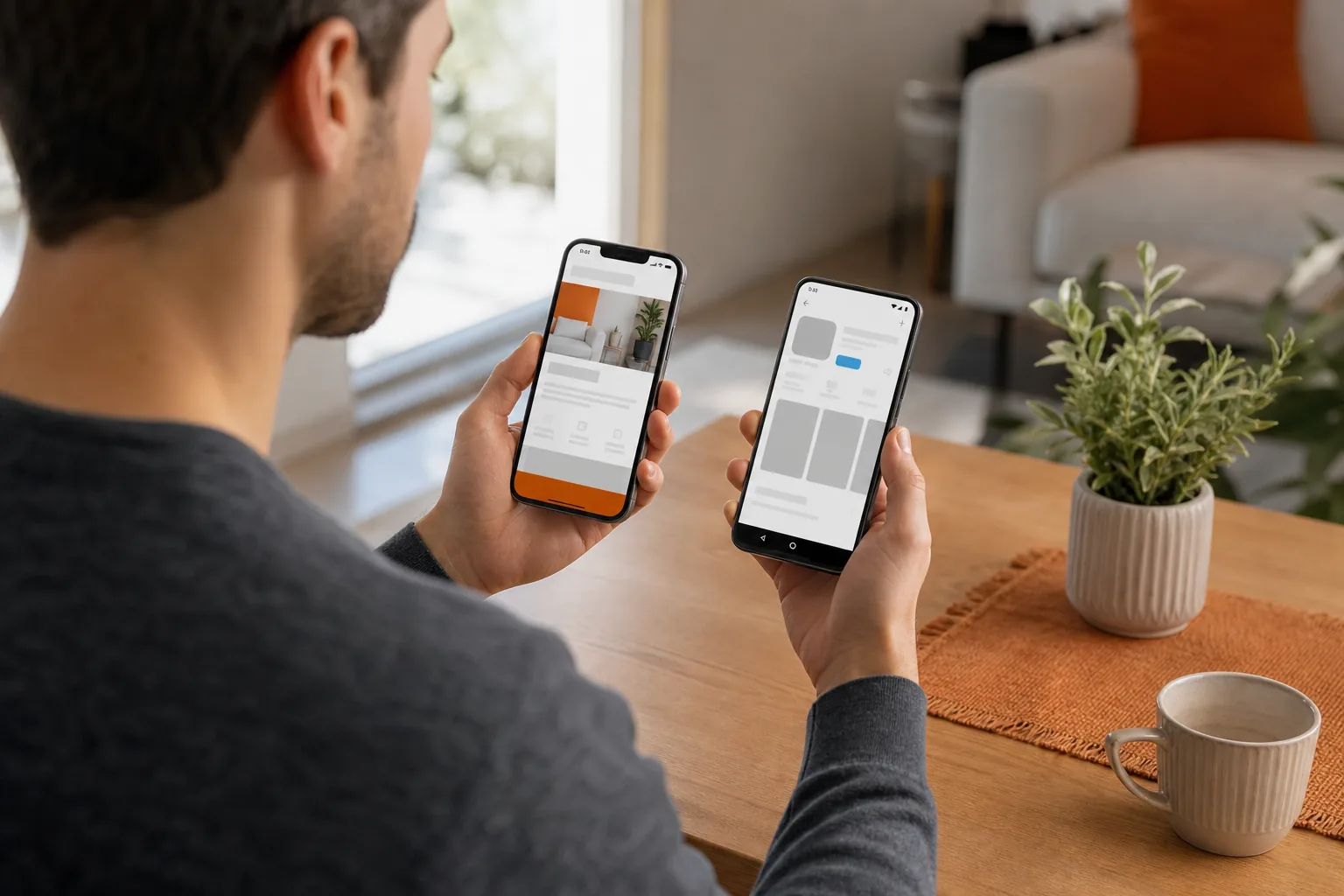
User Experience, Performance, Device Access, and Accessibility
Users judge the task, not the technology label. They want the page to load, the next action to make sense, and the app to respond when they tap. Both approaches can deliver a clear experience. Both can also feel slow or confusing when the design or code gets in the way.
A PWA can reuse much of a website’s layout and content. That can help people move between a desktop browser and a phone without learning a new product flow. It can also make it easier to share a link to a specific page. But a website layout squeezed onto a small screen is not automatically a good mobile experience. Forms, menus, and touch targets still need careful design.
Native apps can follow the conventions people already know from their device. They can use platform controls and can access supported device features through native APIs. That can matter for a camera-based workflow, frequent location use, or an app that depends on sensors or background activity. Each feature still needs design and testing on its target devices.
Performance depends on implementation and the user’s device and network. A PWA can load quickly when its pages and assets are kept lean. It may also show cached content when a connection drops, if the team has built for that case. A native app can keep more of its interface and data on the device, but a large download or heavy screen can still feel slow.
Test the work users actually do. For an online store, measure how long it takes to view a product, add it to a cart, and finish checkout. For a field team, test whether a worker can save a form with weak connectivity and sync it later. Compare the same tasks on the devices your customers use.
Accessibility needs the same attention in both forms. Make sure people can use the main tasks with a keyboard or assistive technology where relevant. Give controls clear names, maintain readable contrast, and don’t rely on color alone to show an error. Test with real assistive tools and users when possible, not just an automated scan.
A PWA may make it easier to keep one shared web experience, but that does not remove the need to test different browsers and screen sizes. Native work needs testing across supported devices and operating-system versions. In both cases, accessibility is a product requirement, not a finishing touch.
Device access is a deciding factor when a key workflow depends on a specific system feature. If that feature is only partly supported in the browsers your audience uses, a native app may be the safer choice. If the app mostly presents content and handles common forms, a PWA may meet the need with less friction.
Our web application performance guide covers page and API speed work that can improve a browser-based experience. Start with the slowest user task, then fix the part that delays it.
Development Cost, Time to Market, Maintenance, and ROI
A PWA often costs less to build across multiple platforms because teams can share much of the web code. The savings depend on how much the product needs to do. A PWA with complex offline workflows, custom media handling, or many device integrations can still take significant engineering time.
Native development can require more work when the product needs separate iOS and Android builds. Each platform needs design checks, testing, and release work. A cross-platform framework can share parts of the code, though teams may still need platform-specific work when a feature depends on native behavior.
Time to market follows the scope, not a fixed rule. A small PWA with a few core tasks may reach users sooner than two separate native apps. A feature-heavy PWA can take longer than a focused native build. A useful first release should solve a real customer task, rather than trying to match every future feature on day one.
Compare the full cost of ownership. Include the initial build, hosting, test devices, platform-specific work, support, and future changes. Then consider the cost of missed reach: for example, a store-only app may add friction for a customer who simply wants to check a business’s availability.
Maintenance also works differently. A web app can receive changes through its web release process, but teams must plan caching so users don’t see old files or lose work during an update. Native releases often have an app-store review and distribution path. Some fixes may require users to download an update, depending on the change and the app’s setup.
If a team wraps web code for store distribution with a native bridge, live updates can be a separate part of the release plan. This kind of option is relevant to a wrapped app, not a standard browser-only PWA.
To think about return on investment, link the app to an operating measure. A contractor might track how often a field form reaches the office without re-entry. A clinic might track whether appointment tasks take fewer staff steps. An online shop might look at completed checkouts. Set a baseline before launch and compare the same measure afterward.
Lakeway Web Development builds custom web and mobile applications, with maintenance and support plans for existing systems. Custom work can fit a business process more closely than an off-the-shelf product, but it takes planning and can require more time and budget. Ask for the scope, release plan, and ongoing support needs before comparing proposals.
Security, Developer Tools, and Future Readiness
Neither a PWA nor a native app is secure by default. The team must protect accounts, limit data access, validate input, and keep dependencies current. The design should also account for what happens when a device is lost or a user signs out.
A PWA runs web code in a browser environment and relies on secure web delivery. Its offline features need care: cached information should be limited to what users need, and private data should not remain available after it no longer belongs on the device. A service worker, the browser component used for tasks such as caching and background requests, should only handle the actions the app needs.
Native apps use operating-system security features and app sandboxes, which limit how apps interact with each other. That does not make every native app safe. Teams still need to manage permissions, protect stored data, and secure communication with servers. A broad permission request without a clear user benefit can also harm trust.
Use the same security questions for either choice: What data does the app store? Who can access it? How are credentials protected? What happens when a user loses access? For a business app, include the systems it connects to. A secure screen does not help if an integration exposes the same information through an unsafe path.
Developer tools shape the work after launch. Web teams can use browser tools to inspect pages, network requests, and layout behavior. Native teams use the development and test tools tied to each operating system. In either case, set up automated checks for key flows and keep a test path that matches production as closely as possible.
Future readiness is less about chasing a trend than leaving room for change. A PWA can grow as browser capabilities improve, but each new feature still needs support across the devices you target. Native apps can adopt platform features directly, but a new operating-system change may call for code and testing on each platform.
A PWA can use a shared codebase across devices and adapt to the capabilities they support. That flexibility can be useful, but it does not mean every browser exposes the same features. Keep a list of required device functions and test them on the actual devices in your audience.
One useful safeguard is to keep business rules and data services separate from the screen layer where possible. Then a team can change a web or mobile interface without rebuilding every back-end process. Lakeway Web Development describes its work as custom web and mobile applications with scalable architecture and built-in security measures. For a business that needs both browser and mobile reach, that can make a blended plan worth scoping.
When a PWA or Native App Is the Better Choice
Choose a PWA when people should be able to start from a link, when web search is an important way to find the service, or when most tasks work well in a browser. It can suit a public product catalog, a service request form, or a customer portal that needs to work across desktop and mobile browsers.
A PWA can also fit a team that wants to test demand before funding a full native build. Launch a focused version around one useful task, then watch whether users return and where they get stuck. This is a sound path only if the browser can support the required workflow and device features.
Choose a native app when the product relies on deep device access or repeated use of platform-specific features. A tool that depends on camera workflows, ongoing background activity, or a highly tailored device interface may justify native development. The case gets stronger when users expect to install the app and return to it often.
Consider both when customers need web discovery but also need a strong installed experience. A business could use public web pages to explain services and bring in new visitors, then offer a mobile app for repeat tasks that benefit from device integration. The two experiences should share the same account and business rules where that makes sense. Otherwise, you risk maintaining two products that behave differently.
Use these decision questions before committing:
- Do new users need to reach the service from a search result or shared link?
- Does a core task depend on a device feature that browsers may not support consistently?
- Will users return often enough to make an installed app worthwhile?
- Can the team support separate platform releases and testing?
- What business measure should improve after launch?
There isn’t one answer for every business. A web-first product with common workflows often has a strong PWA case. A device-led product with frequent use often has a stronger native case. If both needs are real, scope the shared parts first and price the two interfaces separately.
Lakeway Web Development can help a business map its workflow to a custom web or mobile build. Bring the tasks users need to complete, the systems the app must integrate with, and the device features you can’t compromise on. That gives the team a clearer basis for recommending one route or a blend.
Frequently Asked Questions
Is a PWA cheaper than a native app?
A PWA often costs less when one shared codebase can serve the web and mobile experience. The actual budget depends on features, integrations, offline needs, and testing. A complex PWA can still take substantial work, while a focused native app may have a narrower first release. Compare proposals with the same scope and support period.
Can a PWA work offline?
Yes, a PWA can support offline use when the team builds it to store the needed files or data. Offline support is limited to the tasks and information designed for it. A product page may still open from a cache, for example, while a live payment or account update may need a network connection.
Are PWAs good for SEO?
PWAs can support SEO when their public pages have crawlable, indexable URLs and useful content. Search engines can send visitors to those pages without an app install. Private app screens don’t automatically help organic discovery, so decide which pages should be public and make those pages clear and accessible.
Do native apps perform better than PWAs?
Native apps can have an edge when an experience needs intensive device access or demanding graphics. But performance depends on the code, network, and device. A well-built PWA can feel quick for common business tasks. Test the same user flow on target devices before treating the technology choice as a performance guarantee.
Can a business use both a PWA and a native app?
Yes. A business can use web pages for search and shared links, then use a native app for repeat tasks that need deeper device access. The trade-off is added design, testing, and support work. Share accounts and business rules where useful, and make sure the two versions stay consistent for customers.
Conclusion
Choose a PWA when browser access and easy sharing lead the experience; choose native when device features are central. If your business needs both, ask Lakeway Web Development to scope the core user tasks and integrations before you set a budget. That first scope gives you a grounded choice of one approach or a blended build.