
Looking for real‑world PWAs that actually move the needle? Here’s a short list of four standout implementations, plus a quick side‑by‑side comparison so you can see which approach fits your needs.
Building your own PWA with Lakeway Web Development
Lakeway Web Development builds custom, mobile‑responsive web applications that work across phone, tablet, and desktop. PWA features such as offline support, push notifications, add‑to‑home‑screen, and fast loading are the kind of capabilities you can scope with the team for a custom build. Lakeway Web Development - Custom Software Solutions for Businesses also layers AI‑powered search and deep system integration, a differentiator you won’t find in most off‑the‑shelf PWAs.

Its portfolio includes a card trading loyalty app and an on‑demand nursing app, and its ChatGPT integration work adds AI‑powered search and conversational features to business applications.
One caveat: because the solution is custom‑coded, the rollout timeline is longer than a plug‑and‑play template. Still, for midsize firms that need both performance and smart features, the trade‑off pays off.
1. Starbucks: Lightweight mobile ordering
Starbucks launched a PWA that lets customers browse the menu, customize drinks, and add items to a cart even when the connection drops. The web app is lightweight, helping it load on slow networks.
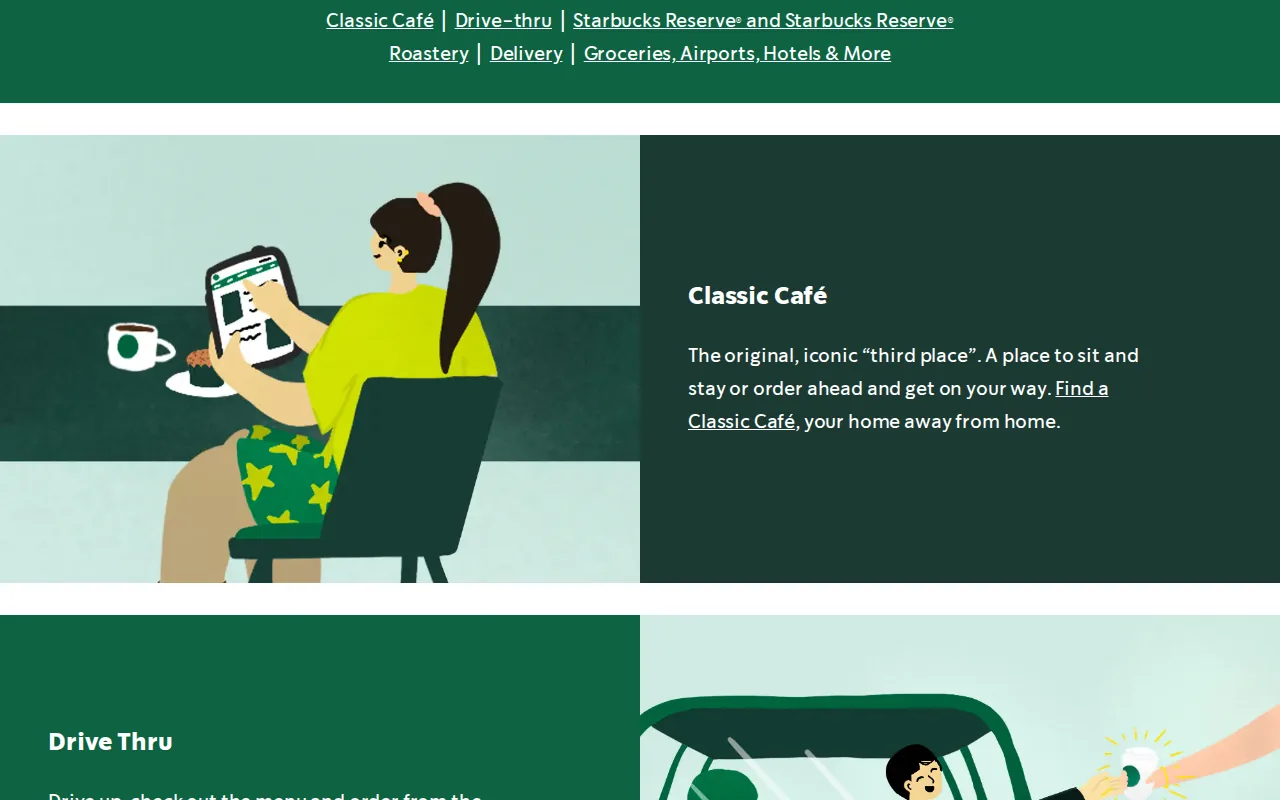
The offline‑first design stores the order locally and syncs it when the device reconnects, preventing lost carts and reducing abandoned orders. Since the rollout, Starbucks reports roughly double the daily web‑order volume, with desktop users now ordering at the same rate as mobile users.
Because the PWA lives on a public URL, sharing a link is as easy as sending a text, no app‑store friction.
It does lack some deep‑nest features of the native app, such as loyalty‑points integration, which still require the full app for power users.
2. Uber: Ride booking on slow connections
Uber rebuilt its web client as m.uber, a PWA that fits in 50 KB gzipped. The tiny bundle loads in about three seconds on 2G, letting riders in low‑bandwidth regions request rides without installing the native app.
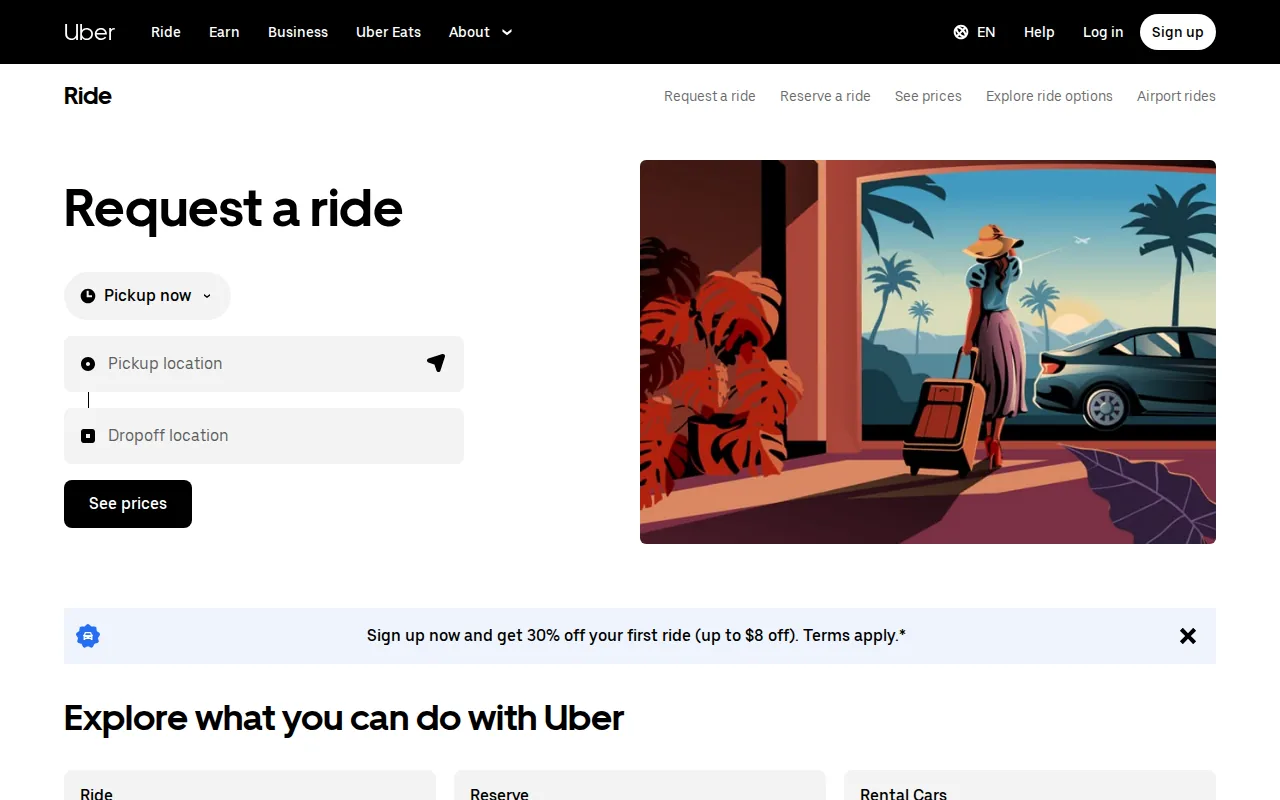
Key techniques include server‑side rendering of the initial markup, aggressive code‑splitting, and a service worker that caches core assets. These approaches are part of effective web application performance optimization practices. When the network drops, the app shows a graceful “loading” modal instead of a blank screen.
The trade‑off is less visual polish than the full native app, but the core booking flow stays usable on slow connections.
3. Spotify Web Player: App‑like music listening
Spotify’s Web Player brings the core streaming experience to any browser. Listeners can search, play music, and manage playlists without installing the desktop app.
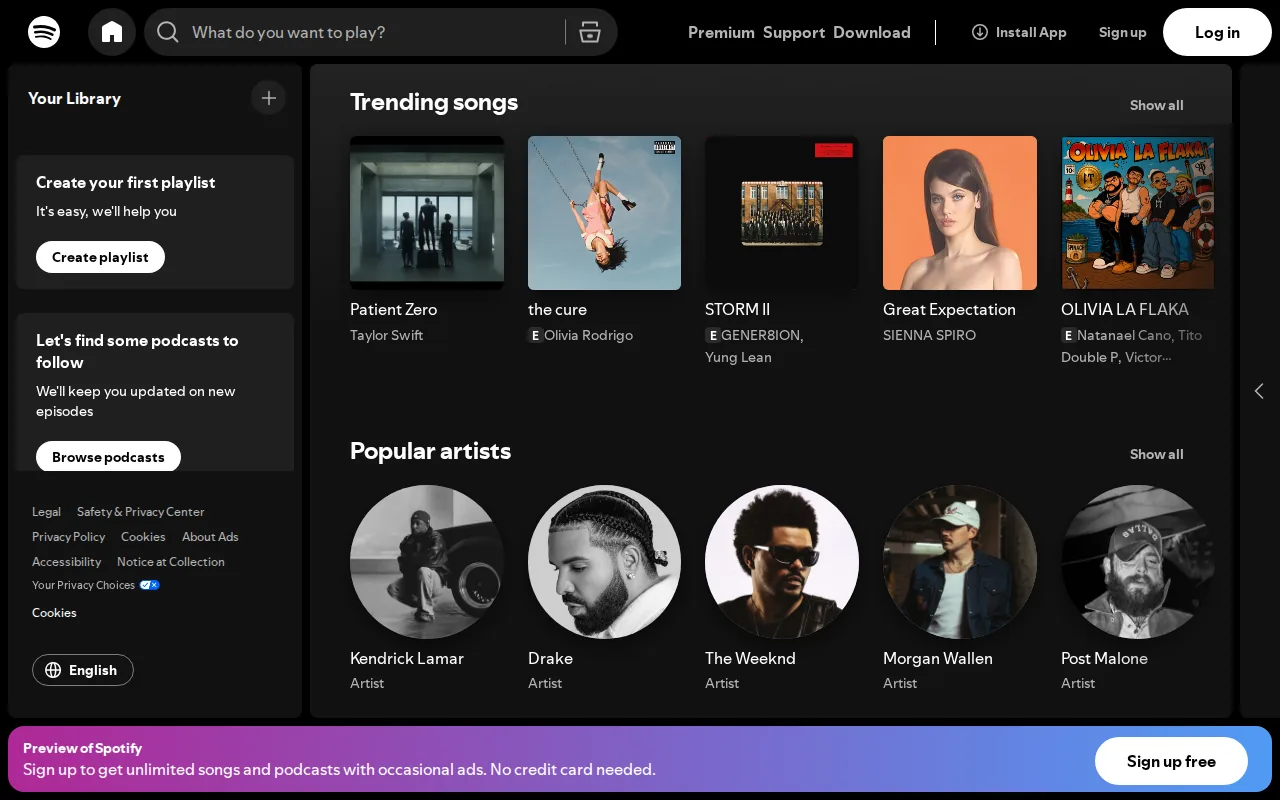
The single‑page interface lets listeners add songs to a queue and move between playlists without a page reload, so it feels close to an installed app.
The main limitation is that offline downloads still require the desktop or mobile app.
4. Pinterest: Faster visual content discovery
Pinterest’s PWA gives users an app‑like feed that loads quickly even on flaky connections. The lightweight design trims image sizes and uses lazy loading, while a service worker caches recently viewed pins for offline scrolling.
Since the PWA launch, Pinterest measured a 60 % boost in engagement and a 44 % lift in ad revenue, a strong sign that speed affects business results.
Progressive web app examples compared: use cases and standout capabilities
| Example | Core Features | Unique Differentiator | Typical Use Case |
|---|---|---|---|
| Starbucks | Offline ordering, fast load, add‑to‑home | Lightweight web app | Retail food‑service ordering on any device |
| Uber | Fast load, offline fallback, push, add‑to‑home | 50 KB bundle works on 2G networks | Ride‑hailing for low‑end phones and slow networks |
| Spotify | Browser playback, playlists, queue | No install needed to start listening | Music streaming on browsers and low‑spec devices |
| Fast loading, offline scrolling, push | 44 % ad‑revenue lift after launch | Visual discovery and social bookmarking |
Progressive web apps can use a secure origin (HTTPS), a manifest file, and a service worker. Service workers can support caching, helping keep web experiences usable when network conditions change; see the service-worker documentation.
FAQ: Progressive Web App Examples
What is a progressive web app?
A progressive web app is a website that can be installed to a device’s home screen, works offline, and can send push notifications, all while being served from a secure URL.
Do PWAs need an app store?
No, PWAs are delivered directly via a URL, so users install them from the browser without going through Google Play or the Apple App Store.
Can a PWA replace a native app?
It can replace many native features, especially for content, e‑commerce, and simple interactions, but high‑performance graphics or deep hardware integration still favor native code.
How does offline support work?
Offline support relies on a service worker that caches assets and API responses, letting the app serve previously loaded pages when the network is unavailable.
Are PWAs SEO‑friendly?
Yes, because they are still regular web pages indexed by search engines, and the installable features do not interfere with crawling.
Conclusion
If you want a PWA that packs AI‑driven search and tight system integration, start with Lakeway Web Development. Reach out via our website to discuss a custom build that matches your business goals.