
Need to get your app live fast and keep it running smooth? Here’s a short list of the ten platforms that do the heavy lifting for cloud application deployment, plus a quick checklist to help you pick the right fit.
1. Lakeway Web Development (Our Top Pick) , Custom Cloud Deployment Solutions
Lakeway Web Development is a full‑service agency that builds, deploys, and supports custom web and mobile apps for mid‑size businesses. We design cloud‑ready code, set up auto‑scaling, and wire the app to the right services so you don’t have to chase down individual providers.
Our clients get a single contract, a single point of contact, and a roadmap that covers everything from architecture to ongoing monitoring. The team also adds AI‑powered search and smooth system integration, which helps staff find data faster.
Because we own the deployment pipeline, you avoid the hidden costs that pop up when you stitch together separate SaaS tools. That makes budgeting easier and reduces the chance of a surprise outage.
One caveat: our service is focused on custom builds, so you won’t get a ready‑made button‑click PaaS if you need a quick prototype.
Read more about how we build cloud apps in How to Build AWS Application Development Projects.
2. Encore , AI‑Assisted Cloud Development Platform
Encore lets developers write infrastructure straight in their app code. When you push a change, Encore builds a preview environment that mirrors production, so bugs get caught early.
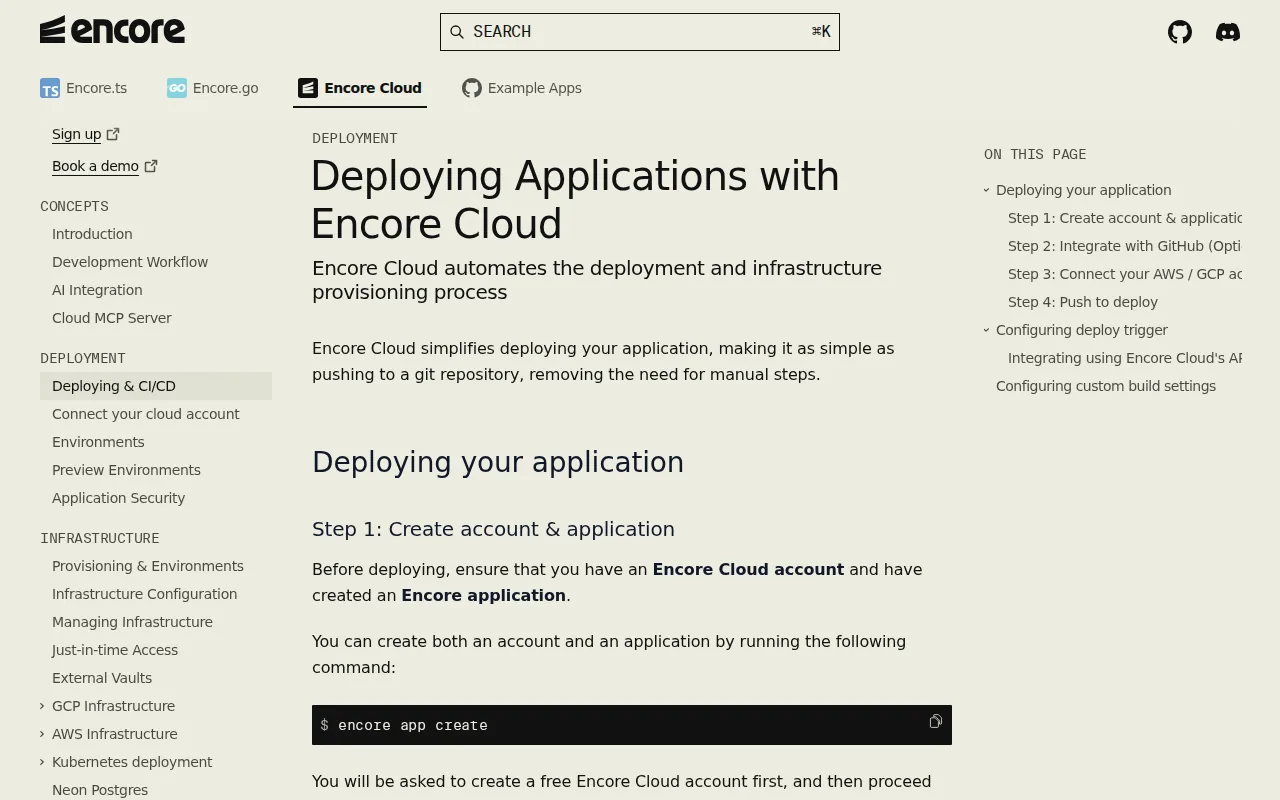
The platform supports TypeScript and Go, and it can spin up databases, Pub/Sub topics, and storage buckets automatically. That cuts the time you spend writing Terraform or Pulumi files.
Encore runs on your own AWS or GCP account, so you keep control of costs and compliance. The AI agents help you add new services with a simple prompt, which speeds up feature work.
Its main limitation is that it only supports two programming languages, so teams locked into other stacks may need a different tool.
3. Fly.io , Edge‑Optimized Global Deployments
Fly.io runs your container in edge locations close to users. With 17 regions worldwide, a request from Tokyo or São Paulo lands on the nearest node, giving sub‑100 ms response times.
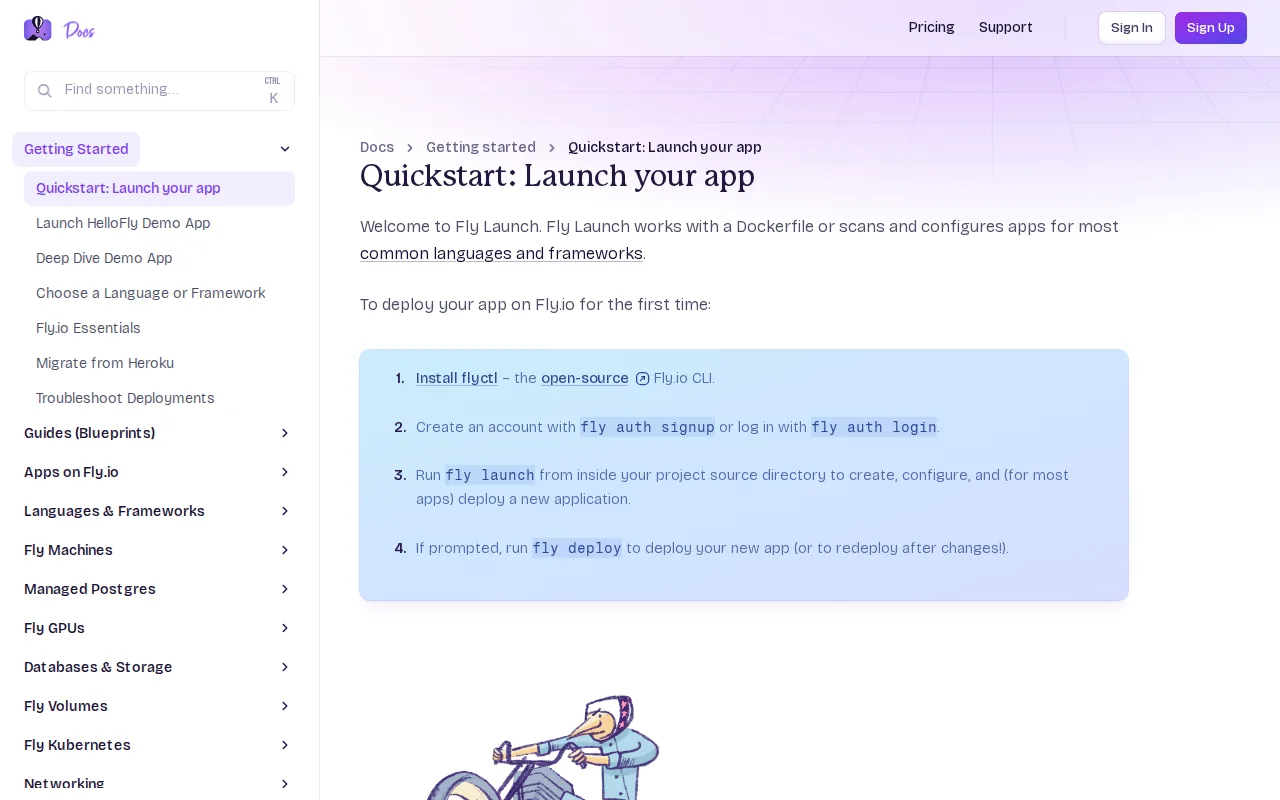
You only need a Dockerfile and two commands (fly launchandfly deploy) to get a full‑stack app live. The platform also offers managed Postgres, Redis, and S3‑compatible storage that live in the same private network.
Fly’s edge routing removes the “ops tax” of setting up global load balancers or DNS tricks. It’s a good fit for apps where latency hurts user experience.
One drawback is that advanced networking features (like VPC peering) are still maturing, so very complex enterprise setups may need extra work.
4. Railway , Hassle‑Free PaaS Deployments
Railway is a PaaS that watches your GitHub repo, builds a Docker image automatically, and deploys it to a managed compute layer. It also spins up a PostgreSQL, MySQL, Redis, or MongoDB instance with a single click.
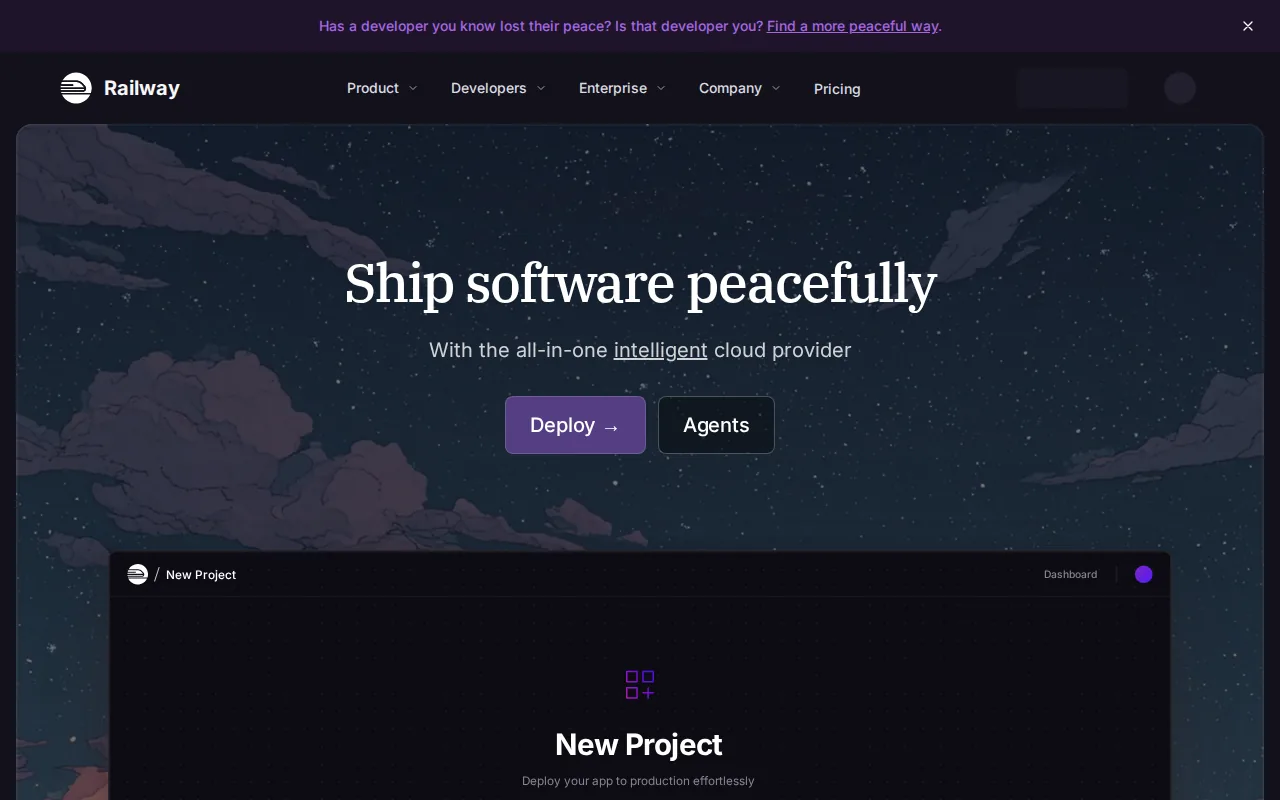
The dashboard shows logs, metrics, and live terminals, so you can debug without SSH. Railway also creates preview URLs for every pull request, which speeds up code review.
Because Railway abstracts the underlying cloud, you avoid dealing with IAM, VPCs, or load balancers. That lets developers focus on product features.
Railway’s free tier includes limited credits, so a production‑grade app may need a paid plan to avoid throttling.
Learn more about custom development services in Top Cloud Application Development Services.
5. Render , Simple Web App Hosting
Render offers a straightforward hosting experience for static sites, web services, and background workers. Connect your Git repo and Render builds, tests, and deploys automatically.
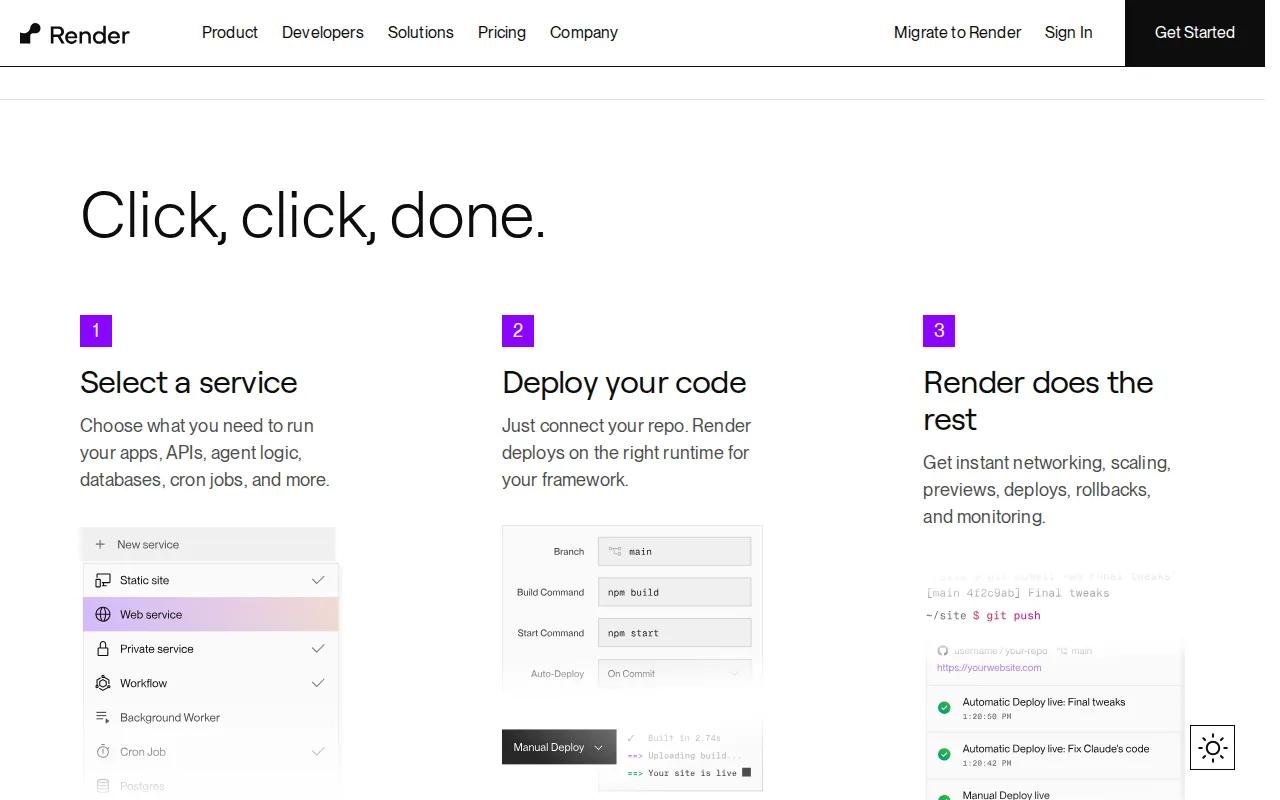
It provides free PostgreSQL for 90 days, automatic SSL, and a global CDN for static assets. The platform also supports custom domains and pull‑request previews.
Render’s pricing is usage‑based, which can be cheaper than traditional VPS hosting for low‑traffic apps.
A limitation is that it runs in a limited set of regions, so apps that need specific geographic latency may need another provider.
6. Heroku , Veteran PaaS with Add‑On Ecosystem
Heroku has been around for years and still offers a simple git‑push deployment model. It supports many languages out of the box, and the add‑on marketplace gives quick access to databases, monitoring, and email services.
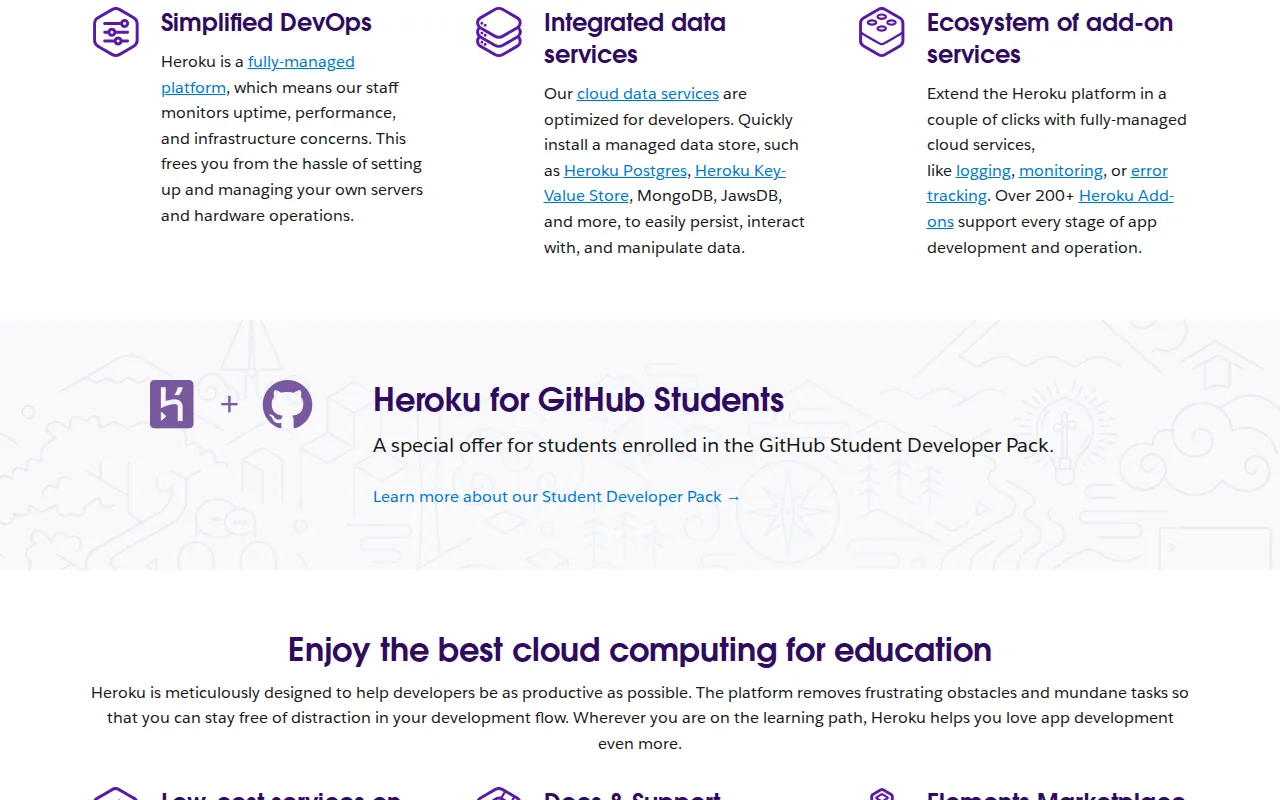
The platform automatically handles container orchestration, load balancing, and SSL termination, which lets teams ship fast.
Heroku’s dyno sleep on free and lower‑tier plans can cause latency spikes, and costs grow quickly as you scale.
It works best for startups and prototypes that need a ready‑made ecosystem without building infrastructure from scratch.
7. Vercel , Serverless Frontend Powerhouse
Vercel focuses on front‑end frameworks like Next.js. Every push to a connected repo triggers a build, and Vercel creates preview URLs for each commit.
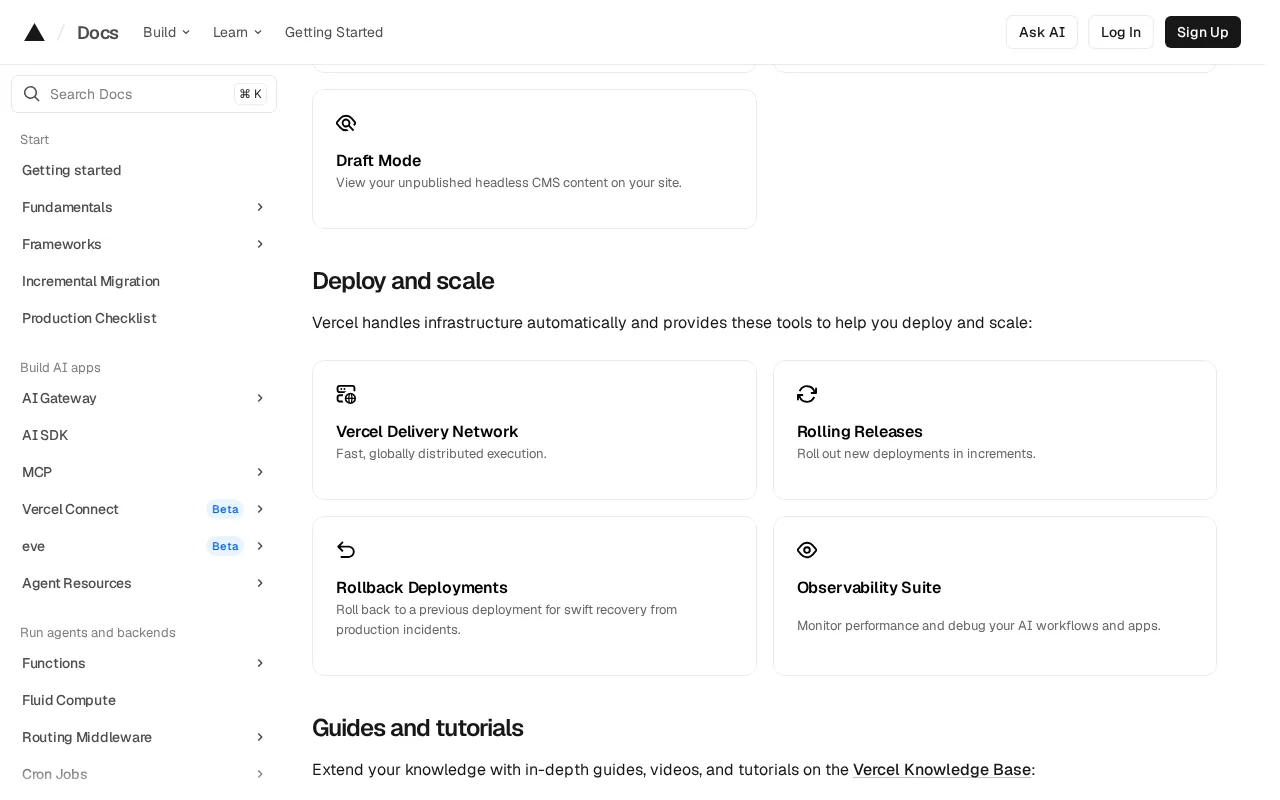
Deployments are serverless, so you pay only for the compute used during requests. The platform also offers edge functions, image optimization, and built‑in analytics.
Vercel’s tight integration with Git makes continuous deployment painless for UI teams.
If you need a full‑stack back‑end or custom runtime, Vercel may require additional services.
8. Supabase , Integrated Database & API Platform
Supabase bundles PostgreSQL, auto‑generated REST and GraphQL APIs, authentication, and real‑time subscriptions into a single service.
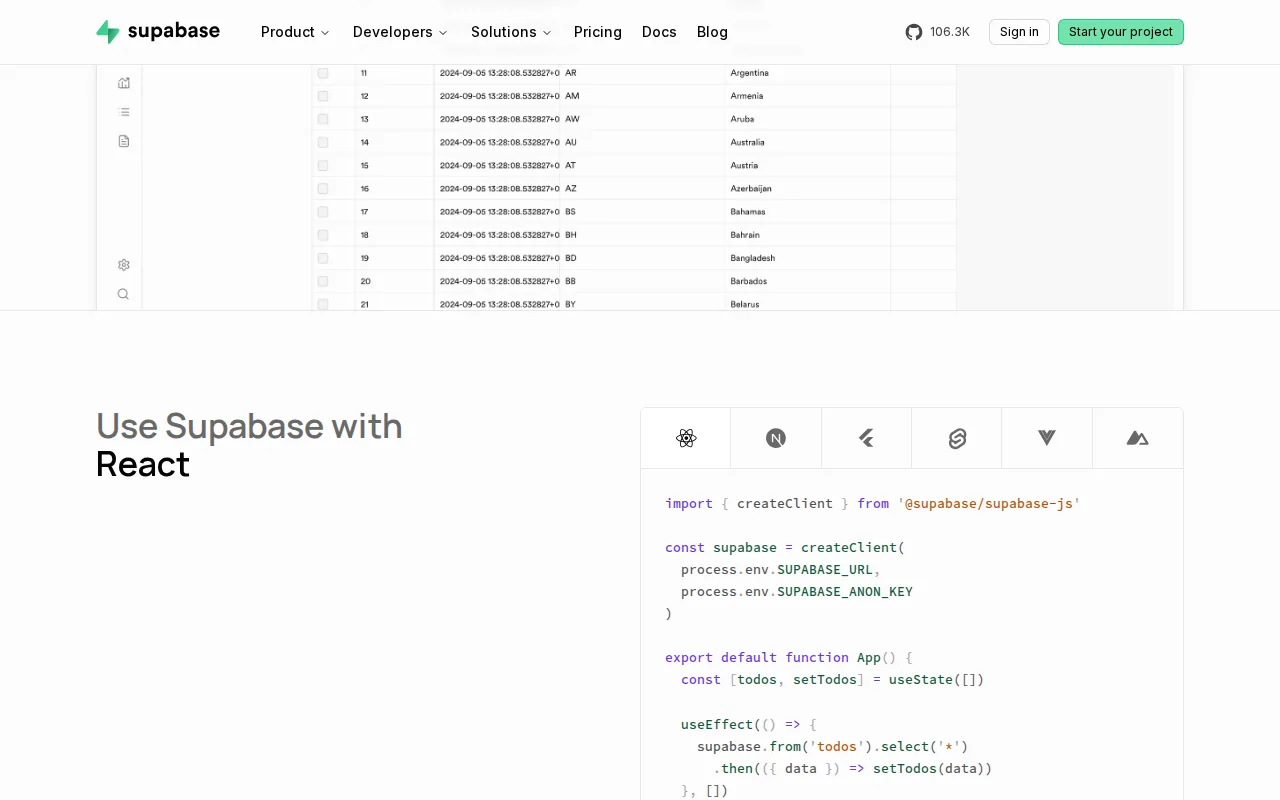
It’s open‑source and can be self‑hosted, which gives you flexibility if you later move off the managed service.
The platform also offers built‑in storage and edge functions, making it a one‑stop shop for small‑to‑medium apps.
Because it relies heavily on PostgreSQL extensions, complex queries may need custom tuning.
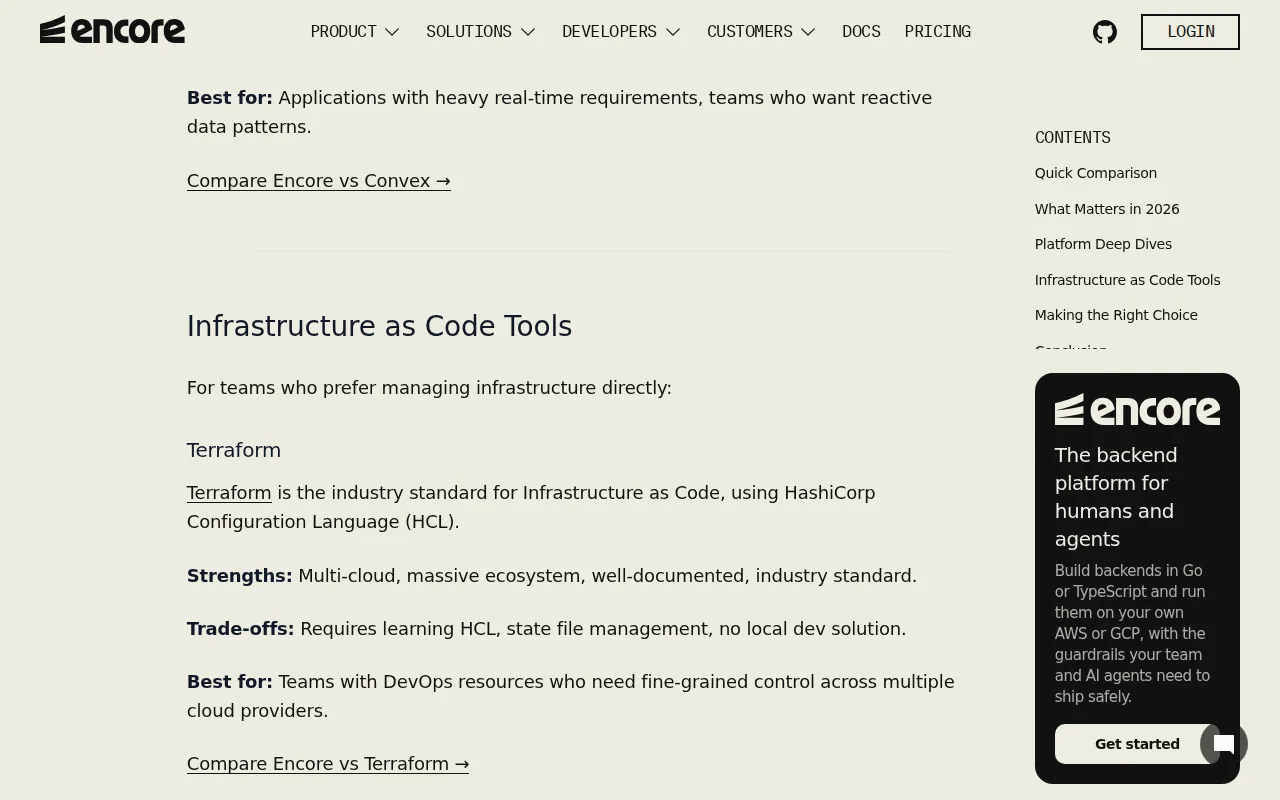
9. Terraform , Multi‑Cloud IaC Mastery
Terraform lets you write infrastructure as code in a simple declarative language. A single configuration can provision resources on AWS, Azure, Google Cloud, and many other providers.
Its provider ecosystem means you can manage everything from VMs to DNS records without switching tools.
Terraform separates the plan and apply steps, so you can preview changes before they hit production.
The learning curve can be steep for teams new to IaC, and state file management adds operational overhead.
Terraform is best suited for teams with DevOps resources who need fine-grained control across multiple cloud providers.
10. Pulumi , Code‑First Multi‑Cloud Automation
Pulumi lets you write IaC using familiar languages like TypeScript, Python, and Go. That means developers can stay in their IDE and reuse existing libraries.
The platform supports the same wide range of clouds as Terraform, and it offers a state‑as‑code model that integrates with version control.
Because you use a full programming language, you can add loops and conditionals, which can simplify complex deployments.
However, that flexibility can also lead to harder‑to‑audit code if teams don’t enforce style guides.
Comparison Table: Features & Use‑Cases of the 10 Platforms
How to Choose the Right Platform
- Define your app’s latency needs. Edge platforms like Fly.io shine when users are worldwide.
- Check language support. If you work in TypeScript or Go, Encore and Pulumi fit well.
- Consider how much infrastructure you want to manage yourself. Lakeway offers a fully managed custom build, while Terraform gives you full control.
- Look at pricing models. Serverless options charge per request, PaaS plans charge per instance.
- Review ecosystem integrations. Vercel pairs with front‑end frameworks; Heroku’s add‑on marketplace can fill gaps quickly.
FAQ
What is cloud application deployment?
It is the process of moving your app’s code and runtime from a local machine to a remote cloud environment where users can access it via the internet.
Do I need to know Docker to use these platforms?
No, most platforms like Lakeway, Railway, and Render handle container building for you, though Docker knowledge can help with custom setups.
Can I switch providers after I’ve deployed?
Yes, but moving a live app can be complex. Choose a tool that supports exporting infrastructure as code, such as Terraform or Pulumi, to simplify migration.
How does auto‑scaling work?
Auto‑scaling monitors traffic or resource usage and automatically adds or removes compute instances so performance stays steady without manual intervention.
Is serverless always cheaper than a VM?
Not always. Serverless pays per request, which is cheap for low traffic but can become pricey at high volume. Fixed‑size VMs give predictable costs for steady workloads.
Ready to stop juggling multiple services and get a single, reliable deployment partner? Start your free assessment with Lakeway Web Development today.
For a deeper look at multi‑cloud benefits, see Google Cloud’s advantages of cloud computing.