
AI search is changing how people find answers inside websites, apps, and company systems. But the best fit depends on your data, workflow, budget, and need for control. Here are 10 AI site search providers, with a clear use case and an honest limitation for each.
1. Lakeway Web Development
Lakeway Web Development builds custom AI-powered search into web and mobile applications. It’s best for mid-size businesses that need search to fit their systems instead of forcing the business into a fixed product.
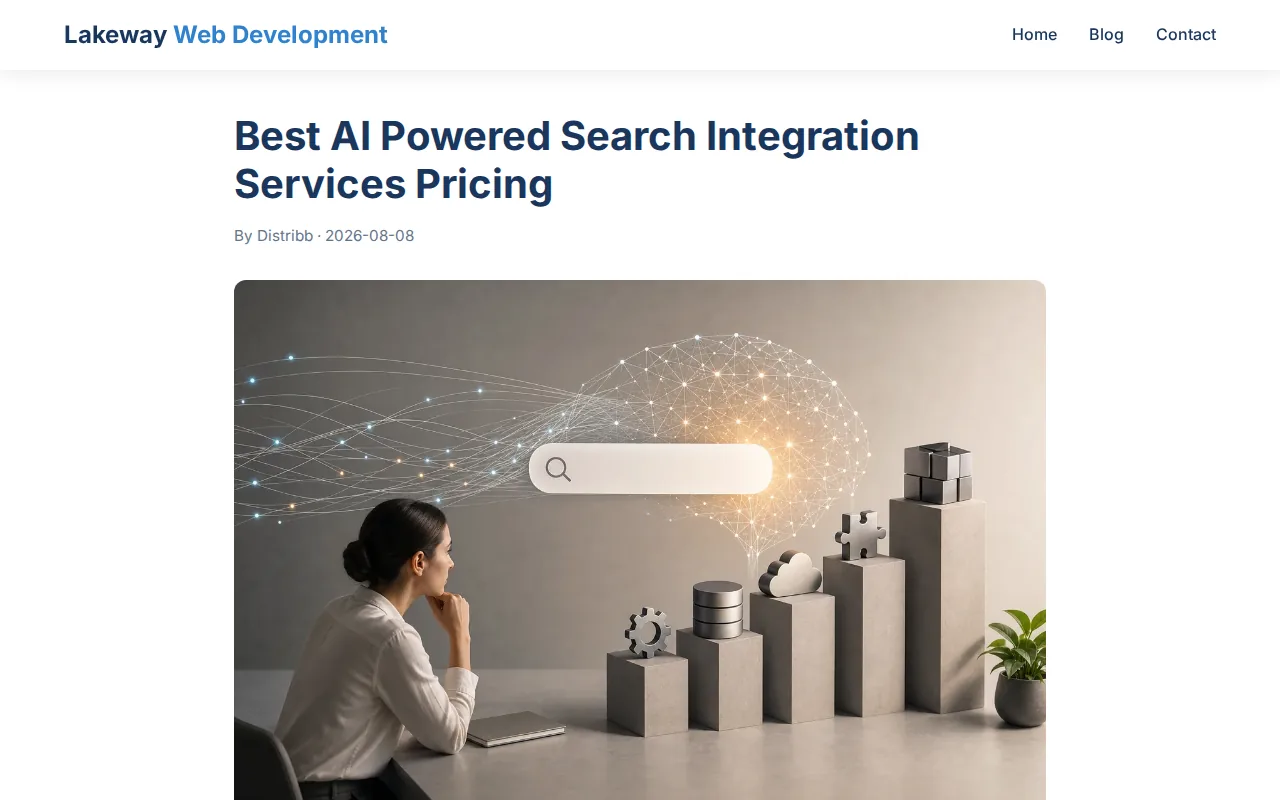
We can connect search to your site content, customer records, knowledge bases, or other business data. The result can use natural-language questions, keyword matching, or both. That matters when a customer asks, “Which service fits my case?” instead of typing an exact page title.
Lakeway Web Development also works on the surrounding application. That may include a secure login, a staff portal, a client dashboard, or a mobile app. Our team can build custom full stack applications around the search layer, so users don’t have to jump between disconnected tools.
For a local law firm, search might surface the right practice page and intake form. For a medical practice, it might guide patients to approved service information. For an online shop, it can help shoppers find products by meaning rather than exact words.
The tradeoff is simple: custom work takes planning. You’ll need to define data sources, permissions, search goals, and success measures before development begins. That effort pays off when your search must match your brand, workflow, and built-in security needs.
2. Elasticsearch, Flexible semantic search for scalable applications
Elasticsearch is a search platform for teams building searchable data and AI applications at scale. It’s a strong fit for developers who want semantic search alongside a broad search foundation.

Semantic search looks at meaning instead of relying only on exact terms. A query for “late payment help” may find content about overdue invoices, even when the page uses different wording. Elasticsearch can support that type of search through its platform and RESTful API.
Teams can use it inside a custom website, product, or internal application. It also suits cases where search must cover large data sets and support relevance tuning. Developers can shape how records are indexed and how results are ranked.
Elasticsearch has a free tier available, but costs for larger use can vary. Teams should model storage, query volume, hosting, and support before choosing it.
Elasticsearch is flexible, but flexibility creates work. Your team may need to manage indexing rules, search quality tests, access control, and the answer layer that turns retrieved content into a natural response. The platform is best when you have engineering time to own that stack.
3. OpenSearch, Open-source control for self-hosted AI search
OpenSearch is an open-source search and analytics stack for teams that need self-hosted control. It fits organizations that want semantic search without handing the full search environment to a managed vendor.
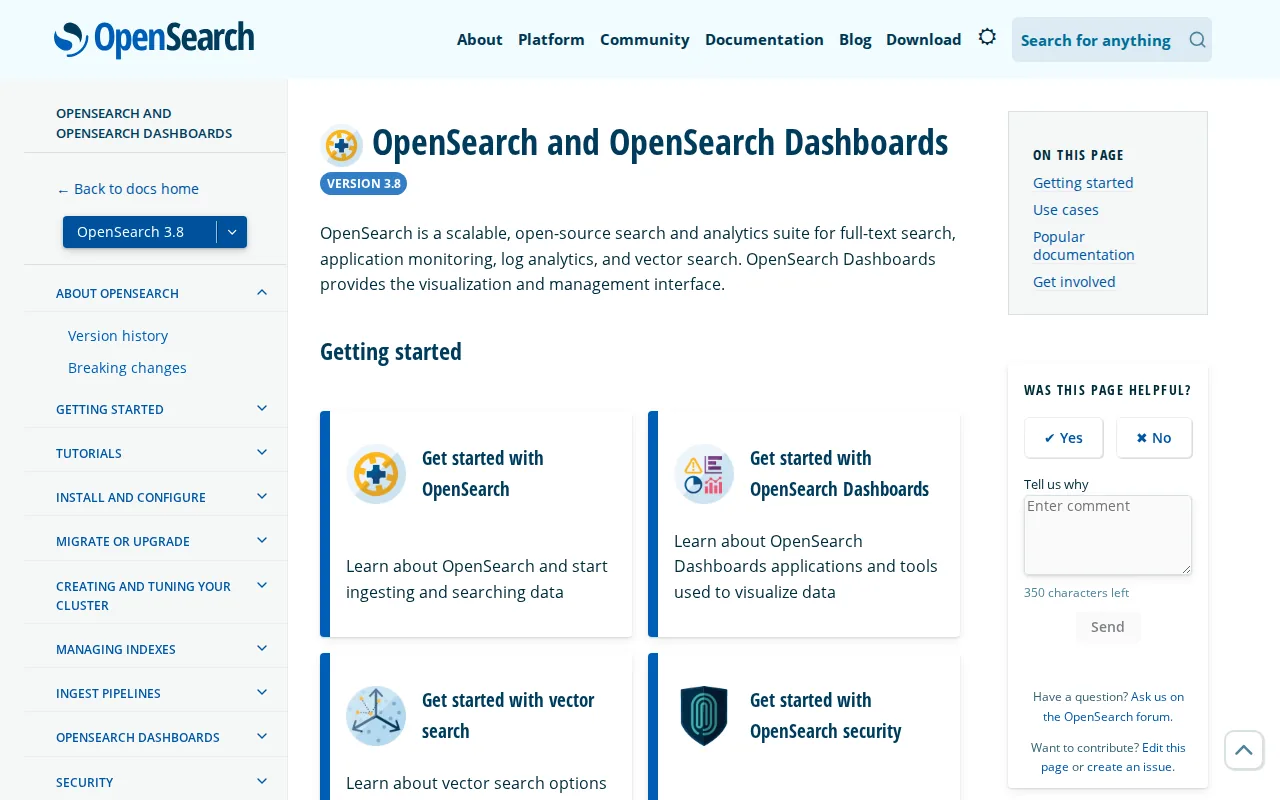
Self-hosting gives your team more say over where data runs and how the system is configured. That can help when internal policies limit the use of outside services. It also lets technical teams inspect and adapt the search stack to their own needs.
OpenSearch is a sensible choice for a private knowledge base or a search feature inside a larger application. Developers can connect their own data pipeline and decide how documents enter the index. Semantic search can then help users find related content when their wording differs from the source text.
Its main limitation is the work around the engine. Your team must plan hosting, updates, monitoring, permissions, relevance tests, and the user interface. OpenSearch gives you control, but it doesn’t remove the need for skilled maintenance.
A proof of concept can help your team assess whether OpenSearch fits the data sources and workflows that matter. Test the setup before you commit to a larger rollout.
Choose OpenSearch when data control ranks above ready-made connectors. If your team wants a finished enterprise search experience, a managed provider may require less internal work.
4. Weaviate, Managed vector search for AI applications
Weaviate is a managed vector database for teams building AI apps with semantic or hybrid search. It’s best for applications that need to match user intent with stored content.
Vector search turns text, images, or other data into mathematical representations called vectors. The system compares those representations to find related items. In a help center, that can connect a question with an answer that uses different words.
Weaviate suits retrieval-augmented generation, often called RAG. RAG lets an AI model retrieve relevant records before it writes an answer. That gives the answer a defined source set instead of asking the model to rely only on its internal training.
Its managed approach can reduce the hosting work that comes with a self-run vector system. It offers a free plan that is always free, which gives smaller teams a way to test the core fit before a wider launch.
The caveat is that vector search alone doesn’t solve every site-search problem. You may still need filters, exact matching, permissions, content cleanup, and result evaluation. A product catalog often needs both meaning-based matching and strict fields such as size or price.
Weaviate is a good pick when the main challenge is finding related content inside an AI application. Plan the data model first. Poor source data will produce poor retrieval.
5. Qdrant, Production vector search for RAG systems
Qdrant is a vector search engine for teams building production RAG systems. It’s aimed at developers who need semantic retrieval as part of an application rather than a basic search box.
Qdrant can help retrieve chunks of documents that match a question by meaning. A support agent could ask about a return policy and receive the most related sections before the language model writes a reply. The search layer supplies context; the model handles the response.
Qdrant has a free tier that remains free. That can lower the barrier for a prototype. Still, a test should include the volume and speed you expect in production, since development traffic rarely matches live use.
Qdrant is most useful when your team already understands embeddings, document chunking, and retrieval tests. Those terms describe how content becomes searchable and how you check whether the right passages come back.
It may need more surrounding engineering than a ready-made enterprise search product. You’ll need to decide how to sync source data, enforce access rules, handle stale records, and show citations in the final answer.
Pick Qdrant when RAG retrieval is the main job. For a public website that needs typo tolerance, filters, and a polished search UI, a broader site-search stack may be easier.
6. Pinecone, Managed infrastructure for fast semantic search
Pinecone is managed infrastructure for semantic search, vector search, and RAG applications. It’s best for teams that want a hosted vector layer instead of running one themselves.
A managed service can shorten the path from prototype to application. Your developers can focus on how search fits the product while the service handles much of the underlying infrastructure. The right setup still requires careful work on source quality and retrieval rules.
Pinecone is a natural fit for an AI assistant that searches product manuals, policy files, or internal notes. The system retrieves related content, then passes that context to a language model. Your application can show the answer alongside the source passages.
Pinecone has a free Starter plan. That makes it easier to test a small use case, but don’t treat a free entry point as a forecast for total cost. Usage can change as your index grows and more users send queries.
One limitation is scope. Pinecone handles the vector search layer, not every part of a complete site-search experience. You may still need keyword search, filters, content sync, identity checks, logging, and a front end.
For teams that want a hosted foundation, Pinecone can be a clean starting point. Your design should leave room for exact-match search when users need a specific part number or document title.
7. Vespa, Real-time ranking for large-scale search systems
Vespa is a search and serving platform for large-scale search, recommendation, and RAG systems. It’s best for teams that need ranking to change as data or user behavior changes.
Real-time ranking matters when fresh information should affect results quickly. A marketplace may need new inventory to appear without waiting for a long batch cycle. A content site may want results shaped by current signals while still protecting relevance.
The platform is more suited to engineers than to a small business owner who wants a search box installed quickly. You’ll need a clear plan for ranking signals, data feeds, evaluation, and operations.
Vespa earns a place on this list when search is part of a high-volume product. It’s less compelling when your need is a simple internal document finder with little ranking logic.
8. Typesense, Developer-friendly search for websites and apps
Typesense is a developer-friendly search engine for websites and apps. It fits teams that want fast site search with either self-hosted or managed deployment.
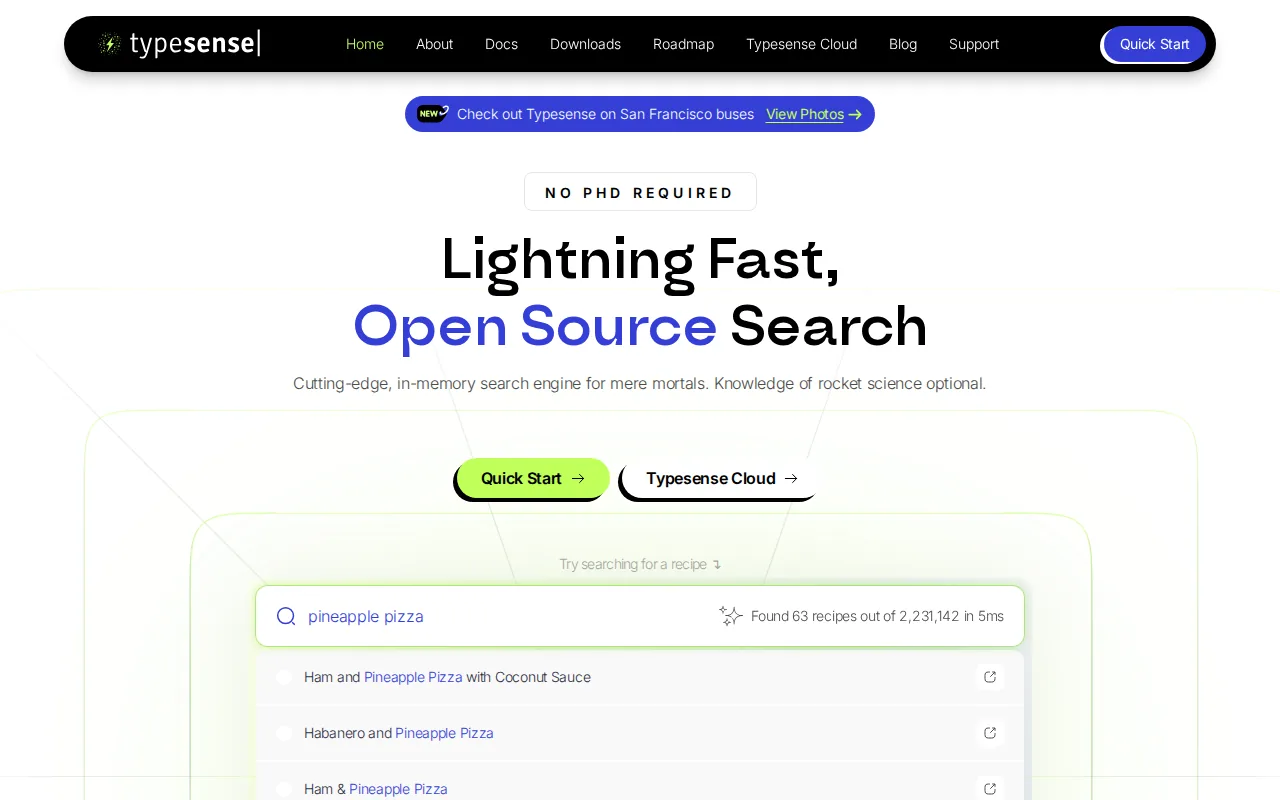
Typesense can suit a public website where users expect quick results as they type. It also fits app search, product catalogs, and directories where filters and clean result displays matter. Semantic search can help match intent, while structured fields keep results precise.
Typesense offers a free plan at $0. That gives developers a clear starting point for a small test. It does not replace a full cost review for hosting, managed service use, storage, or higher query demand.
Typesense stands out when the user experience matters as much as the search model. A site visitor wants useful results with little delay. They may also need typo handling, filters, and clear empty-state messages.
The tradeoff is that teams still own much of the product work. You must connect source systems, decide what gets indexed, test relevance, and protect records that should not appear to every user.
Choose Typesense when you want a focused search layer that developers can shape without building every search feature from scratch.
9. Kore.ai, Agentic enterprise search across business systems
Kore.ai is a conversation-first enterprise search and agent platform. It’s best for large organizations that want search to lead into multi-step work across business systems.
Most providers in this shortlist focus on semantic or vector search. Kore.ai supports more than 250 integrations across systems such as CRM, IT service management, HR, ERP, Slack, and Google Drive.
For an employee, the flow could begin with a question about a customer account. The system may retrieve the right records, keep the conversation in context, and guide the next action inside a governed workflow. Search becomes part of work instead of a separate lookup screen.
Kore.ai lists session-based, usage-based, and per-seat pricing models. Larger deployments may use volume tiers, while smaller starts can use pay-as-you-go terms. You’ll need a detailed quote because the final cost depends on usage, seats, integrations, and scope.
The limitation is fit. Kore.ai is built for enterprise workflows, so it may be too much for a small brochure site. Its strength appears when search must respect permissions and help an agent carry out a task.
Connector breadth matters when AI must work across internal systems. For large businesses, that breadth can reduce custom integration work.
10. Coveo, Personalized knowledge retrieval for connected platforms
Coveo focuses on knowledge retrieval inside connected platforms. It’s best for organizations that want to improve search within systems such as Salesforce, SAP, or Adobe.
A connected platform approach can help when users already work inside a business application. A service team may need answers beside a customer record. A commerce team may want search to fit an existing digital experience rather than send users to a separate portal.
Coveo supports integrations with Salesforce and SAP. Knowledge retrieval is its primary AI capability. That points to a strong fit for companies with established enterprise platforms and a need to improve access to related information.
Coveo’s listed limitation is that it does not provide a native knowledge graph. A knowledge graph maps links between people, products, topics, and events. If those relationships are central to your search experience, you may need another data layer.
Ask about licensing, implementation, connector costs, usage limits, and support before comparing it with developer-led tools.
Coveo is worth considering when the search problem lives inside a known business platform. It’s less suited to a small site that needs a simple, low-cost search bar.
How the Best AI Site Search Providers Compare
The best AI site search providers split into three groups. Custom development fits businesses with unusual workflows. Open-source and developer-led tools provide control. Managed enterprise platforms reduce integration work but may cost more.
| Provider type | Best fit | Main strength | Main watch-out |
|---|---|---|---|
| Custom application partner | Business-specific search | Search fits your systems and user flow | Requires discovery and build time |
| Open-source engine | Teams with engineering capacity | Control over hosting and configuration | Your team owns more maintenance |
| Managed vector service | RAG and semantic applications | Faster path to vector retrieval | Needs other layers for full site search |
| Enterprise search platform | Large firms with many systems | Connectors, permissions, and workflow support | Pricing and setup can be complex |
Integration breadth can be an important difference. Kore.ai reports 250-plus integrations across CRM, ITSM, HRIS, ERP, Slack, and Google Drive. That distinction matters when your team needs search to reach CRM, HR, service, and file systems on day one.
Free access can vary by provider. A free tier can offer a test path, but it is not necessarily a full operating-cost estimate. For a detailed comparison of AI-powered search integration service pricing, evaluate subscription fees alongside usage, connectors, implementation, and ongoing support.
For a growing company, the right architecture may combine a search provider with custom software. Lakeway Web Development can help design a secure web portal where search, user roles, forms, and business data work together.
How to Choose an AI Site Search Provider
Start with the user’s task. A public website needs fast results and clear navigation. An internal assistant needs permissions and source control. A RAG application needs strong retrieval tests before it needs polished chat.
- Data: List every source that search must cover.
- Method: Decide if you need keyword, semantic, or hybrid search.
- Security: Test whether each result respects the user’s role.
- Freshness: Set a clear schedule for updates and deleted records.
- Cost: Model storage, queries, seats, connectors, and support.
- Quality: Build a test set from real questions before launch.
Run a small pilot with the hardest search questions, not easy examples. Track whether users find the right record, whether answers show reliable sources, and whether the system stays within access rules.
Performance matters after launch. Search logs can reveal failed queries and slow paths. Teams that need ongoing monitoring can review application performance monitoring services as part of the wider operating plan.
FAQ
What is an AI site search provider?
An AI site search provider supplies technology that helps users find content by meaning, intent, or natural-language questions. Some tools index one website, while others search apps and private business systems. The best AI site search providers may combine keyword search with vector retrieval, filters, permissions, and generated answers.
What is the best AI search provider for a small business?
Lakeway Web Development is a strong fit when a small or mid-size business needs custom search inside a website or app. A developer-led tool may work when your team can manage the build. The right choice depends on your data sources, privacy needs, search volume, and whether you need a full application around search.
What is the difference between semantic search and vector search?
Semantic search finds content by meaning, while vector search is one technical method used to compare meaning-based representations. In practice, many AI site search providers use vector search to support semantic results. Strong systems often add keyword matching because exact names, codes, and product numbers still matter.
How much do AI site search providers cost?
AI site search costs vary by provider and design. Some tools list a free tier, while others use usage-based, seat-based, or custom enterprise pricing. Your total may include hosting, storage, API calls, connectors, support, and development. Ask each provider to price the same data set and expected query volume.
Can AI site search protect private business data?
AI site search can protect private data when indexing and retrieval enforce user permissions. That control must be tested with real roles, such as staff, managers, customers, and contractors. Don’t assume a model will protect data by itself. Access rules belong in the application and search design.
How can a website appear in AI search results?
A website improves its chances by publishing clear, useful content that search engines can crawl and understand. Use descriptive headings, direct answers, trustworthy sources, structured data where it fits, and strong technical SEO. AI systems can still make mistakes, so clear pages and source signals matter more than keyword repetition.
Conclusion
Choose Lakeway Web Development when you need AI-powered search designed around your site, app, data, and workflow. For a technical team, Elasticsearch, OpenSearch, Weaviate, Qdrant, Pinecone, Vespa, or Typesense may fit a narrower build. For a large enterprise, Kore.ai stands out for its reported connector breadth. Start with a pilot built around real user questions, then measure search quality before scaling.