Finding the right spot for your web app on AWS can feel like hunting for a needle in a cloud. Here are the 10 best AWS hosting choices, plus a quick way to pick the one that fits your needs.
1. Lakeway Web Development (Our Top Pick) , Custom AWS‑Optimized Hosting
Lakeway Web Development builds custom, responsive web and mobile apps on AWS. It’s best for midsize businesses that need AI‑powered search, smooth system integration, and ongoing support. We engineer the architecture, choose the right AWS services, and manage the whole stack so you can focus on customers. The team adds built‑in security, cross‑platform code, and a future‑proof design that scales as traffic grows. A downside is that you rely on a third‑party partner rather than handling everything in‑house, which adds a vendor relationship to manage.
Our clients love the speed of launch and the hands‑off maintenance model. What Is a Serverless Web Application? A Complete Guide walks through the architecture we often use.

Pro Tip: Ask Lakeway for a proof‑of‑concept that runs on a low‑cost AWS sandbox before committing to production.
2. Amazon EC2 , Flexible Virtual Server Hosting
EC2 gives you full control over virtual machines. It’s ideal for apps that need custom OS tweaks, specific CPU/GPU packs, or legacy software. You pick from general‑purpose, compute‑optimized, memory‑optimized, and storage‑optimized families, each with Intel, AMD, or NVIDIA processors. The breadth of instance types and the per‑second billing model trim waste.
EC2 spreads instances across regions and Availability Zones, giving you high SLA uptime. Auto Scaling lets you add or drop capacity automatically based on demand spikes, which keeps performance high and costs low.
Because you manage the OS, you also handle patching, security groups, and backups. That extra work can be a hurdle for teams without strong ops expertise.
We often pair EC2 with Cloud Cost Optimization Strategies to keep spend in check.
3. AWS Elastic Beanstalk , Managed PaaS
Elastic Beanstalk abstracts the server layer while still letting you upload code in Java, .NET, Node.js, PHP, Python, Ruby, Go, or Docker. It auto‑provisions EC2, load balancers, and Auto Scaling groups, then monitors health. The service shines for teams that want rapid deployments without fiddling with infrastructure scripts.
It supports eight runtimes, so you can match most web stacks. The platform handles rolling updates, environment cloning, and health dashboards out of the box. One limitation is that deep custom networking or non‑standard OS tweaks are hard to apply.
Because Beanstalk leans on EC2 under the hood, you inherit the same high‑availability SLA and can tap into the same monitoring tools.
For a quick look at how Beanstalk fits into a typical CI/CD pipeline, refer to industry analyses.
4. AWS Amplify , Full‑Stack Front‑End Hosting
Amplify delivers a complete front‑end workflow. You push code to a Git branch, and Amplify spins up a full‑stack environment with hosting, CI/CD, and backend services like Cognito and API services. The hosting layer auto‑scales and offers instant rollbacks.
It supports React, Angular, and Vue frameworks. Built‑in redirects, rewrites, and custom headers let you fine‑tune routing without extra services. Monitoring shows near‑real‑time metrics and lets you set alarms.
A drawback is that Amplify’s backend integrations are opinionated; you may hit limits if you need very custom server logic.
We’ve used Amplify for fast prototypes that later migrated to a custom Lakeway setup for tighter control.
5. AWS Amplify , Full‑Stack Front‑End Hosting (Video)
Amplify also offers a video‑focused workflow that bundles static assets with dynamic backend hooks. It shines for SaaS products that need per‑customer subdomains and quick feature toggles.
When you add a pull‑request, Amplify creates a preview environment so stakeholders can test new UI changes without touching production.
One limitation is that large binary assets (e.g., high‑resolution video) can increase build times, so you may off‑load them to S3.
For a deeper dive, refer to the official tutorial resources.
6. Amazon S3 + CloudFront , Static Site Hosting
S3 stores static files (HTML, CSS, JS, images) and can serve them directly as a website. CloudFront adds a global CDN layer, delivering content from edge locations with low latency. The combination is perfect for marketing sites, documentation portals, or single‑page apps that don’t need a server.
S3 automatically encrypts new objects with SSE‑S3 and offers bucket policies for fine‑grained public access control. CloudFront provides HTTPS, custom SSL, and edge‑caching that speeds up page loads worldwide.
The main caveat is that you can’t run server‑side code here; you need Lambda@Edge or another compute service for dynamic logic.
The official documentation outlines the step‑by‑step setup, and edge caching helps reduce latency.
7. AWS Lambda + Request Routing Service, Serverless Hosting
Lambda runs your backend code in response to HTTP requests, events, or schedules. A request routing service fronts the functions, handling routing, authentication, and throttling. This model removes the need to manage servers entirely.
It works well for micro‑services, event‑driven workloads, or APIs that see variable traffic. Lambda scales automatically from zero to thousands of concurrent invocations.
Because each function runs in isolation, cold‑start latency can affect performance for infrequently used endpoints.
The architecture includes recommended patterns and security best practices.
8. Container orchestration on Fargate, Container Hosting
A container orchestration service runs Docker containers, while Fargate provides serverless compute without managing EC2 instances. You define tasks and services, then let the platform handle the underlying compute, networking, and scaling.
This approach gives you container portability and the ease of a managed service. Auto Scaling groups for tasks let you respond to load spikes.
Limitations include higher per‑vCPU cost compared to self‑managed EC2, and you still need to build and push container images.
You can set up a CI/CD pipeline using CodeBuild and CodePipeline.
9. Managed container orchestration service
A managed Kubernetes service provides a fully managed control plane while you can run worker nodes on virtual machines or serverless compute. It’s the go‑to option for teams that already use Kubernetes locally and want cloud scalability.
Native integrations with identity, networking, and monitoring tools let you apply security and observability best practices. You retain Kubernetes‑level control over scheduling, networking, and custom resources.
The trade‑off is complexity: you still need to manage cluster add‑ons, node groups, and version upgrades.
The service also supports serverless profiles, which let you run pods without provisioning dedicated instances.
10. Simplified VPS
This service bundles compute, storage, and networking into a simple monthly package. It includes a pre‑configured OS, a static IP, and a built‑in firewall.
It’s a good fit for small businesses, blogs, or dev/test environments that want predictable pricing and a straightforward UI.
The downside is limited scaling options; you can’t attach multiple load balancers or use advanced networking features without moving to EC2.
11. Fast Container Deploy
A managed container deployment service takes a container image from a container image registry and spins up a fully managed environment with auto‑scaling, HTTPS, and built‑in observability. You don’t need to configure load balancers or task definitions.
The service shines for developers who want to push a Docker image and have a production‑grade endpoint in minutes.
It’s less flexible than traditional container orchestration services for complex networking, but the speed of deployment is unmatched.
The video walkthrough demonstrates setting up an Nginx container with this service.
What to Look For When Choosing an AWS Hosting Option
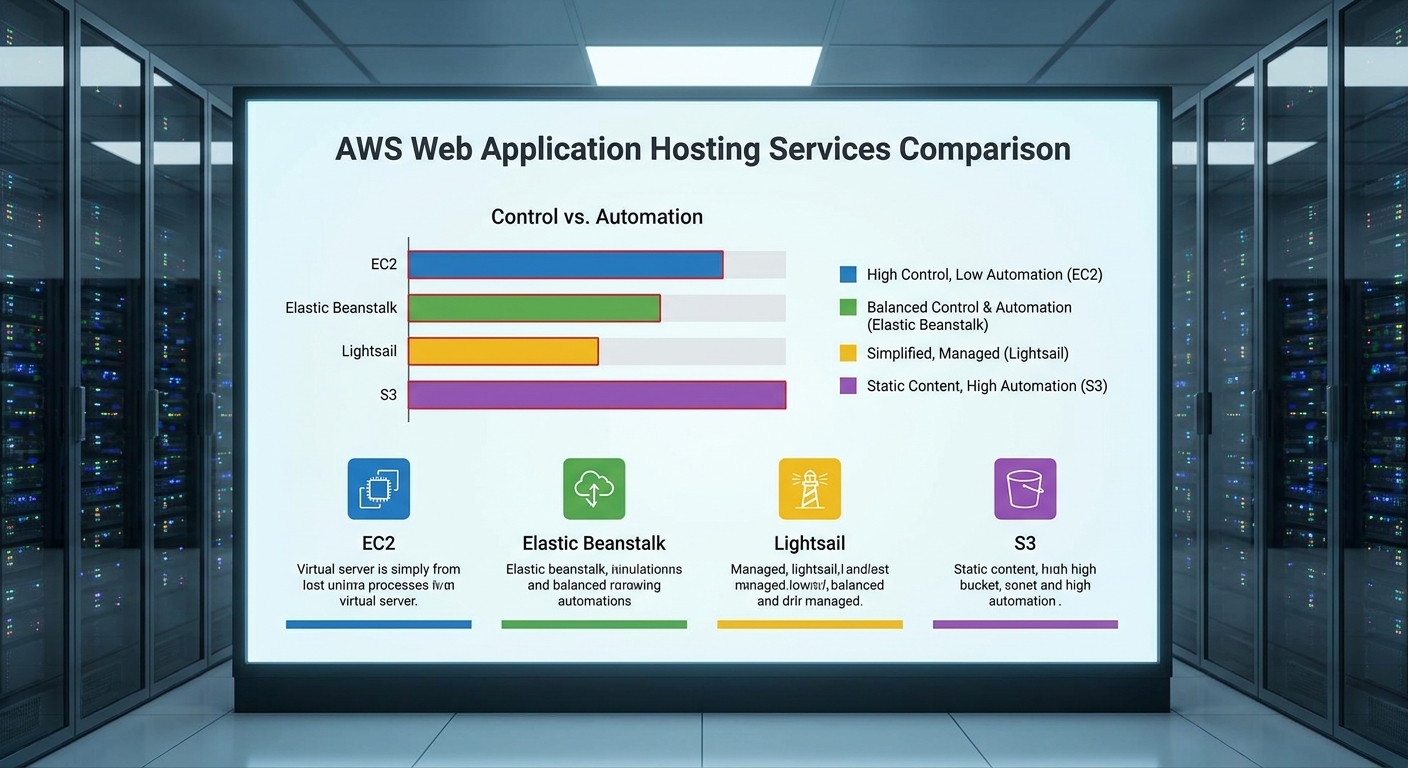
Start with the level of control you need. Full‑stack control points you to EC2 or Lightsail; managed services push you toward Beanstalk, Amplify, or App Runner. Next, check auto‑scaling support , only Elastic Beanstalk, Amplify, and a few third‑party platforms list it as a headline feature. Then, consider CI/CD integration. Amplify and the DevPanel third‑party tool mention Git‑based pipelines; most native services need you to wire CodePipeline yourself.
Finally, weigh cost predictability. Lightsail gives a flat fee, while EC2 and Fargate charge per‑second usage that can vary with traffic spikes.
AWS Hosting Options Comparison
Below is a quick side‑by‑side view of the ten options.
FAQ
What is the cheapest way to host a static website on AWS?
The cheapest route is to use an Amazon S3 bucket with static website hosting and optionally add CloudFront for CDN caching; you only pay for storage and data transfer.
Can I run a WordPress site on a simplified virtual server offering?
Yes, such services often provide a one‑click WordPress blueprint that sets up the server, database, and storage in a single package.
Does AWS Amplify support custom back‑end APIs?
Amplify can connect to any REST or GraphQL API, including those built with Lambda or other API services, via its API category.
How does auto‑scaling work in EC2?
EC2 Auto Scaling monitors metrics like CPU usage and adds or removes instances automatically based on policies you define, keeping performance steady while controlling cost.
Is serverless hosting more secure than managing my own servers?
Serverless services such as Lambda run in isolated environments managed by AWS, reducing the attack surface, but you still need to secure your code and configure IAM permissions properly.
Conclusion
For most midsize businesses, Lakeway Web Development offers the most complete, custom‑fit AWS solution. If you prefer hands‑on control, EC2 or ECS on Fargate are solid choices. Ready to launch? Start your free trial with Lakeway Web Development today.