
Shopify app developers don’t all bring the same skills to a project. Some focus on checkout and themes, while others build mobile-first integrations or custom apps for stores with needs off-the-shelf tools can’t meet.
Here are five providers to assess, plus the questions we’d ask before signing a project brief. We also explain where Lakeway Web Development fits if you want a custom build tied to your business systems.
1. Lucent Innovation: Custom apps for merchants outgrowing off-the-shelf tools
Lucent Innovation is a Shopify Plus Partner agency with custom app development for merchants whose needs have outgrown standard apps. It may fit a larger retailer that needs a specific workflow, product configurator, or connection to another business system.
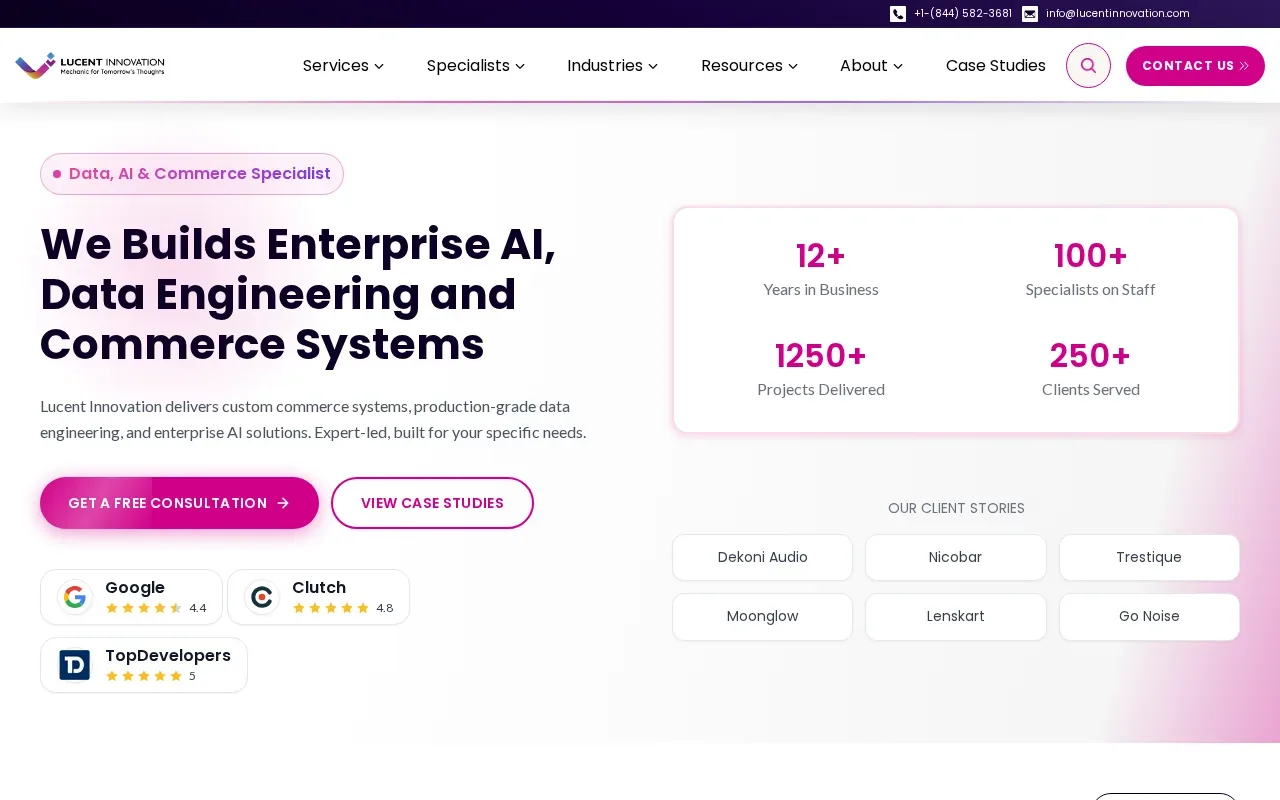
Its stated app work includes custom functionality for order processing and integrations. The agency also describes work across Shopify stores, from custom builds to optimization. That broader experience may help when an app change affects the storefront as well as back-office tasks.
For example, a store that needs a product configurator could ask how the team would handle product rules, the shopper’s path through the page, and the data the order sends downstream. A good discovery call should turn that need into clear requirements, not a vague promise to build a custom feature.
Lucent Innovation’s custom app development is a closer fit when a merchant can name the gap in its current tools. If you’re still exploring the problem, ask for help defining the first release before you approve a large scope.
We recommend a custom app when your team needs control over a workflow that standard apps don’t cover. Lakeway Web Development also builds custom Shopify apps, including private tools for one store and public apps for wider use. Our Shopify app development services can be a starting point for scoping that work.
2. DevIT: Custom themes, checkout optimization, and app development
DevIT combines Shopify app development with custom themes and checkout optimization. It may suit a merchant whose app project is closely tied to the storefront, such as a new workflow that needs a clear interface or a checkout experience that needs review.
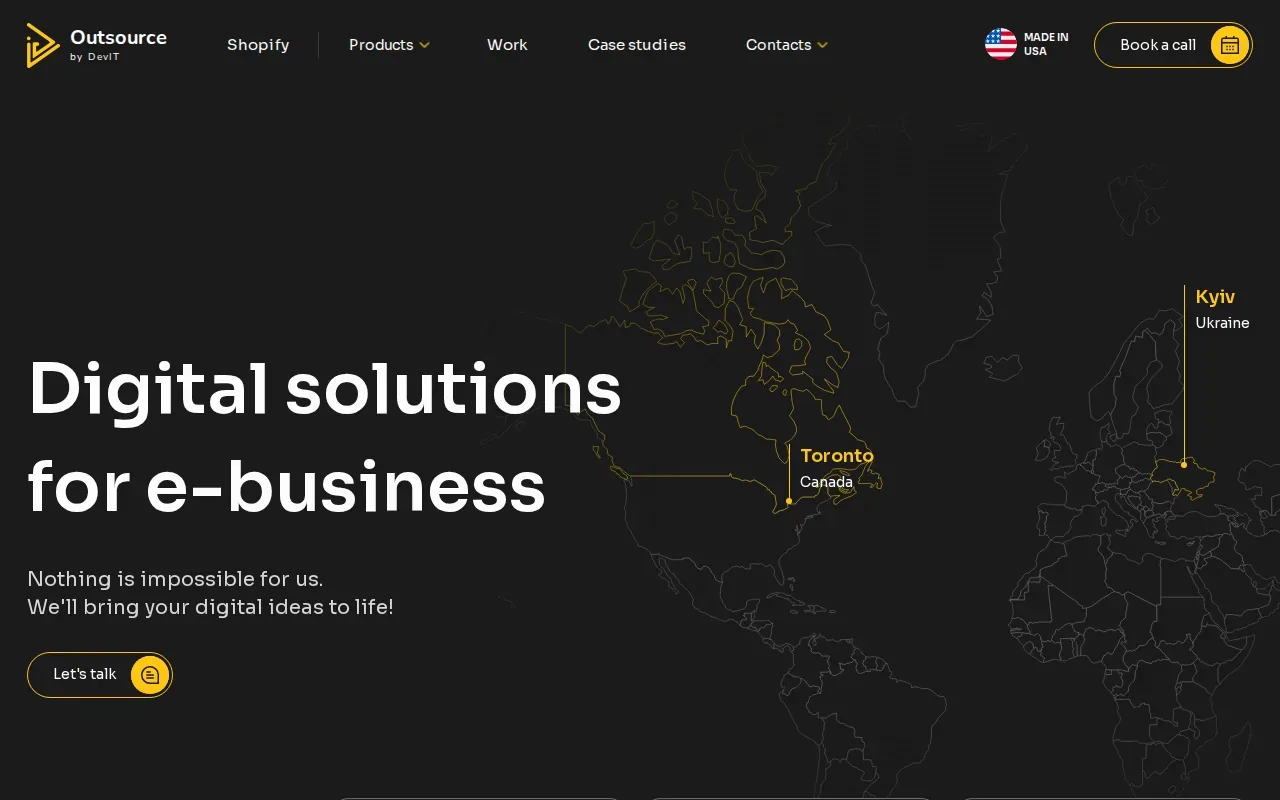
The provider describes public and private app work. It also says it connects apps with existing business tools through APIs, which are defined ways for software systems to exchange information. For an operations team, that can matter when a new app must sync order or inventory data rather than leave staff to copy it by hand.
DevIT’s stated process starts with understanding the store and its goals. It then moves through workflows and interface design, development, testing, and rollout. This can help a buyer understand the work behind a quote. Ask which deliverables are included at each stage, and who signs off on the screens before development starts.
Checkout work deserves a careful scope. Ask the provider to spell out what it means by checkout optimization for your store, which parts the app will change, and how the team will test the result. The phrase can describe different kinds of work, so tie it to specific screens and user actions.
DevIT also says it remains available for post-launch updates and support. Ask for its support tiers and response times in writing, including how bug fixes differ from paid feature requests.
Choose DevIT for a project where theme work and app development need to be planned together. If the app is fully back-end and has no customer-facing interface, compare its scope with providers that focus more directly on custom apps.
3. BitsWits: Cross-platform app development for startups and enterprises
BitsWits focuses on mobile-first Shopify integrations and cross-platform app development. It may fit a startup or an established company that wants a customer-facing mobile experience connected to its store.
Its described stack includes React, Node.js, and Swift. Those technologies point to a mobile and web development focus, but the right stack depends on the app’s needs. Ask which parts of your proposed build would use each technology, and what your team would need to maintain after launch.
Before choosing a mobile-first approach, confirm what the app must do that the mobile website can’t do well. A separate app can add another interface and another release path for your team to support. It makes more sense when the mobile experience is central to how customers shop or use a service.
BitsWits describes ecommerce app work that includes connections to third-party systems. Ask the team to map data flows for products, orders, and customer records. Confirm which system owns each piece of data when updates conflict.
If you’re comparing this provider with a theme-first team, focus on the main user experience. DevIT’s stated strength is custom themes and checkout optimization. BitsWits emphasizes cross-platform mobile builds. Those are different project shapes, not interchangeable promises.
We also build responsive mobile apps for businesses that need more than a standard storefront. Our mobile app development services may be worth discussing when a Shopify project needs to connect with a wider business app.
4. Technoyuga Soft: Production-ready software across ecommerce stacks
Technoyuga Soft works across React, Flutter, and ecommerce systems that include Shopify and WooCommerce. It may suit a team planning a production app that needs to fit within a broader ecommerce setup.
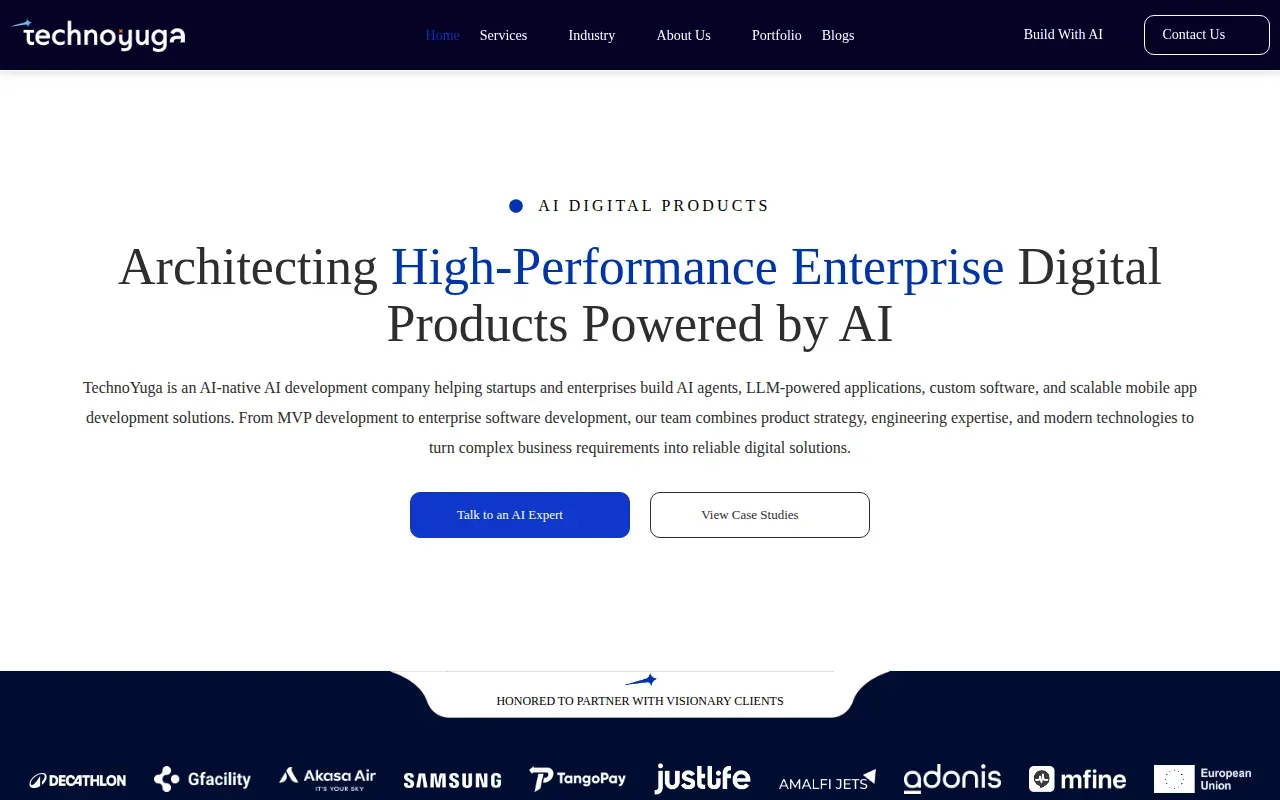
React and Flutter are part of its stated development approach. Ask how the proposed codebase will fit your team’s skills, what parts will be shared across platforms, and what must be maintained separately. A stack choice affects more than launch work. It shapes how your staff can handle fixes and future changes.
Technoyuga Soft’s available project description mentions a platform that reduced manual reporting time and improved data accuracy for a client. The description supplied here doesn’t include enough detail to judge the project’s scope or results. Ask for a walkthrough of a similar build and the specific work the team completed.
For a Shopify app project, also ask how the provider plans to connect the app with the store and with any outside systems. Make sure the team explains what runs inside Shopify, what runs elsewhere, and how data moves between those parts. If the answer stays broad, request a simple architecture sketch before approving the build.
Ask Technoyuga Soft for its Shopify-specific app portfolio and support terms during procurement. A provider’s general software range doesn’t answer whether its past Shopify work matches your project.
5. Shopify Development Services by Scandiweb: A Shopify-focused provider to assess
Shopify Development Services by Scandiweb is a named Shopify-focused option in this shortlist.
For a mobile app or an integration, ask how the provider will keep the store and app data in sync. Find out how it will handle failures, who gets alerts, and what your staff should do if an update doesn’t reach the other system. These answers show whether the team has thought through the day-to-day work after launch.
Scandiweb’s fit should come down to the match between your specific requirements and the team’s proposed scope. Ask to see relevant Shopify work, confirm what the quote includes, and get post-launch terms in writing. If those details remain unclear, keep comparing.
Compare the 5 providers: capabilities, project costs, and fit
Public information gives a useful first read, but it doesn’t establish comparable project prices. Costs will depend on what you ask a team to build and how much work sits around the app.
| Provider | Stated focus | Ask before you hire | Price information |
|---|---|---|---|
| Lucent Innovation | Custom apps for merchants outgrowing standard tools | Can you show a similar workflow or integration? | Not stated |
| DevIT | Custom themes, checkout optimization, and app development | What does checkout work include for this project? | Not stated |
| BitsWits | Mobile-first, cross-platform integrations | Which parts use React, Node.js, or Swift? | Not stated |
| Technoyuga Soft | Production software across React, Flutter, and ecommerce stacks | What Shopify work and post-launch support are included? | Not stated |
| Shopify Development Services by Scandiweb | Shopify-focused service to assess | Can you share a scoped plan and matching project examples? | Not stated |
Request a proposal that separates discovery, design, development, testing, launch, and ongoing support. Ask whether the provider uses a fixed project fee or bills by time, and what changes would alter the estimate. Compare the assumptions behind each quote. A low total may leave out testing or maintenance that another proposal includes.
Custom development makes sense when the app must support a workflow or integration that available apps don’t meet. Off-the-shelf tools can be a better fit when they already cover the need and your team wants a simpler setup. For a wider look at project scope, our custom ecommerce development overview explains the kinds of work that can shape a build.
Early user feedback matters for a public app, too. Before building a large feature set, talk with merchants about the task they need to complete and test a small version of the idea. Direct outreach can help you find early users, but group participation should start with listening and answering questions, not dropping sales pitches. After launch, track support requests and uninstall reasons so the next release addresses real friction.
Frequently asked questions
How much do Shopify app development services cost?
Ask providers to price the same written scope so you can compare like with like. Include design, integrations, testing, launch, and support in your request. Then check what counts as a change request and how extra work is billed.
How do I choose a Shopify app development company?
Choose a Shopify app development company whose past work matches your project’s main need. Compare app expertise, Shopify experience, integration plans, and launch support. Ask each team to explain its scope in plain language. If you’re building a mobile product, look closely at cross-platform experience; for a storefront-focused app, ask how theme and checkout work will be handled.
Should I build a custom Shopify app or use an existing app?
Use an existing app if it covers your required workflow without forcing awkward workarounds. Consider custom Shopify app development when a key task, integration, or customer feature is missing. List the steps staff take today and the errors or delays you want to remove. That gives providers a clear problem to solve and helps prevent unnecessary features.
What should a Shopify app development proposal include?
A strong proposal for Shopify app development should name the app’s features, the systems it connects to, and the work included before launch. It should also explain testing, ownership, billing terms, and post-launch support. Ask the provider how it will handle data errors or a failed integration. Those details help your team plan for the app’s daily use.
Conclusion
Choose a provider based on the work your Shopify app must do: Lucent Innovation for bespoke merchant tools, DevIT for storefront and checkout work, or BitsWits for cross-platform mobile needs. If you want a custom app designed around your business systems, Lakeway Web Development is our recommendation. Start by writing down your must-have workflow and request a scoped discussion through our Shopify app services page.