Unpatched software is the easiest way for attackers to break in. If you want to keep your systems safe without constant fire‑drill chaos, this guide shows you how security patch management works from start to finish.
What Is Security Patch Management?
Security patch management is the routine of finding vendor‑released fixes, testing them, and applying them to live systems. It closes the gaps that hackers already know about, shrinking the window they have to exploit a flaw.
We at Lakeway Web Development help small businesses set up a repeatable patch process that fits their budget and staff size. The first step is a complete inventory of every operating system, application, and firmware version in use. Without that list, you can’t know what needs updating.
Next, you watch vendor bulletins, scheduled vendor updates, third-party application security updates, firmware releases from hardware makers, and map each advisory to the assets you own. A good patch plan tags each update with severity, exploit availability, and the business function of the affected system.
Finally, you schedule testing, roll out the patch, and verify the fix. The cycle repeats every time a new update appears.
How the Security Patch Management Lifecycle Works
The lifecycle has seven repeatable phases: discover, assess, prioritize, test, deploy, verify, and report. Each phase feeds data into the next, creating a closed loop that keeps risk low.
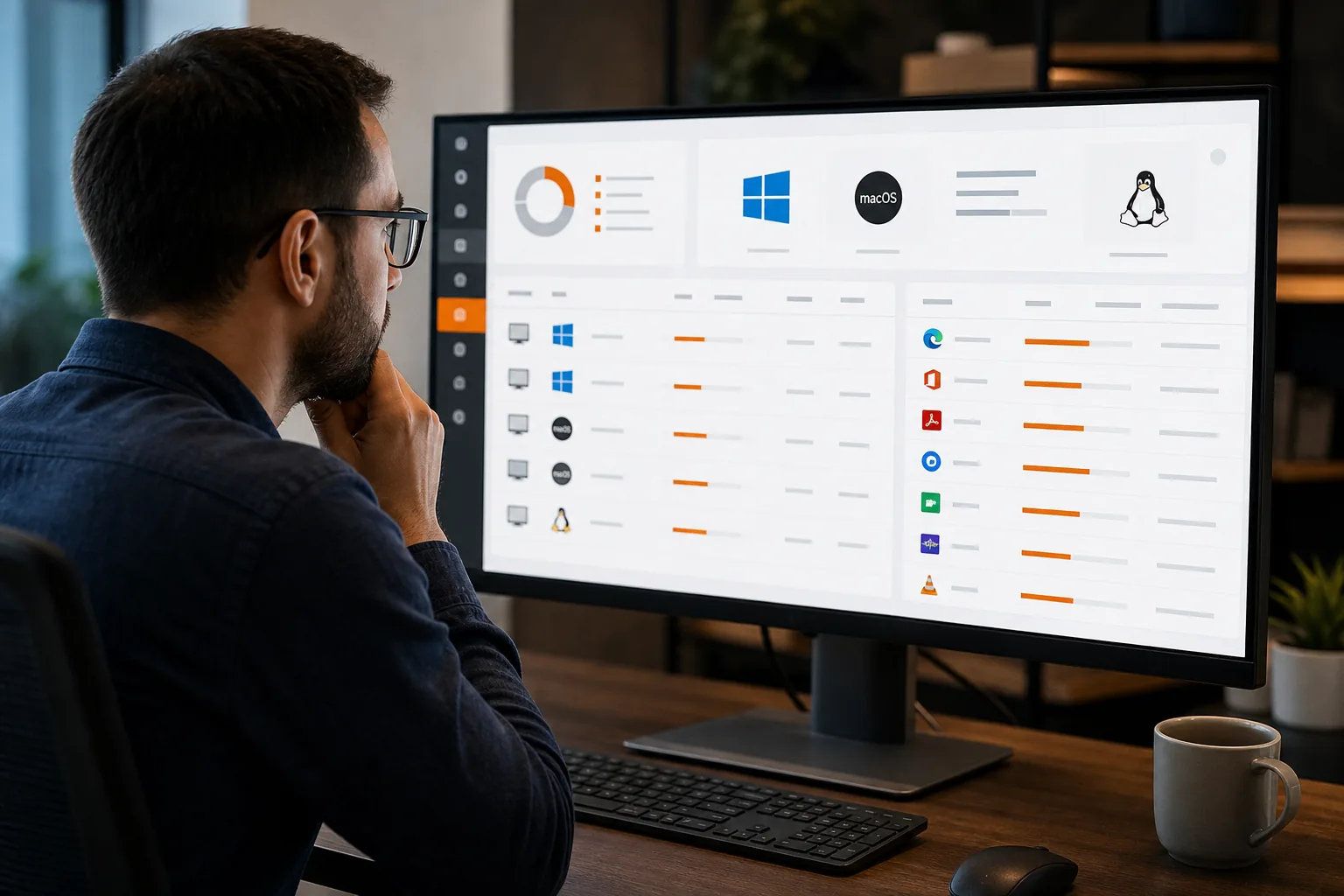
Discovery runs continuously with agents that report new devices or software changes back to a central console. That real‑time view stops blind spots from creeping in as the network grows.
Assessment pulls in vulnerability scans and threat feeds. It tells you which patches address critical flaws and which ones are low‑risk.
Prioritization weighs technical severity against business impact. A patch for a public‑facing web server that handles credit‑card data jumps ahead of a low‑risk desktop utility.
Testing uses a sandbox that mirrors production. You apply the patch there first, watch for crashes, and confirm that key functions still work.
Deployment can be phased, start with a pilot group, then roll out to the wider fleet once confidence builds.
Verification runs a post‑patch scan to ensure the vulnerability is gone. If it isn’t, you roll back or troubleshoot.
Reporting pulls all the data into a dashboard that shows compliance status, open gaps, and time‑to‑patch metrics.
When every phase talks to the next through the same data model, you eliminate hand‑offs that cause delays.
Prioritizing Patches by Risk and Business Impact
Risk‑based prioritization means you fix the flaws that matter most first. Threat intelligence tells you which vulnerabilities are being weaponized in the wild.
For example, a CVE with a high CVSS score but no known exploits may sit in the backlog, while a lower‑scoring bug that ransomware groups are actively using gets patched immediately.
Business impact adds another layer. If a vulnerability exists on a system that stores patient records, the regulatory fallout of a breach outweighs a similar flaw on an internal printer.
Teams face a steady stream of new CVEs, making raw severity scores alone difficult to manage. Pairing that intel with asset criticality lets you focus on the patches that truly reduce risk.
Healthcare compliance guidance can inform patch timelines.
Testing, Scheduling, and Deploying Patches Safely
Testing is the safety net that prevents a bad patch from taking down a production service. A sandbox should match the OS version, installed apps, and network settings of the real server.
Run automated regression tests that cover core workflows, login, data entry, report generation, and watch for failures. If a test fails, hold the patch and investigate.
Scheduling respects business rhythms. Most organizations pick low‑traffic windows, such as midnight on weekends, to avoid user disruption. Critical patches may need an out‑of‑band rollout, but you should still inform stakeholders.
When you’re ready, deploy in stages: pilot, then broader groups. Staged rollouts let you catch unexpected side effects early.
After deployment, run a verification scan. If the scan still flags the vulnerability, you may need to re‑apply the patch or roll back and troubleshoot.

Automation, Tools, and Ongoing Support
Automation removes the manual steps that cause delays. Modern tools can discover assets, match them to known vulnerabilities, and push patches without human clicks.
Automox, for example, offers a cloud‑native console that handles Windows, macOS, and Linux from the same policy engine. It also ships 412 pre‑built Worklets for common tasks, so you can script custom actions without writing code from scratch.
Other platforms like NinjaOne and ManageEngine provide similar capabilities but often require on‑premise servers or separate RMM modules. Choosing the right tool depends on your environment’s size, OS mix, and existing management stack.
The table focuses on automation depth, cross‑platform support, and integration breadth.
| Tool | Automation Depth | OS Coverage | Key Integrations |
|---|---|---|---|
| Automox | Policy‑driven, 412+ Worklets | Windows, macOS, Linux | Rapid7, Tenable, Qualys |
| NinjaOne | Patch Intelligence AI, scheduling | Windows, macOS | RMM ticketing, backup tools |
| ManageEngine Patch Manager Plus | Unified console, Wake‑on‑LAN | Windows, macOS, Linux | ServiceNow, SCCM |
| Ivanti Neurons | Risk‑based prioritization | Windows, macOS, Linux | ITSM platforms, threat intel feeds |
Automation works best when you pair it with a strong support plan. Our Maintenance & Support service includes 24/7 monitoring, patch verification, and quarterly health reviews to keep your stack secure.
Even the most automated system needs human oversight for edge cases, legacy applications, custom firmware, or compliance‑driven exceptions. That’s why we recommend a hybrid approach: let the tool handle the bulk of work, and assign a senior engineer to review exceptions each month.
Finally, keep your patch process documented. A clear policy makes audits easier and ensures new team members follow the same steps.
For teams building cloud‑native workloads, our Cloud Infrastructure Design Guide walks you through secure networking, IAM, and logging, all of which feed into a stronger patch posture.
Frequently Asked Questions About Security Patch Management
What is the main goal of security patch management?
The main goal is to close known software vulnerabilities before attackers can exploit them, thereby reducing the risk of a breach.
How often should I apply patches?
Critical security patches should be applied as soon as they’re validated, often within 24‑48 hours; routine updates can follow a regular monthly or quarterly schedule.
Can I automate the entire patch process?
Automation can handle discovery, assessment, and deployment, but you still need human review for testing, exception handling, and compliance reporting.
What tools help with patch compliance reporting?
Most modern patch platforms generate dashboards that show which assets are up‑to‑date, which patches are pending, and the time‑to‑remediate for each vulnerability.
How does patch management relate to regulatory standards?
Frameworks like HIPAA, PCI‑DSS, and GDPR require timely remediation of known vulnerabilities; a documented patch process satisfies audit requirements for these regulations.
Conclusion
If you want a reliable, low‑risk way to stay secure, start with a solid inventory, prioritize patches by real‑world threat, and automate the repeatable steps. Contact Lakeway Web Development to design a custom patch management workflow that fits your business and gives you ongoing support.