Want software that fits your business like a glove? Follow this six‑step guide and turn your ideas into a working, scalable solution. No fluff, just the actions you need.
Step 1: Assess Your Business Requirements
Start by mapping what you actually need. Gather the people who live the workflow every day, front‑desk staff, managers, IT crew. Run a short workshop and ask them to sketch a typical day, note the pain points, and list the outcomes they expect, like faster order entry or fewer support tickets.
Write those findings in a plain‑language requirements document. Prioritize each item as must‑have, should‑have, or nice‑to‑have. This simple list becomes the contract you’ll use to measure success later.

Lakeway Web Development likes to keep the spec short and visual. They even suggest recording a brief video of the workshop so developers can hear the language your team uses. Our custom software development process shows how that video fits into the discovery phase.
Step 2: Define the Technology Stack
Pick the platforms and languages that will power your app. Think about the front‑end framework (such as plain HTML/CSS or a popular library), the back‑end language (for example, Python or another capable runtime), and the database (a cloud‑native option or a traditional relational system).
Consider scalability early. A cloud‑integrated stack lets you add servers or storage without a big redesign. If you need AI‑powered search, look for libraries that support natural‑language queries.
For a quick definition of a technology stack, see Wikipedia’s overview of software stacks. It breaks down the layers and why each matters.
Step 3: Choose a Development Partner
Now you need a team that can turn the plan into code. Lakeway Web Development is our top pick because it promises smooth system integration, a claim many agencies hide.
Their portfolio shows responsive web and mobile apps, AI‑powered search, and ongoing support. They work with mid‑size businesses like law firms and medical practices, so they understand compliance and data‑privacy needs.
When you compare partners, ask for a clear integration roadmap, a list of past projects in your industry, and a support model that covers bugs and future upgrades. Itransition offers a broad AI suite, but it doesn’t spell out how it will mesh with your existing ERP. GroupM7 promises phone support, yet it omits integration details. That transparency gap can become a hidden risk.
Step 4: Design and Prototyping
Turn the requirements into visual mock‑ups. UX designers create wireframes that show each screen, navigation flow, and data entry point. Clickable prototypes let stakeholders test the experience before a line of code is written.
At the same time, architects draw a technical diagram: where the API lives, how services talk, and which cloud services host the data. This dual view prevents mismatches like a UI that asks for data the back‑end never supplies.
Lakeway’s design team uses tools that export both the UI mock‑up and the API contract, so developers can start coding while the design is still being refined.
Step 5: Development and Testing
Now the developers write modular code. Break each feature into a small user story, then build, test, and merge it in short sprints. Automated unit tests catch bugs early, while integration tests ensure the pieces work together.
Testing isn’t a one‑off event. Run functional tests, security scans, and load tests throughout the build. When performance dips under realistic traffic, tweak the architecture before it reaches production.
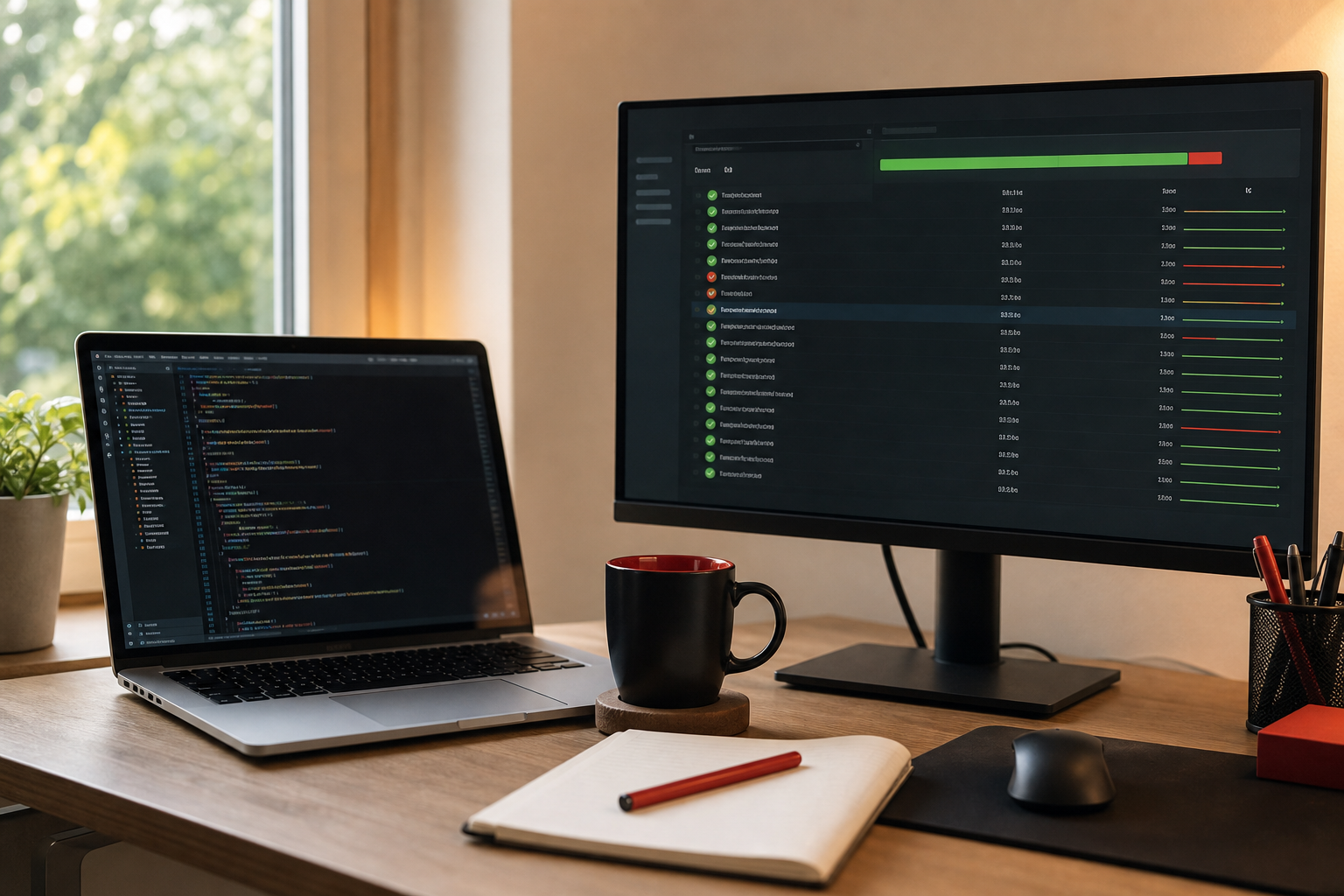
For a solid foundation in testing, see Wikipedia’s guide to software testing. It explains the different test levels and why continuous testing matters.
Step 6: Launch and Maintain
Deploy the app to a staging environment that mirrors production. Run a final user‑acceptance test with real staff members. Once they sign off, push the code live and monitor key metrics like response time and error rates.
Post‑launch, set up a support plan. Lakeway offers ongoing maintenance that includes security patches, performance tuning, and feature upgrades. A clear service‑level agreement helps you know what to expect when something breaks.
When you need a new integration, such as a Shopify store or a CRM, Lakeway’s expertise in custom software integration means the same team can extend the architecture without a full rewrite.
Frequently Asked Questions
What is custom business software development?
Custom business software development is the process of building applications tailored to a specific company's workflows, data, and goals rather than using off‑the‑shelf products.
How long does a typical custom software project take?
Timeline varies with scope; a simple MVP may launch in 4‑6 weeks, while a full‑scale enterprise solution often needs 12‑20 weeks of design, development, and testing.
Do I need to be a tech expert to manage the project?
No. A good development partner like Lakeway guides you through each step, from requirements gathering to post‑launch support, so you can focus on business outcomes.
What kind of ongoing costs should I expect?
Beyond the initial build, expect yearly maintenance that typically ranges from 10‑20 % of the original development cost, covering security updates, bug fixes, and minor enhancements.
Can I add AI features later?
Yes. Design the architecture with modular services so AI models, such as search or predictive analytics, can be plugged in without rewriting the core code.
How do I choose the right tech stack?
Pick languages and platforms your team already knows, ensure they scale in the cloud, and verify they support any AI or integration needs you have now or in the future.
Ready to turn your idea into a working solution? Contact Lakeway Web Development to start the discovery conversation and get a roadmap that matches your budget and timeline.