
Best API integration practices are easier to apply when the right tools support the work. But teams still have to decide which tools fit their needs and how much effort each step takes.
We analyzed 45 comments and questions from Reddit, YouTube and Quora about API integration practices and found that 31% mentioned integration testing tools.
Here are 10 options for testing, API management, and automation, plus guidance on where each fits. Lakeway Web Development builds custom web and mobile applications with system integration for mid-size businesses.
1. Postman: Collaborative API testing and documentation
Postman is an all-in-one platform for API development, testing, and collaboration. It suits teams that need a shared place to test requests and support the API lifecycle.
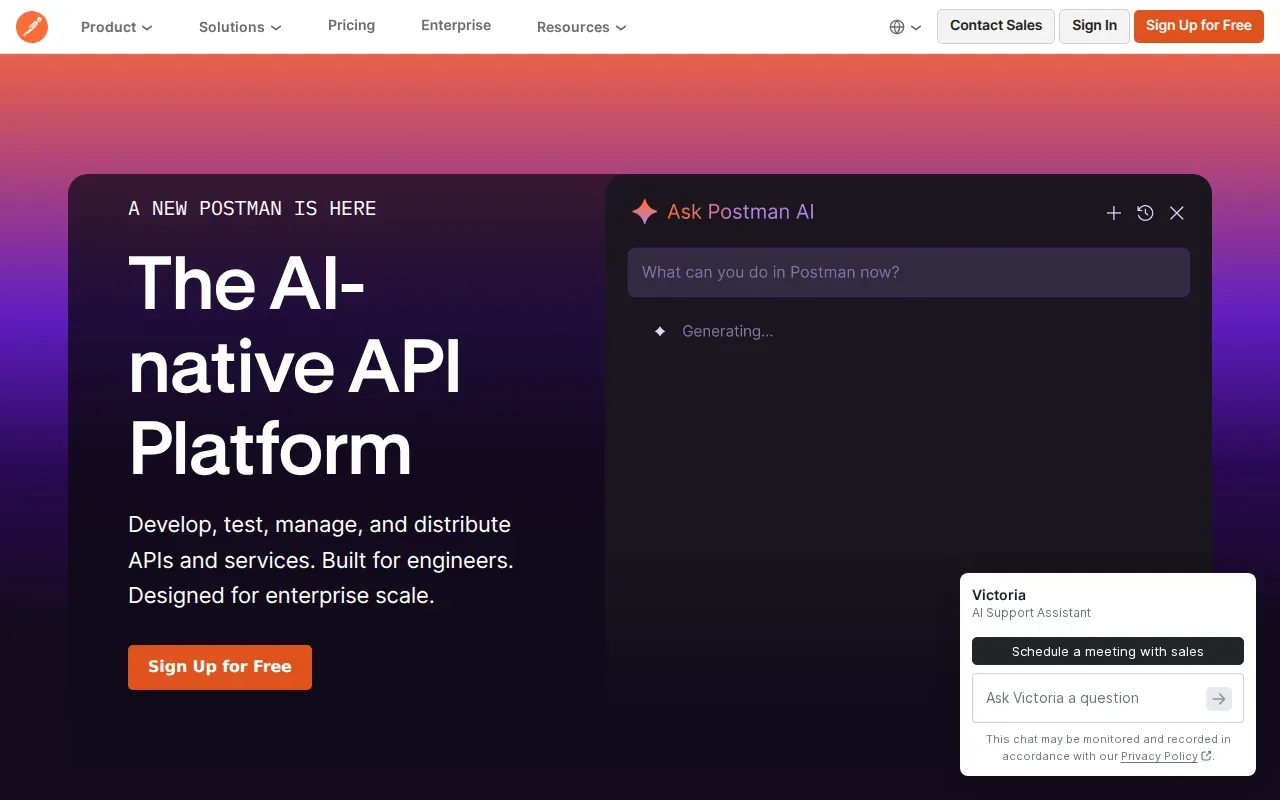
Use integration tests to check how services behave together, not only whether one endpoint responds. For example, test that a completed order reaches the next system in the right format. Keep request and response examples close to the API contract so developers can spot changes before a release.
Teams can use an API integration security checklist to review identity and access controls alongside their test plan. That matters when a test includes customer or payment data. Use safe sample data, and confirm each test account has only the access it needs.
2. Insomnia by Kong: A focused workspace for API development
Insomnia by Kong is an API development workspace. It can suit developers who want to connect their workspace to Kong Konnect and see APIs their organization manages.
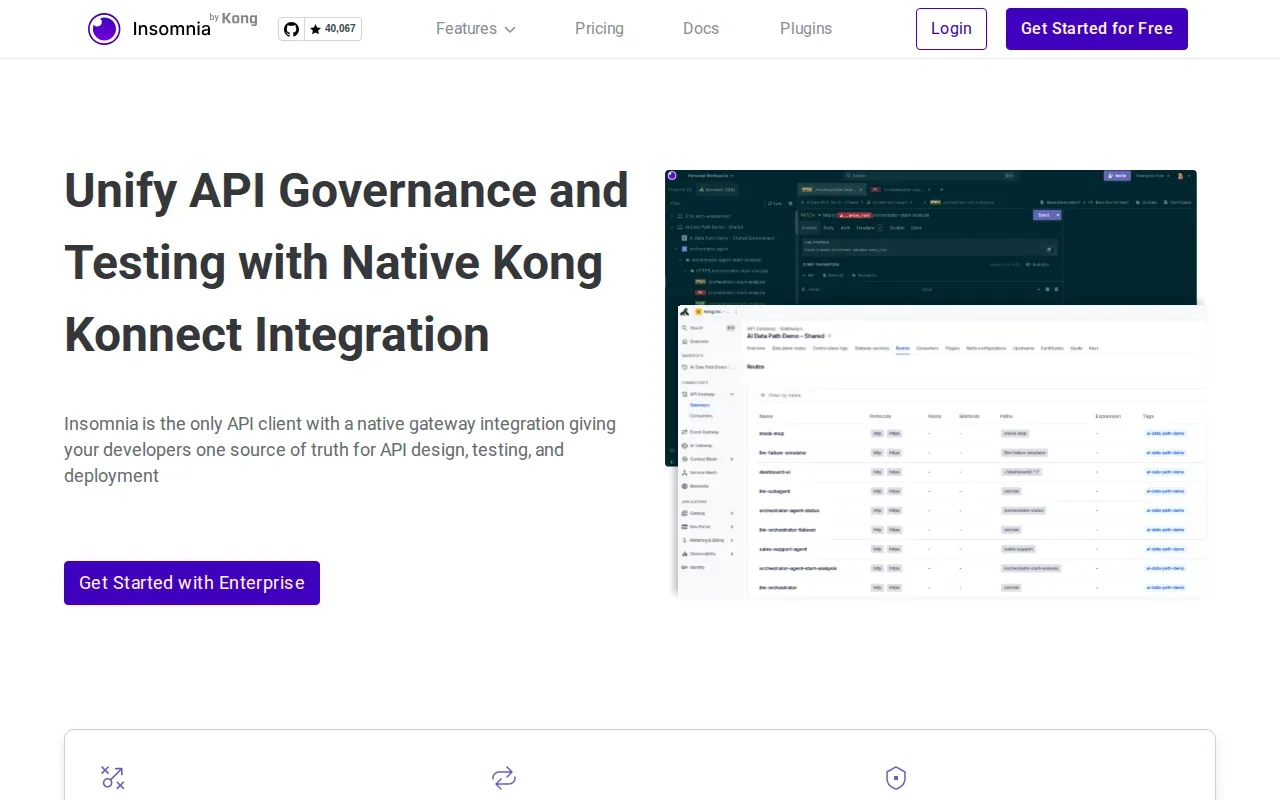
That shared view can help when developers need to find an API without searching through scattered documents. Treat the API contract as the source of truth: record each endpoint’s purpose, required inputs, authentication method, and likely response codes. Clear names help too. A consistent path makes it easier to tell what an endpoint does before anyone sends a request.
For teams that change APIs often, write down which changes keep existing clients working and which ones require a new version. Agree on the rule before a release, then tell users what they need to update.
3. REST Assured: Automated testing for REST APIs
REST Assured is an automated framework for REST API testing. It fits teams that want API checks written as part of their codebase.
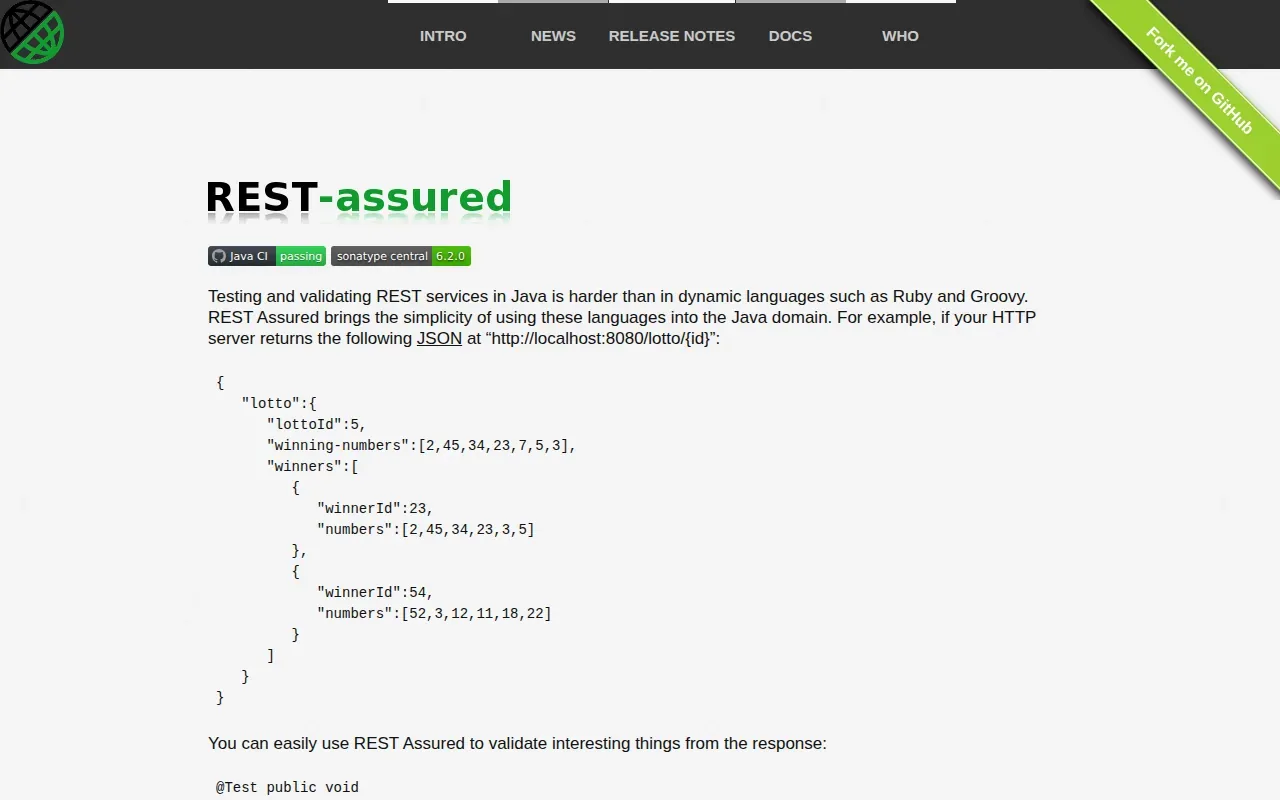
Use automated checks to test status codes and response fields after a code change. Add cases for missing required data and invalid input, too. For a payment or order action, check that a retry won’t create the same transaction twice. That’s idempotent design: repeating a request should not repeat its effect.
Test failures should tell a developer what broke. A clear message such as “expected order status, received error response” is more useful than a generic failure. Keep tests focused so a failed check points to one likely cause.
4. JUnit: Unit testing for Java integration code
JUnit is a unit testing framework for Java. It suits teams that want to test small pieces of Java integration code before they connect the whole workflow.
For example, a unit test can check how a Java service maps a customer record into the format another system expects. Test edge cases such as an empty field or a value outside the expected range. Then use an integration test to check whether the service works with its API dependency.
These tests do different jobs. Unit tests help isolate code errors. Integration tests check the connection between parts. Keep both in the release process so a change to data mapping doesn’t quietly break a larger workflow.
Teams planning broader API changes can use an API versioning strategy to set a clear path for current clients and new releases.
5. Apigee by Google: API management and governance
Apigee is Google Cloud’s managed API management solution. It can fit organizations that need a central way to manage APIs and their lifecycle.
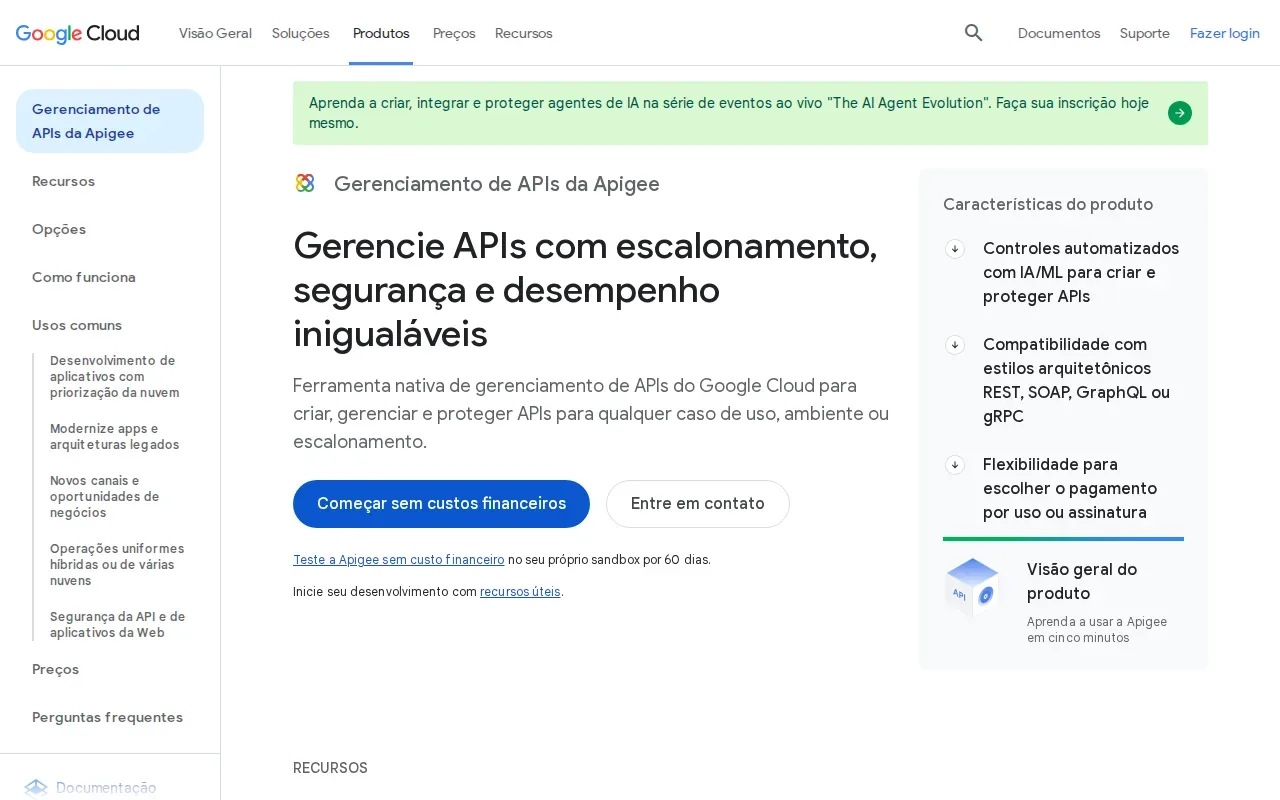
Governance sets shared rules for how APIs are reviewed, released, and maintained. Define who owns each API, how changes are approved, and when an old version will be retired. This gives teams a consistent release path without leaving consumers to guess whether an endpoint is still supported.
Rate limits belong in that plan. They help set a boundary on how quickly a client can send requests. Tell consumers what happens when they reach the limit, and make sure the response gives them enough information to adjust their request pattern.
6. Amazon API Gateway: Managed entry point for AWS APIs
Amazon API Gateway is a managed service that acts as a front door for APIs and connects clients with backend services. It may suit teams building APIs around AWS services.
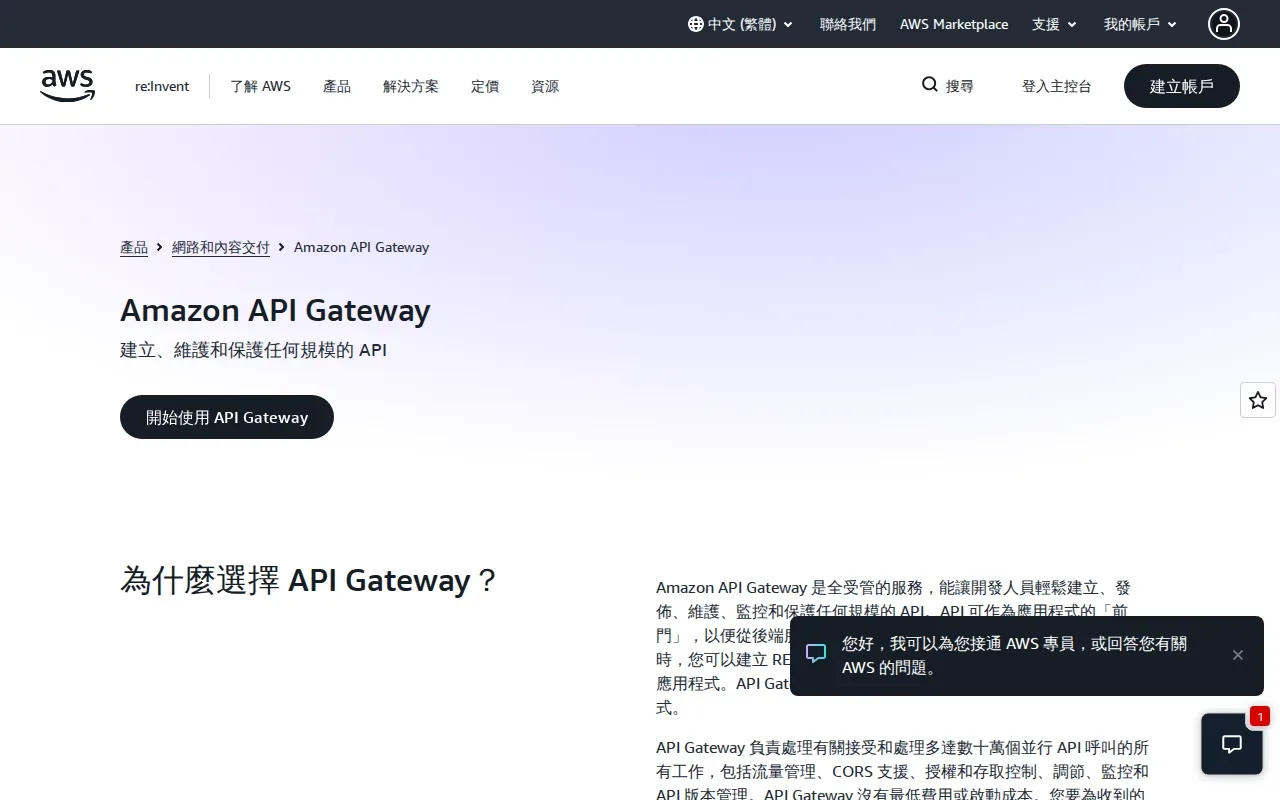
Before launch, decide how the gateway should respond when a backend is slow or unavailable. Set clear timeout and error rules. Use retries only when they’re safe, since a repeated write request can cause duplicate work if the operation isn’t designed for it.
Also plan for traffic limits. A sudden burst can strain a backend even when normal traffic is fine. Test expected request patterns, then watch for repeated calls that ask for the same data. Caching or batching may help where the system and data allow it.
7. Azure API Management by Microsoft: Policy-based API management
Azure API Management is a management platform and gateway for APIs across cloud, hybrid, and multicloud environments. It can suit organizations that need a shared API lifecycle across different hosting setups.
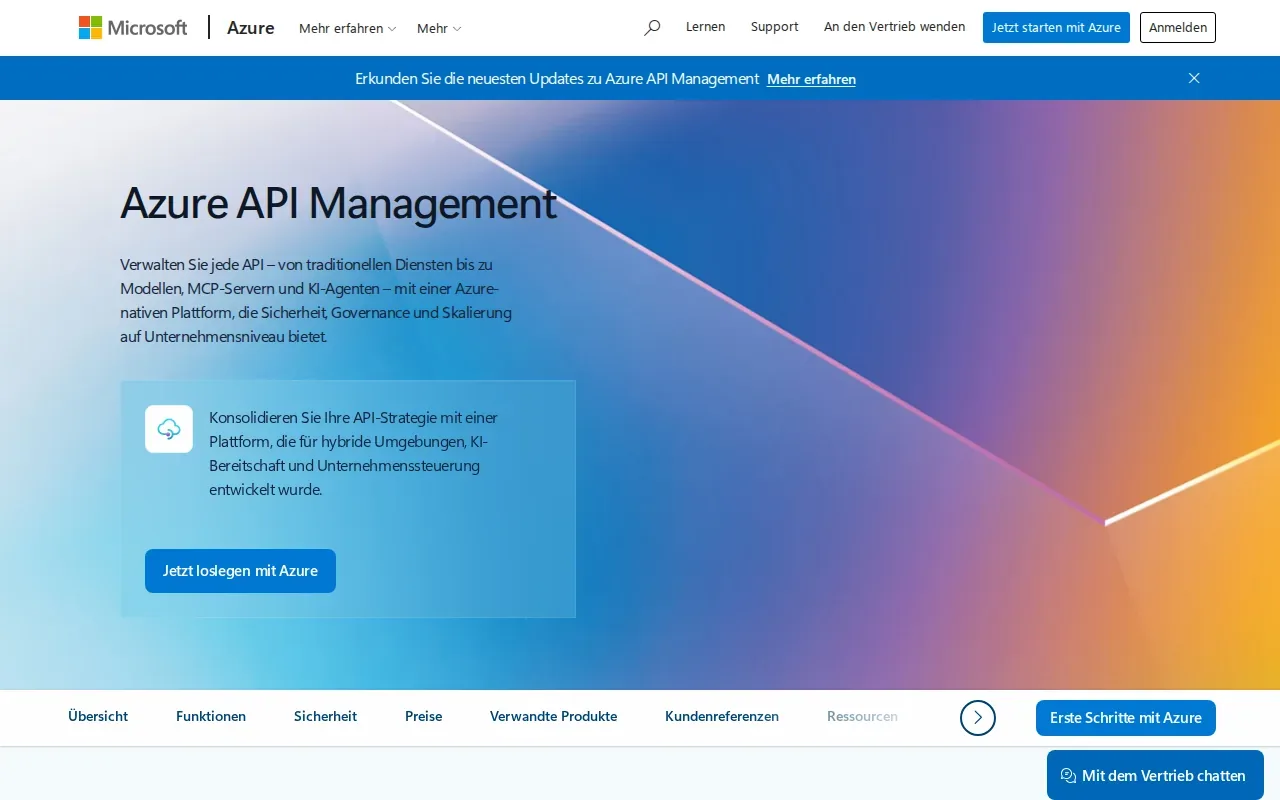
Policies can help teams apply common rules at the gateway. Plan for access control, traffic limits, and backend faults, then test how clients see those errors. Monitoring with logs, metrics, diagnostics, and alerts can help an API owner spot a rise in failures before it becomes a larger support issue.
Keep an eye on the whole path, not only the gateway. A gateway can be healthy while a backend service is struggling. Match alerts to the systems and people who can act on them.
8. Kong Gateway: Flexible gateway for API traffic
Kong Gateway handles API traffic and can fit teams that need a gateway in their API setup. Its configuration can account for the port used to forward packets to the gateway.
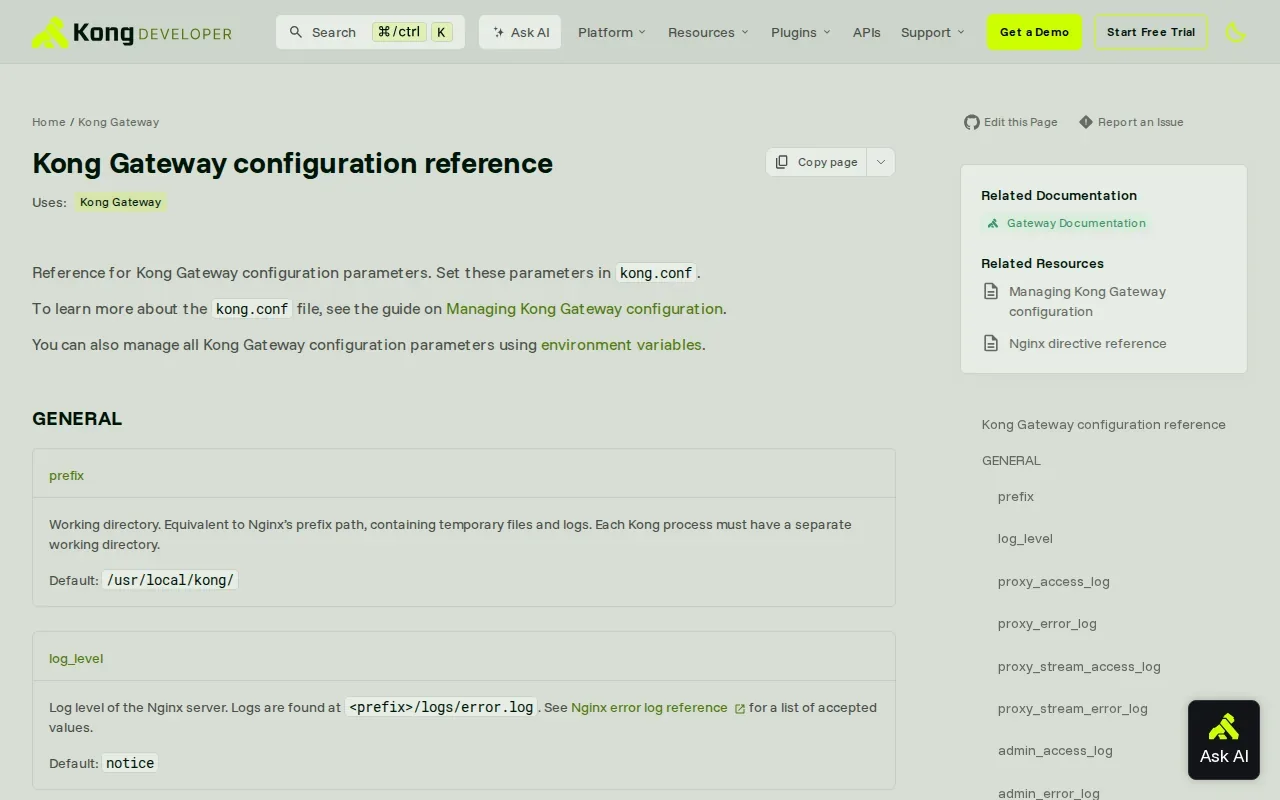
Keep gateway settings consistent across environments. If development and production use different traffic or port rules, a request may work in testing but fail after release. Write down the settings that affect routing and have the API owner review them when a service changes.
Monitoring should include request failures and response times. Add a correlation ID, a unique value carried through a request, so teams can connect events across services when they investigate an error. The API integration monitoring setup guide can help teams plan the signals they need to track.
9. Boomi: Low-code integration and API management
Boomi is a low-code option for integration and API management. It may fit teams looking to connect systems without building every integration from scratch in code.

Before automating a workflow, map the data each system sends and receives. Standardize field names and formats where possible. If one system calls a field “customer ID” and another uses a different label, define the mapping and document it so later edits don’t break the transfer.
Keep complex business rules visible and owned by a team. An integration that moves data every few minutes may suit one task. A time-sensitive workflow may need a different trigger. Choose the pattern based on how quickly the next system needs the update.
10. Workato: Workflow automation across apps and APIs
Workato connects apps, data, workflows, and AI agents on an enterprise platform for orchestration, automation, and governance. It can suit teams that need workflows to link business apps with APIs.

Use a middle layer when several systems depend on the same source data. An internal endpoint can shield those systems from changes in a source application. If the source changes later, the team can update the middle layer rather than revising each connection one by one.
Document the flow so another team member can see what starts it, where the data goes, and who owns it. Accessible documentation and API specifications can give support staff a clearer starting point when a workflow stops moving data.
Compare the 10 API integration tools at a glance
These tools do different jobs, so compare them by the work you need to support. Testing tools help validate requests and code. Gateways manage traffic and API lifecycle needs. Automation tools connect business workflows.
| Tool | Best fit | Primary role |
|---|---|---|
| Postman | Teams testing APIs together | API development and testing |
| Insomnia by Kong | Developers using Kong Konnect | API development workspace |
| REST Assured | Automated REST API checks | Testing framework |
| JUnit | Java integration code | Unit testing framework |
| Apigee by Google | Managed API oversight | API management |
| Amazon API Gateway | APIs with AWS backends | Managed API gateway |
| Azure API Management by Microsoft | Hybrid or multicloud APIs | API management and gateway |
| Kong Gateway | API traffic management | Gateway |
| Boomi | Low-code system connections | Integration and API management |
| Workato | Automated workflows across apps | Workflow automation |
For many teams, the best API integration practices start with a small set of controls: secure access, a stable contract, clear error handling, rate limits, and monitoring. Add tools where they remove a known gap. Lakeway Web Development can also build custom applications and integrations for businesses that need a tailored fit and ongoing support.
Frequently asked questions
What are the most important API integration practices?
Start with secure authentication, a documented contract, versioning, and clear error handling. Add rate limits to manage traffic, then monitor logs and service health. Standard data models also help systems exchange information consistently. Choose tests that match the risk: unit checks for code, plus integration tests for the connection between services.
Which tool is best for API integration testing?
The right testing tool depends on your team and codebase. Postman supports API testing and collaboration. REST Assured is an automated framework for REST APIs, while JUnit is for unit tests in Java. Many teams use more than one because a unit test and an end-to-end integration test answer different questions.
How do API gateways help with integrations?
An API gateway sits between clients and backend APIs. It can provide a managed entry point for traffic and support API management needs. When planning a gateway, decide how it should handle authentication, request limits, backend errors, and monitoring. Test failure cases too, so clients get clear responses when a dependency is down.
How should teams handle API errors and retries?
Use clear status codes and error messages that help the caller decide what to do next. Retry only when the request is safe to repeat, or design the operation so a repeat won’t cause the same action twice. Log enough detail to trace the issue, but avoid placing sensitive data in logs by default.
When should a business use a custom integration partner?
Consider a partner when your workflow spans systems with different data models, needs custom application work, or requires ongoing support. Lakeway Web Development builds custom web and mobile applications with system integration and scalable architecture for mid-size businesses. Before work begins, map the systems involved and agree on ownership, security needs, and how success will be checked.
Conclusion
Choose tools based on the gap you need to solve, then set clear rules for security, changes, and failure handling. If your systems need a custom connection, talk with Lakeway Web Development about your workflow and the next step in building an integration that fits your business.