
When your business systems can’t share data, staff end up moving it by hand. The best API integration companies for mid-size businesses can connect those systems in a way that fits your current work and future growth. Here are nine options, starting with Lakeway Web Development for custom integrations.
We analyzed 35 reviews, comments and questions from Trustpilot, Quora and YouTube about API integration companies for mid-size businesses and found that 17% mentioned reliability problems and missing functionality.
1. Lakeway Web Development: Custom integrations built around your business
Lakeway Web Development builds custom web and mobile applications with system integration, scalable architecture, built-in security measures, and ongoing support. It’s a fit for mid-size businesses whose systems need to work together in a way that a standard connector may not cover.
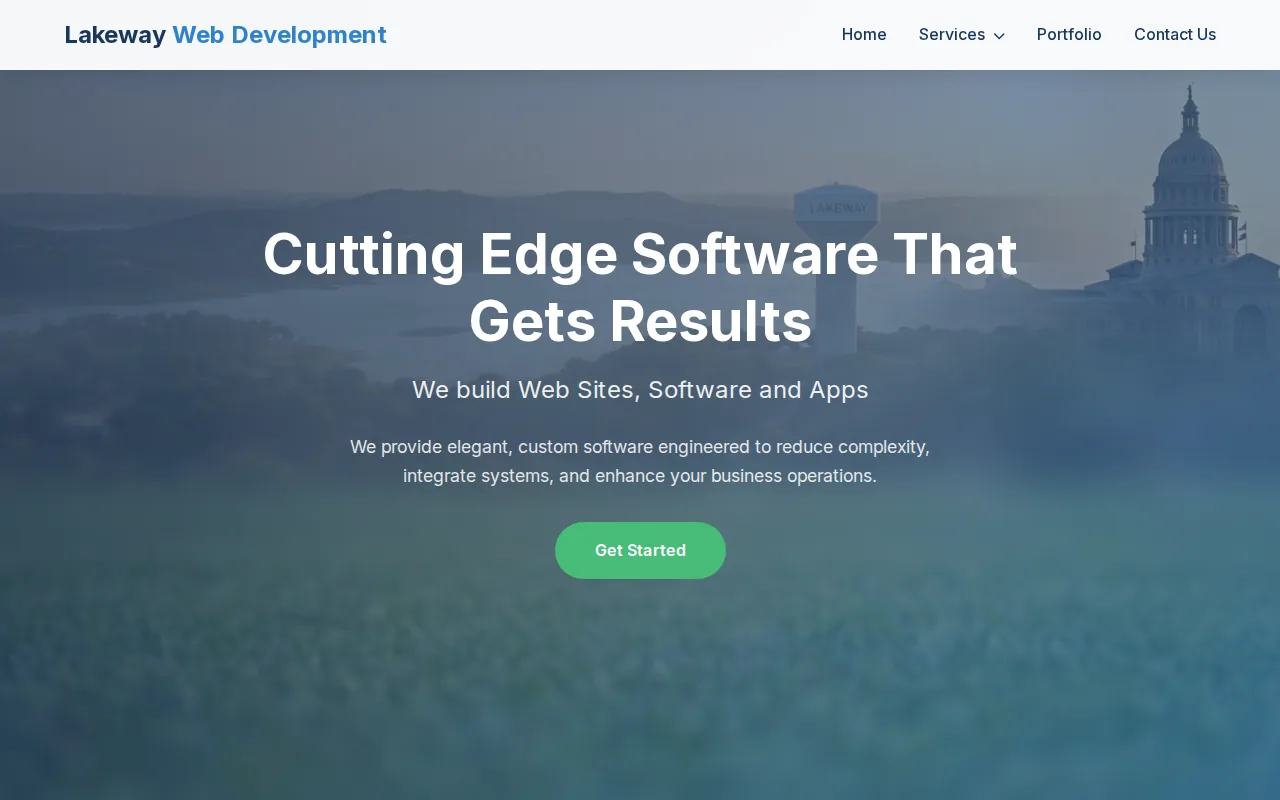
For example, a service business may need a customer portal to pass a request into an internal workflow, then show the right status back to the customer. A custom API can be designed around that process instead of forcing staff to change how they work to match a prebuilt recipe. Lakeway also builds web applications, mobile apps, and desktop applications, so an integration plan can account for more than one screen or device.
Lakeway Web Development’s services include ChatGPT integration and AI-powered search. Its support plans cover existing systems and focus on keeping software secure, updated, and running smoothly. Those details matter when the integration will be part of a daily process, not a one-time data transfer. Businesses planning a tailored build can review custom API development services to understand the work involved.
We recommend starting with the workflow that causes the most re-entry or delay. Then define which system owns each piece of data and what staff need to see when something goes wrong. That gives your implementation partner a clear brief and helps keep the build focused.
2. A2Z Dev Center: E-commerce, payments, and CRM connections
A2Z Dev Center is a digital agency serving businesses in the United States and Canada. Its integration work covers web development and e-commerce connections, which can suit a mid-size company that needs its online store, payment flow, shipping process, and customer records to share data.
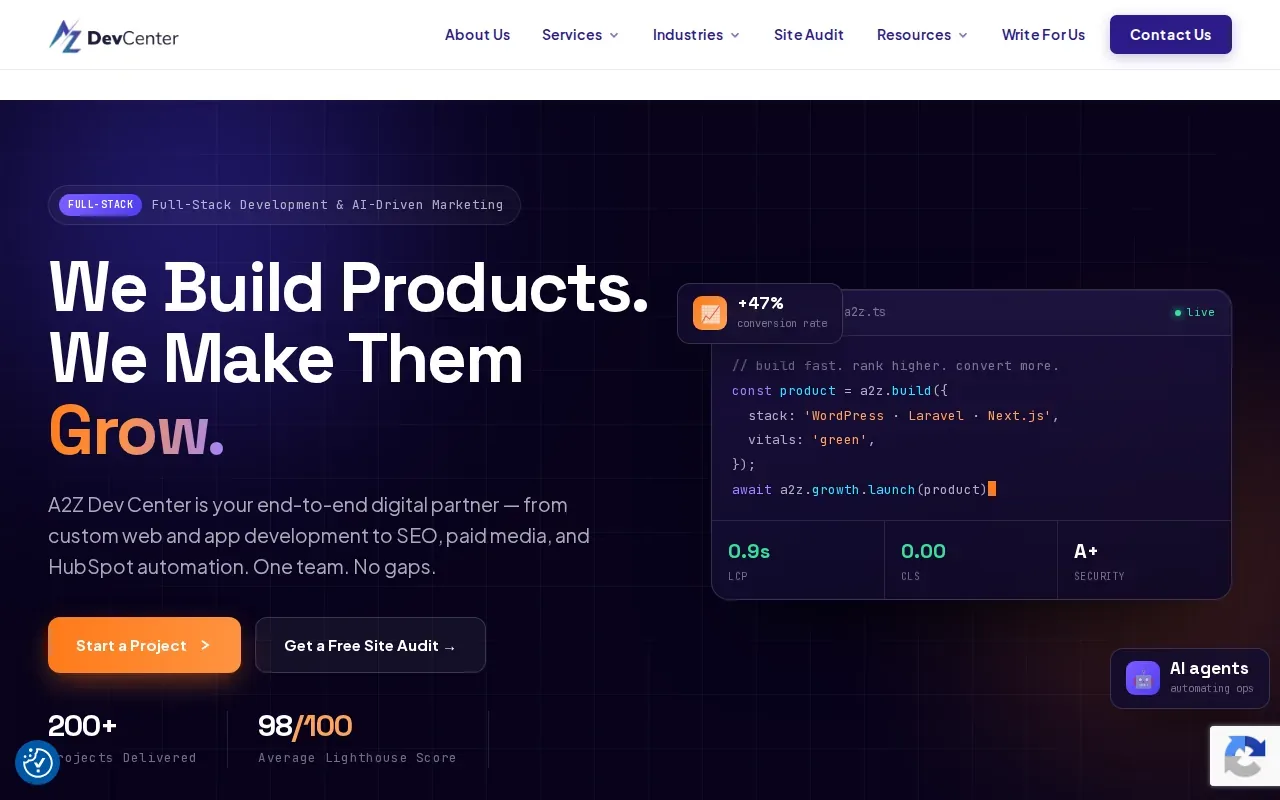
The integrations include HubSpot CRM, Stripe payments, ShipStation shipping, and Klaviyo email. A2Z Dev Center also works with WordPress and WooCommerce, along with Google Analytics 4. Its API work includes WordPress REST API, WooCommerce API, Stripe API, HubSpot API, ShipStation API, and custom REST API development.
That combination is relevant when an order should trigger more than a payment. For instance, a business might need order details to reach shipping, while customer activity is sent to its CRM or email system. The exact handoffs still need to be mapped before development, especially when teams rely on different systems as the source of truth.
A2Z Dev Center combines engineering with AI-driven marketing services under one team. That may be useful when a company wants its website and connected marketing workflows considered together. Confirm the project scope, who will own each integration after launch, and what ongoing support covers before work begins.
3. Simform: AWS-focused cloud-native API development
Simform brings AWS-certified cloud-native API development expertise. It’s a fit for mid-size businesses building a cloud-based product or modernizing a system that needs to handle changing demand without managing every server directly.
Its listed work includes serverless REST APIs using AWS Lambda and API Gateway. It also builds microservices architectures on ECS or EKS, plus real-time streaming APIs using Kinesis and SQS. In plain terms, these are different ways to split an application into parts and move data between them. The right design depends on how quickly data must move and which systems need to process it.
A serverless design can be a good match when API workloads vary over time. AWS describes Lambda as a service for running code without managing servers in its Lambda documentation. That doesn’t decide the architecture by itself. Your team still needs to assess data flow, access controls, monitoring, and the effort needed to maintain the system.
Simform also lists AI-augmented quality assurance. For a mid-size team, the useful question is how that work fits into testing and release review. Ask what gets tested automatically, how integration errors are reported, and which team handles fixes after deployment.
Choose this option when AWS is already central to your technical plan or your API needs a cloud-native foundation. If your main need is a small number of custom links between business apps, first check whether a simpler integration design would meet the same need.
4. Boomi: Flexible integration with a usage-based option
Boomi offers enterprise-grade connectors, which can help a mid-size company connect a broad mix of systems through one integration platform.
Boomi’s Pay-As-You-Go documentation gives a flat rate of $0.05 per Boomi Message. That makes message volume a direct part of the cost discussion. Before choosing this model, estimate the messages your workflows may process and ask how retries, test traffic, or growing usage affect the bill.
For a mid-size firm, Boomi may fit when multiple departments need shared integration services and usage can be measured. A smaller project with stable, low-volume flows may have different cost needs. Compare the expected message count against the work required to build and maintain a custom connection.
Ask for a sample cost estimate based on your own expected message volume. A clear usage assumption makes it easier to compare a per-message model with a subscription or project-based engagement.
5. SnapLogic: Agentic integration and applied AI
SnapLogic describes itself as an agentic integration and applied AI platform. It offers unlimited pipelines and data movement, and an AI Gateway. It may suit a mid-size business that wants to manage data integration and AI-related workflows within a governed integration platform.
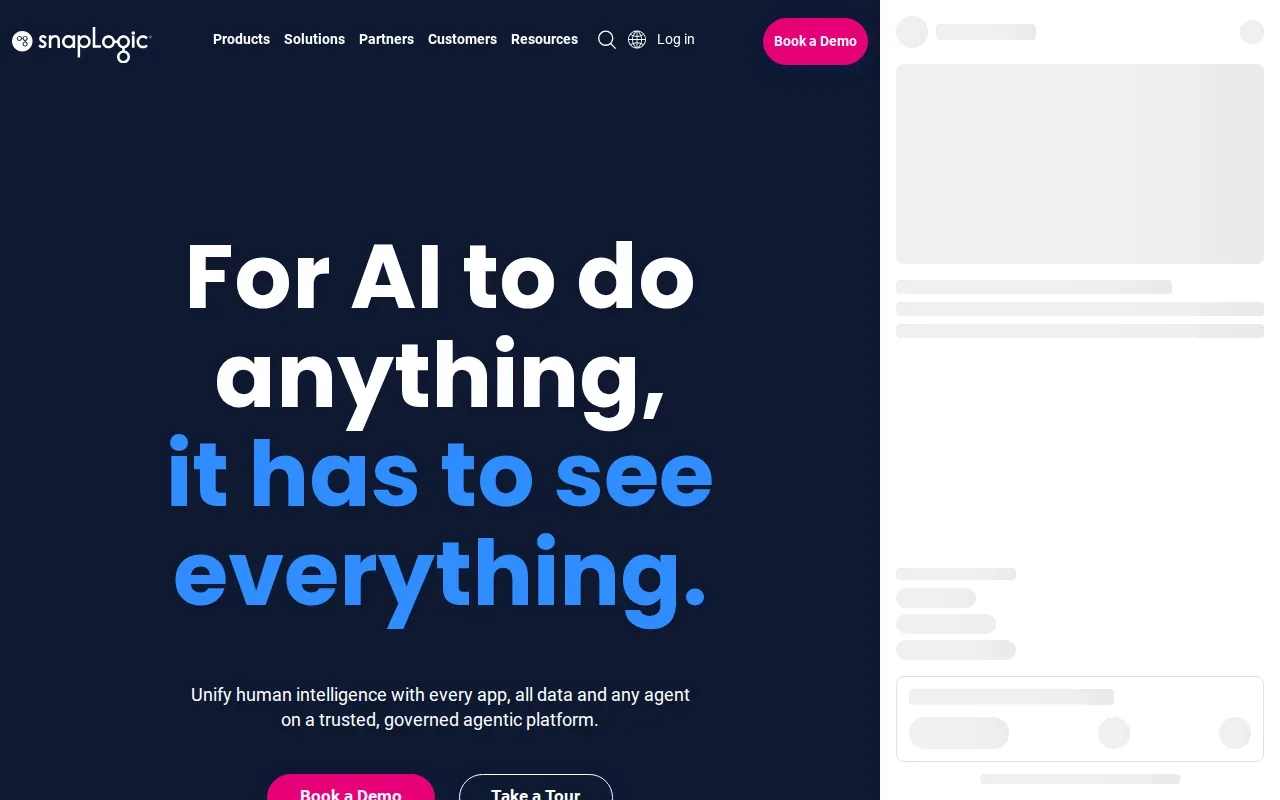
“Agentic” refers here to the platform’s focus on connecting people, applications, data, and AI agents. For a business team, the operational question is where an agent can take action and where a person must review the result. A customer request might be sorted automatically, for example, while a staff member still approves any change to a customer record.
SnapLogic’s AI Gateway is a named part of its offering. That makes governance a key evaluation point. Ask how access is controlled, what records are kept for agent activity, and how the team can pause or change an automated flow if the output is wrong.
The stated unlimited pipelines and data movement may be relevant to teams with many workflows. Still, the scope of each workflow and the people who will maintain it matter more than the headline count. Get a demonstration based on one of your own integrations, not a generic sample process.
6. Workato: Broad connector coverage and recipe-based automation
Workato is an enterprise integration platform with more than 1,200 prebuilt connectors. Its recipe-based automation model lets teams set up workflows between supported services. Workato also lists task-metered actions, plus unlimited workspaces and users.
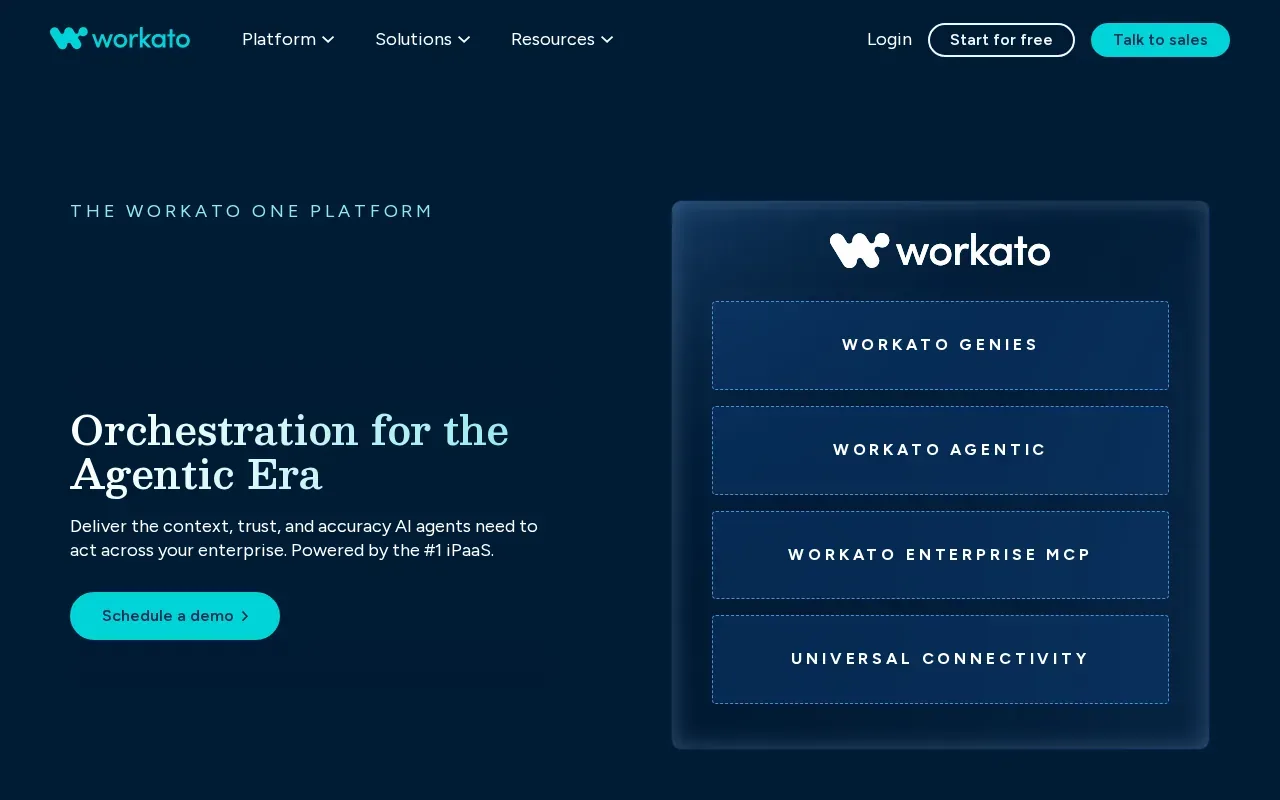
This can fit a mid-size business with a large SaaS stack and repeated tasks across departments. A workflow might pass a new customer record from one system to another, then start a follow-up process. The recipe model can make those steps easier to manage than a set of one-off scripts, provided the required apps and actions are supported.
Task-metered actions make usage a planning issue. Identify the workflows that run often, then estimate how many actions each one uses. A process that runs once a day has a different usage pattern from one triggered by every order or customer update.
Workato positions itself for organizations with complex SaaS stacks. For a mid-size team, that breadth can help when many apps already have connectors. If a key process depends on a unique business rule or an older system, confirm how that case would be handled before committing to a recipe-based approach.
Use a short pilot to test the hardest handoff, not only the easiest one. The edge case often reveals whether the connector model suits your operations.
7. Activepieces: Open-source and cloud workflow options
Activepieces lists both open-source and cloud options, with more than 760 integrations. It also includes AI steps that can use fast, smart, or frontier models. This could suit a mid-size business that wants workflow automation and is weighing a cloud service against an open-source approach.
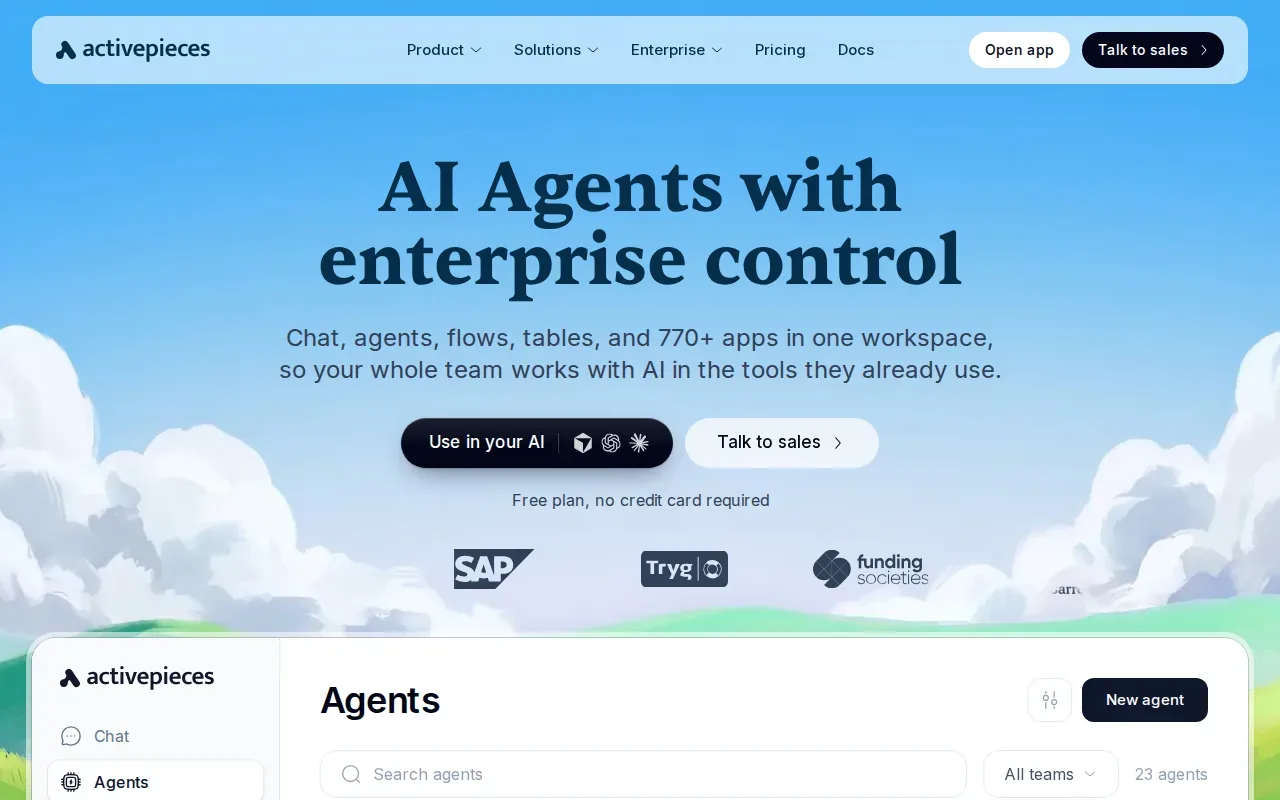
Activepieces lists a cost of two credits for AI steps using a fast model. Since AI-step costs can vary by model, teams should map out how often those steps will run before putting them into a high-volume workflow. Test the output with real examples and decide which actions need human review.
An open-source option can appeal to teams that want more control over how software is run. That choice also means you should clarify who will install updates, monitor the system, and respond to failures. A cloud option may shift some operating tasks, but your team still needs ownership of workflow logic and data access.
Activepieces may be a fit when the company has staff who can assess deployment needs and maintain workflows. If the goal is a hands-off connection with ongoing support from a development partner, compare the responsibilities carefully before deciding.
8. MakeWebBetter Connect: HIPAA-conscious workflow and agent orchestration
MakeWebBetter Connect is an AI-powered, HIPAA-compliant iPaaS. It is designed to automate workflows, connect apps, and orchestrate agents across a business’s stack. The stated HIPAA focus may make it relevant to healthcare businesses that need to consider how sensitive data moves between systems.
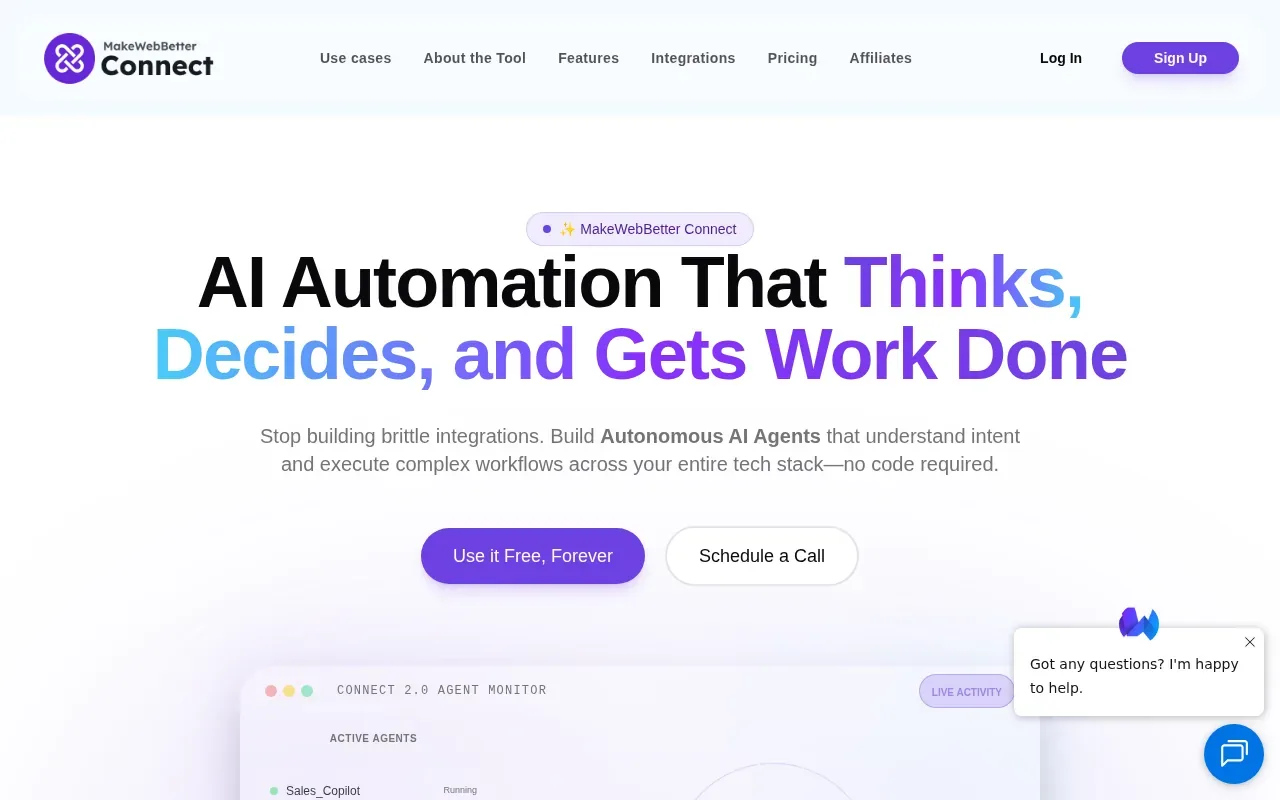
HIPAA is a U.S. law that includes rules for protecting health information. For general professional guidance, see HIPAA for professionals. A vendor’s compliance claim is a starting point, not a full review of your own obligations. Ask which services and workflows are covered, how access is managed, and what agreements your organization needs.
For a medical practice, an integration could involve moving a request from one approved system to another. The details matter: which fields are transferred, who can view them, and how the flow behaves if a destination system is unavailable. Review these paths with the people responsible for privacy and operations before launch.
MakeWebBetter Connect may also suit teams exploring agent workflows. Set clear limits on what an agent can read or change, and define when staff must approve an action. That gives the team a useful basis for testing an AI workflow before it becomes part of routine work.
9. DigitalAPI: A self-serve catalog for APIs across gateways
DigitalAPI is a gateway-agnostic platform that turns APIs across gateways into a self-serve catalog for developers, partners, and AI agents. It is a different kind of option from a company that builds a custom connection or a platform that automates app workflows.
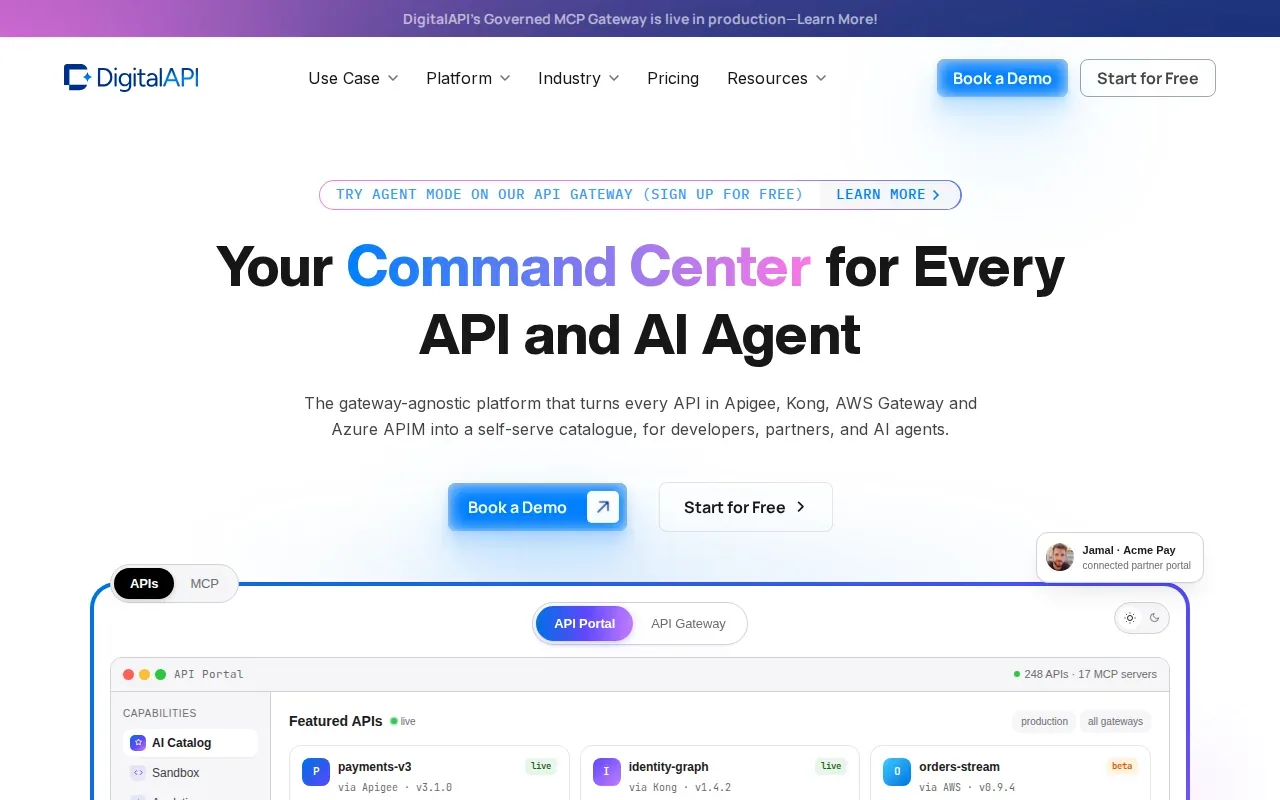
This approach may suit a mid-size business with many APIs and a need to help teams discover and use them. A catalog can give developers a place to find available APIs instead of asking around for documentation or relying on personal notes. It can also help external partners understand what services are available to them.
Before adopting a catalog, list the APIs it needs to cover and who will own their descriptions. Check how access is granted and how updates reach people who rely on an API. A catalog is only useful if its entries reflect the current behavior of the underlying services.
DigitalAPI’s gateway-agnostic positioning may matter when APIs sit across more than one gateway. It does not replace the need to design, secure, and support each API. Treat catalog management as one part of your integration plan.
Compare API Integration Companies for Mid-Size Business Fit, Cost, and Risk
The right fit depends on the shape of the work. A custom build suits workflows that need specific behavior. A connector platform can be a better match when the apps already have supported connections and your team can manage the flows.
| Option | Best fit signal | Known cost model or detail | Decision point |
|---|---|---|---|
| Lakeway Web Development | Custom web or mobile integrations with ongoing support | Project details depend on the work | Define the workflow and support needs with the team |
| A2Z Dev Center | WordPress or WooCommerce alongside CRM, payment, or shipping connections | — | Confirm the exact systems and handoffs in scope |
| Simform | AWS-based APIs | — | Check fit with your cloud architecture and internal skills |
| Boomi | Integration across a broad application mix | $0.05 per Boomi Message under Pay-As-You-Go | Estimate message volume and usage-related cost |
| SnapLogic | Data movement with AI-related integration needs | — | Review governance and agent controls |
| Workato | Automation across a complex SaaS stack | Task-metered actions | Estimate actions across the workflows you plan to run |
| Activepieces | Open-source or cloud workflow automation | AI steps on a fast model cost two credits | Decide who will own deployment and upkeep |
| MakeWebBetter Connect | HIPAA-conscious workflow and agent orchestration | — | Validate coverage for your specific workflows |
| DigitalAPI | Self-serve discovery of APIs across gateways | — | Confirm catalog ownership and access rules |
What to check before you sign
- Scope: Name each system involved and the data each one sends or receives.
- Security: Ask how access is controlled and where sensitive data can move.
- Deployment: Confirm whether the work runs in the cloud, on your own infrastructure, or across both. Don’t assume a provider supports a deployment model unless it confirms it for your project.
- Support: Set out who monitors errors, fixes failed flows, and updates the integration when a system changes.
- Cost: Compare the billing unit, such as project scope, subscription, message volume, or task use. Model a normal month and a busy month.
- Ownership: Agree who controls API credentials, workflow logic, documentation, and data exports if you change providers.
We’d put Lakeway Web Development first when the business needs an integration designed around its own process, plus app development or ongoing support. For a catalog-heavy automation need, compare Workato, Boomi, and Activepieces against your connector and usage requirements. A focused API integration cost planning resource can help your team frame the budget before vendor discussions.
Ready to map the systems you need to connect? Lakeway Web Development can discuss a custom integration plan for your business.
Frequently Asked Questions About API Integration Companies
What does an API integration company do?
An API integration company connects software systems so they can exchange data or trigger actions. The work may involve configuring supported connectors, building a custom API, or creating a workflow between apps. A good project starts by naming the systems, data fields, and business steps involved, then defining how the connection should behave when something fails.
How much does API integration cost for a mid-size business?
API integration cost depends on the number of systems, the amount of custom work, and the provider’s pricing model. Boomi documents a Pay-As-You-Go rate of $0.05 per Boomi Message, while Workato uses task-metered actions. Other project costs depend on the agreed scope. Ask for estimates based on your expected usage and support needs.
Should we choose custom API development or an integration platform?
Choose custom API development when a key workflow needs behavior that supported connectors don’t cover or when it must fit your own application. Choose an integration platform when its connectors and workflow tools match your systems and your team can maintain the flows. Some businesses use both, with a platform for routine tasks and custom code for specific requirements.
How do we connect a legacy system to newer business apps?
You can connect a legacy system through an API it already supports, a custom interface, or another integration pattern suited to its data and technical limits. Start by checking what the older system can safely send or receive. Then map fields, test a small data flow, and agree who will handle errors and changes after launch.
What should we ask about security and support?
Ask how the provider controls access, protects data in transit, and records integration activity. Then clarify who monitors failures and responds when an app changes. For health information, review the project with your privacy and compliance staff. Get support responsibilities in writing, including how updates and post-launch fixes will be handled.
Conclusion
For a mid-size business that needs custom connections shaped around its own workflow, Lakeway Web Development is our recommended starting point. Write down the systems you need to connect, the data each process moves, and who will support it after launch, then discuss that scope with the Lakeway Web Development team.