
An API integration cost calculator can give you a useful first estimate, but the word “cost” can mean two different things: building the connection or paying to run it. Here are eight tools for different parts of that budget, plus a clear look at what each estimate can and can’t tell you.
We analyzed 47 comments from Reddit and YouTube about API integration cost calculators and found that 19% mentioned unexpected usage spikes.
1. PLANEKS API Cost Calculator: A focused starting estimate for integration scope
The PLANEKS API Cost Calculator uses a questionnaire to shape an initial budget range for API development. It’s a useful starting point if you need to discuss project scope before requesting a detailed estimate.
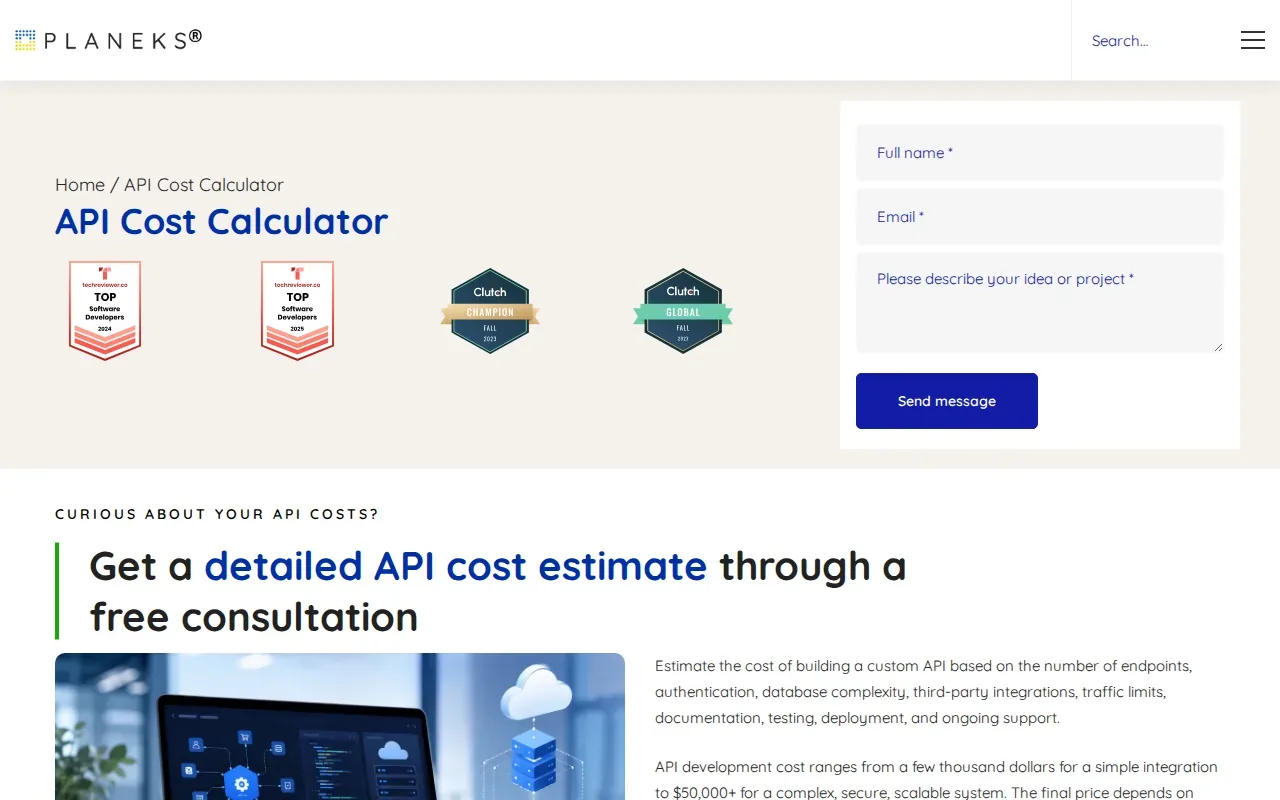
The inputs cover factors such as endpoint count and authentication model. The calculator’s broader project considerations include database complexity, third-party integrations, traffic limits, testing, deployment, documentation, and ongoing support. That makes it more relevant to implementation costs than to recurring API call charges.
PLANEKS describes the result as a starting point, then says technical requirements and existing systems are reviewed to refine the estimate. The estimate is available through a free consultation. Treat it as an initial scope discussion, not a final quote or a forecast of monthly API usage.
For a first pass, write down the endpoints and security needs you already know. Then compare those notes with the project’s API integration security checklist so the budget conversation includes access controls and data handling.
2. Integration Calculator by Groenewold IT Solutions: An integration-specific estimate option
Integration Calculator by Groenewold IT Solutions is an option to consider when your budget question is about integration work itself.
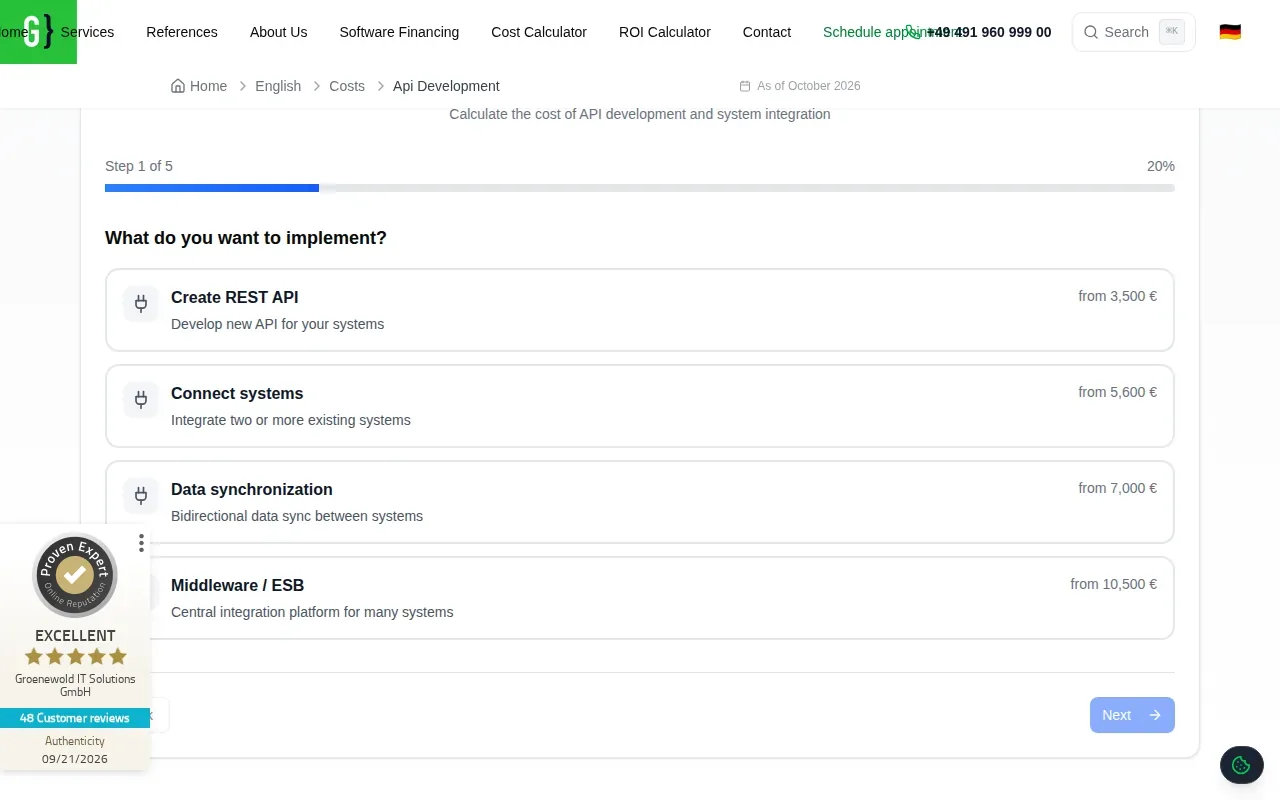
That distinction matters. Before using any estimator as a planning anchor, check what its result represents. Does it include engineering and testing, or does it estimate a vendor’s recurring API charges? Those are separate budget lines, even when they relate to the same connection.
Use an integration-focused calculator to frame the initial discussion, then confirm assumptions with the project team. For example, a connection between a scheduling system and a billing platform may need field mapping and error handling beyond the basic data exchange. The estimate should reflect the actual workflow you need to support.
Keep recurring costs in a separate column. That way, a build estimate won’t be mistaken for the monthly expense of API access, cloud resources, or data transfer.
3. AWS Pricing Calculator by Amazon Web Services: Estimate AWS services used in an integration
AWS Pricing Calculator estimates the cost of AWS services for planned workloads and use cases. It fits teams that need to budget for cloud resources supporting an integration, rather than the engineering hours needed to build the connection.
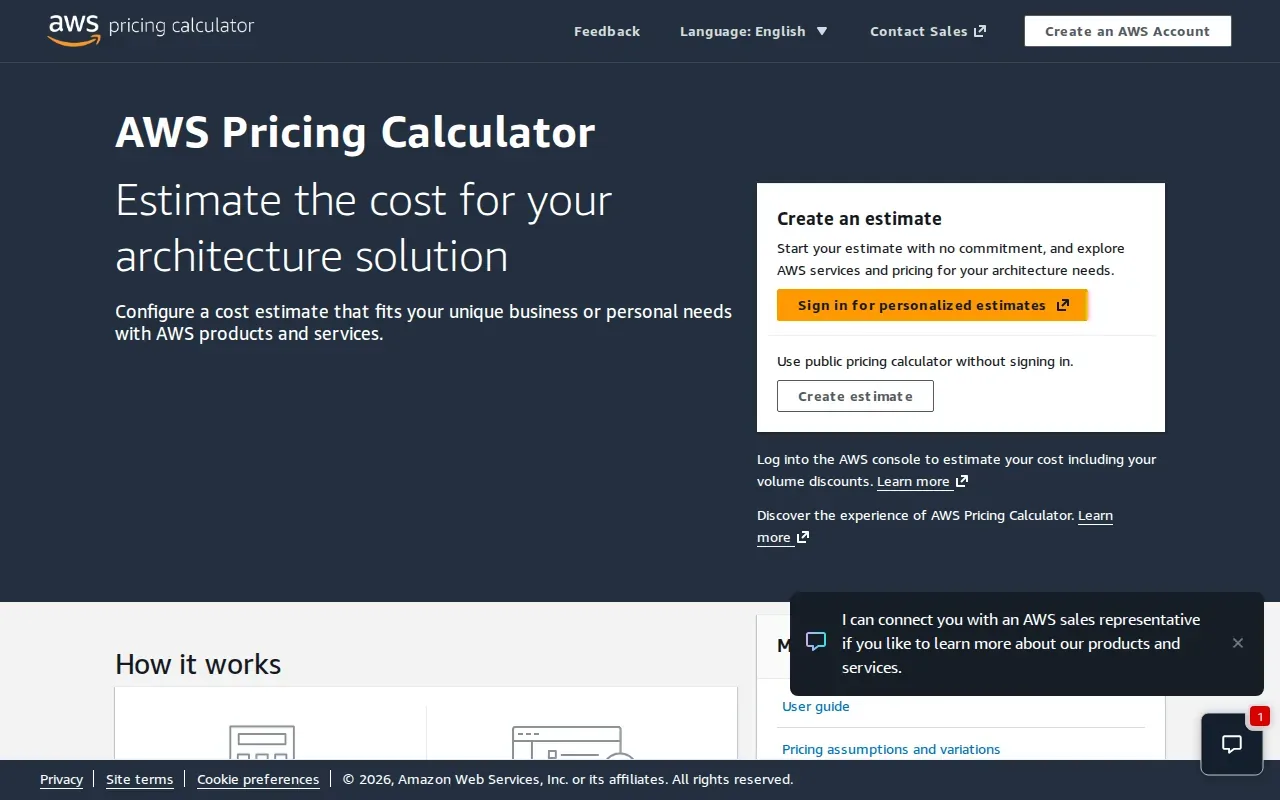
You can model new workloads or changes to existing ones. The estimate can include AWS discounts and purchase commitments, and account holders can use historical usage as a starting point. The public calculator doesn’t require an AWS account; the in-console calculator has added features for modeling existing usage and commitments.
Estimates cover planned AWS costs, while actual fees depend on actual service use. The public estimate is free; in-console workload estimates are also free. Bill estimates have a separate monthly allowance and fee structure, so check the current documentation before relying on one.
This tool does not estimate the cost to design, code, test, or maintain an integration. Add those costs separately, along with any third-party API fees. If a workflow moves a large volume of records, model the cloud resources and data movement assumptions you expect, then compare them with usage after launch.
Use this calculator when AWS infrastructure is a meaningful part of the budget. It’s a cloud estimate, not an end-to-end integration quote.
4. Azure Pricing Calculator by Microsoft: Project costs for Azure-based integration scenarios
Azure Pricing Calculator helps estimate costs for Azure products and features in a planned scenario. It’s most useful when your integration will run with Azure services, including Azure API Management, and you want to understand the cloud portion of the bill.
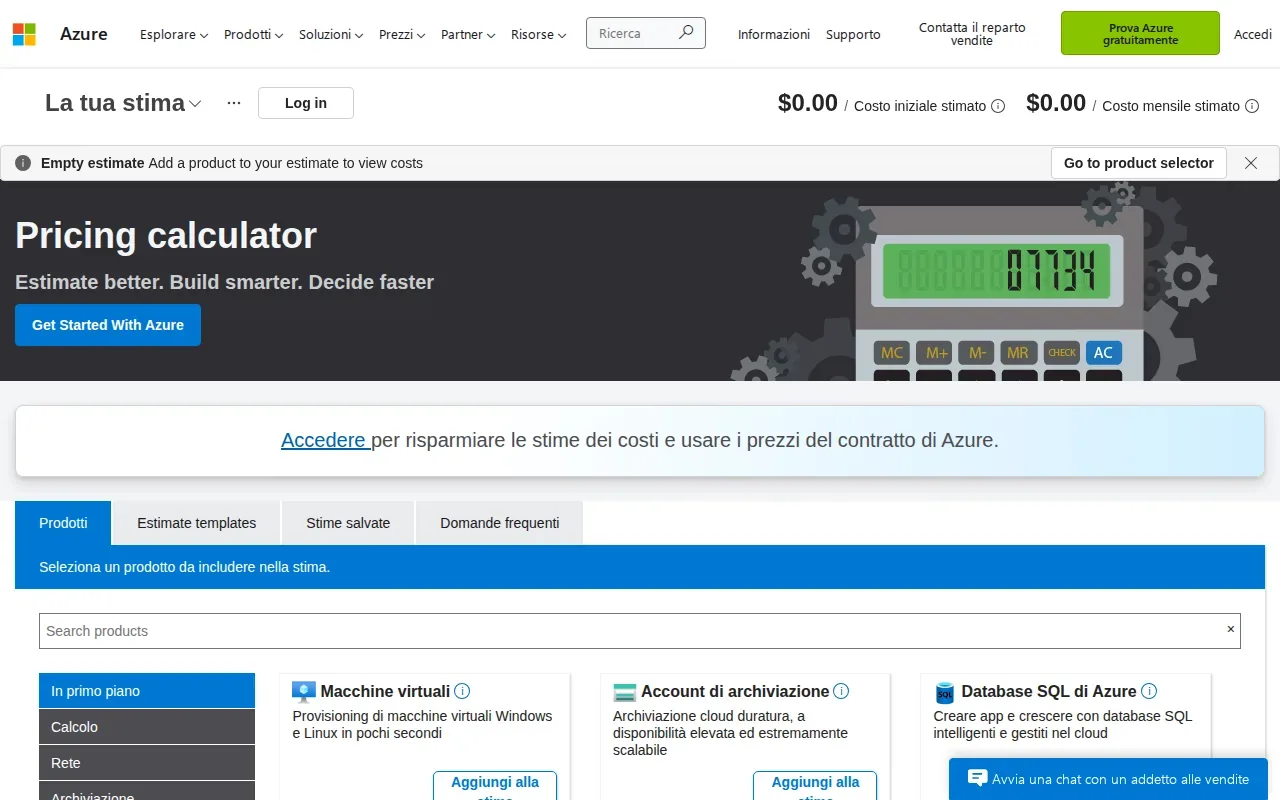
For API Management, the estimate depends on service tier and capacity choices. Other Azure resources used alongside API Management can add charges too. That can include resources such as virtual networks or availability zones, depending on the setup.
Keep the estimate separate from the build budget. The calculator can help you plan Azure resource costs, but it doesn’t price your team’s discovery, coding, testing, or support work. It also won’t capture third-party API charges unless those are accounted for outside the Azure estimate.
After deployment, compare the original plan with actual spending. Cost analysis can show Azure costs over time, while budgets and alerts can flag spending against set thresholds. For an integration that grows in traffic, review capacity needs as well as the bill. Cloud resource costs may rise as usage or configuration changes.
Choose this tool when your question is, “What might the Azure services cost?” Keep a separate estimate for implementation and for charges from outside Azure.
5. App Cost Calculator by Cleveroad: Add a broader mobile-app budget view
App Cost Calculator by Cleveroad estimates expenses for creating a mobile application. Its inputs consider the business niche and needed functionality, which can help when an API connection is only one part of a larger app project.
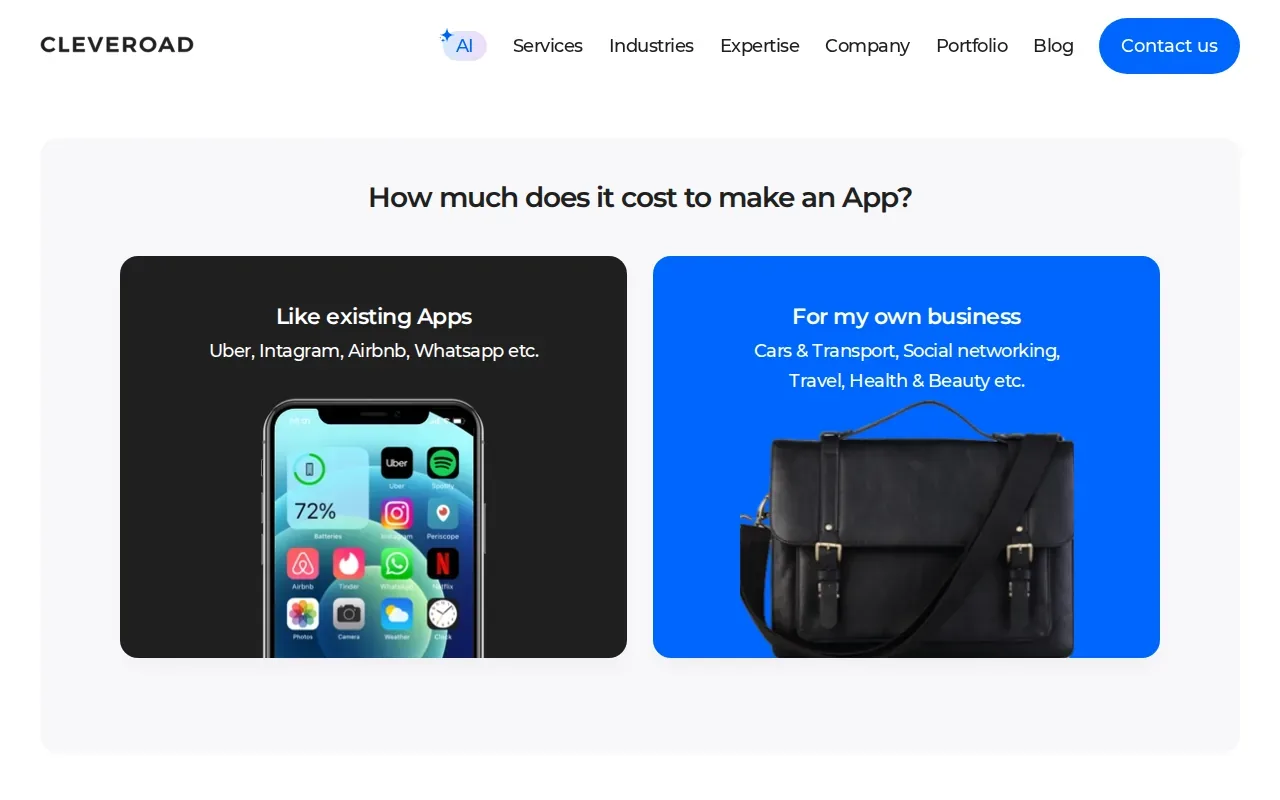
Think of a customer-facing mobile app that needs to pull account details from an existing business system. An app-focused estimate may help frame the wider build, but it shouldn’t be read as a line-item quote for the API work unless that scope is explicitly included in the estimate.
Separate the app build from the connected services in your budget. The app may need screens and user flows; the integration may need data mapping, authentication, and tests that confirm both systems exchange the right information. Then add recurring costs for any API or cloud services that charge based on use.
This calculator suits early planning for a mobile app where integration is one feature among several. For a focused integration budget, pair the broader app estimate with a separate scope review.
6. App Development Cost Calculator by Space-O Technologies: Map technical needs to a wider project estimate
App Development Cost Calculator by Space-O Technologies helps map project requirements, technical needs, and growth objectives to a wider project estimate. It can be a starting point when integration sits inside a larger software plan.
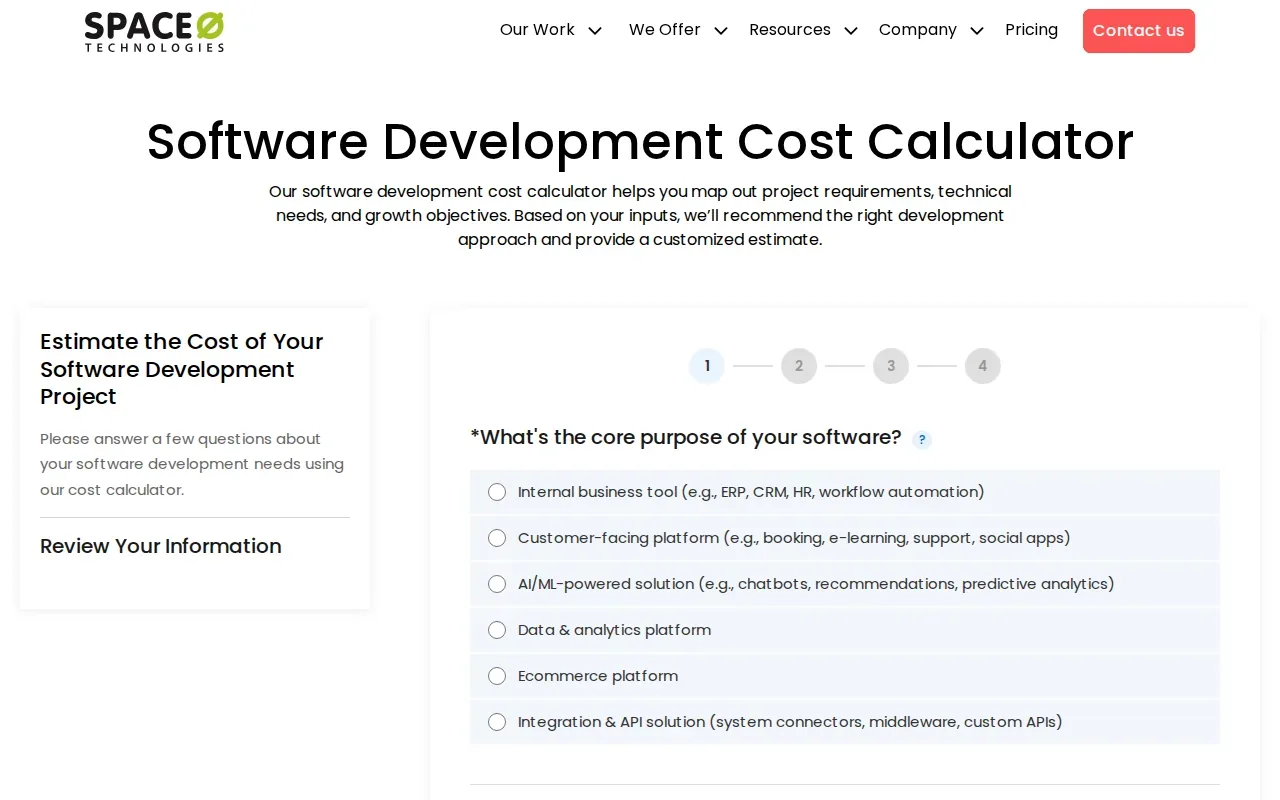
Use it to organize the project discussion around the app or software product as a whole. Then name each system that needs to connect and the work that relationship may require. A sales platform syncing customer details with an internal tool, for instance, is a different scope from a one-way export.
The estimate should not be confused with a monthly API bill. Engineering time, testing, and support relate to building and maintaining the connection. API provider fees and cloud usage may recur as traffic changes. Make those separate lines in your budget so you can compare them over the same time period.
Space-O’s calculator is a fit for broader project planning. If you need an integration-only estimate, confirm that the scope focuses on the connection itself.
7. App Cost Calculator by Estimate My App: Estimate a web or mobile app alongside integration work
App Cost Calculator by Estimate My App is framed around the cost and time needed to make a web, iOS, or Android app. It can help you put integration work in context when the connection is part of a broader application build.
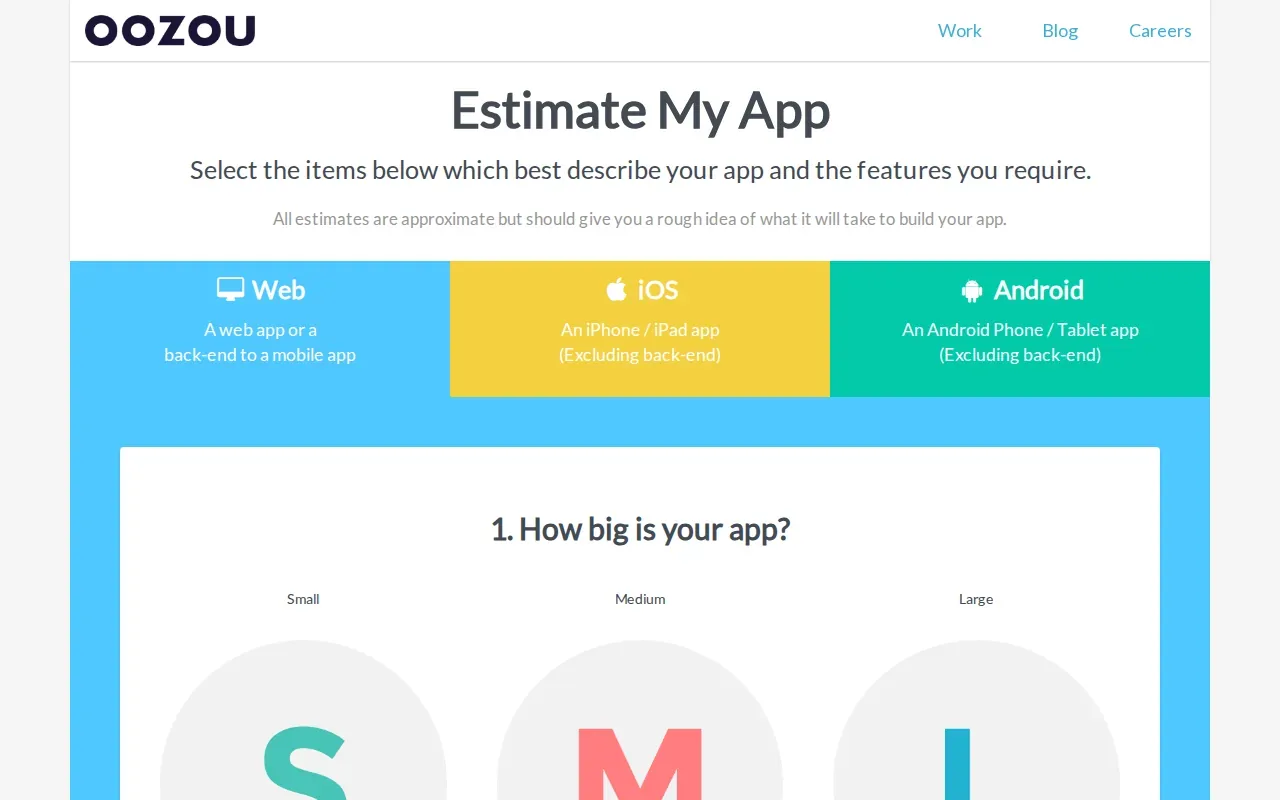
That wider view is helpful when you’re comparing a new app project with a smaller integration change. But an app estimate and API usage forecast answer different questions. One concerns the work and timing to build software; the other concerns charges tied to requests, data, or cloud resources.
Before you use an app estimate to plan an integration, write down what the connection must do. Include the systems involved and the data that needs to move. Then ask whether the project estimate accounts for the integration work or only the surrounding app scope.
After launch, watch for maintenance needs as APIs change. A new version can require code updates and fresh tests. Monitoring tools can help teams spot failures and usage changes; our overview of API integration monitoring solutions covers what to track once a connection is live.
Pick this option when your budget includes a new web or mobile app. Keep the recurring API and cloud bill visible as a distinct expense.
8. Software Development Cost Calculator by Leobit: Factor software complexity into the budget
Software Development Cost Calculator by Leobit is intended to help estimate the complexity and budget of custom software development. It gives teams a broader software-cost lens when an API integration is part of a larger build.
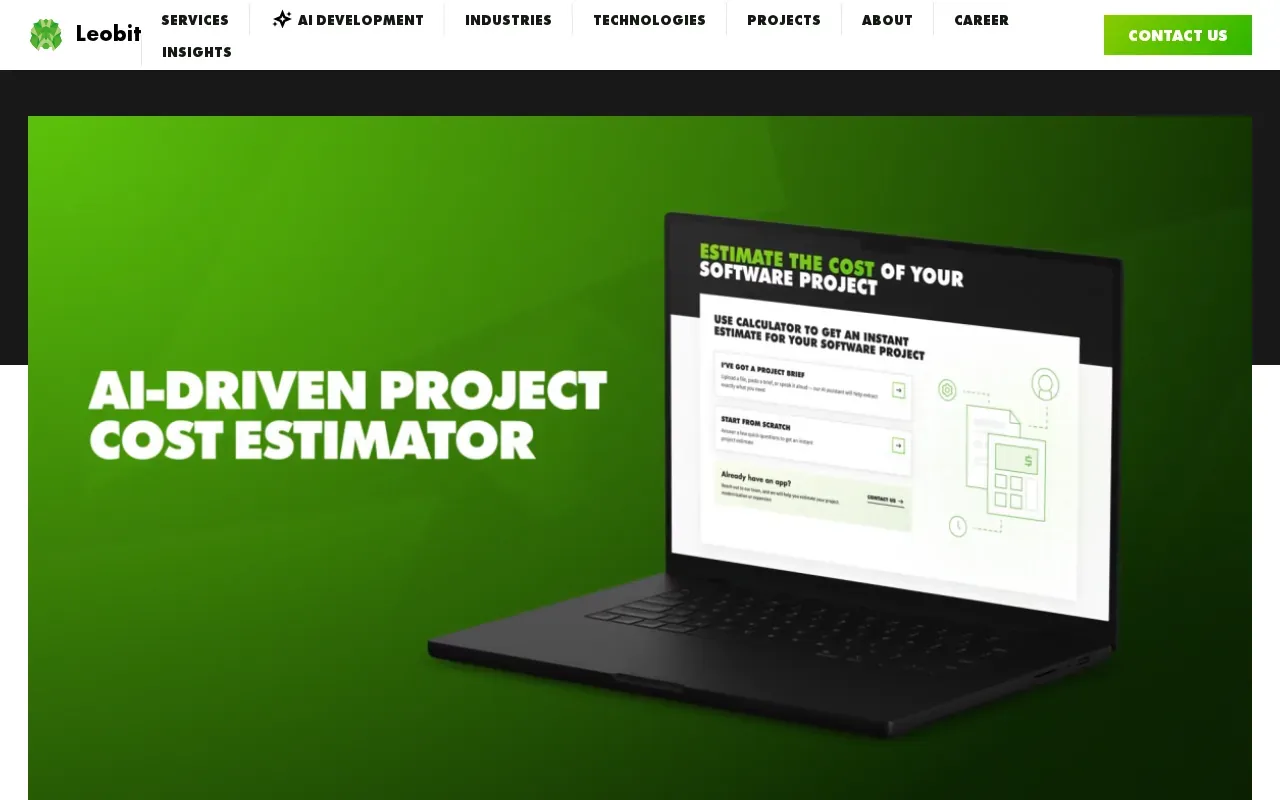
Use it to frame the project-level budget, then check that the integration scope has its own assumptions. A sound project estimate should account for the build work you need, while a cloud calculator covers the services that run it. Neither alone gives you the full cost of ownership.
| Budget question | What this calculator type can help estimate | What to budget separately |
|---|---|---|
| How much might the software project cost? | Custom software complexity and project budget | Ongoing API usage and cloud charges |
| What may AWS services cost? | Planned AWS workload costs | Engineering, testing, maintenance, and non-AWS fees |
| What may Azure resources cost? | Azure products and features for a scenario | Implementation work and third-party service fees |
| What might a mobile app cost? | App expenses tied to niche and functionality | Integration scope and recurring usage charges |
When you compare estimates, use the same assumptions for each: systems involved, expected traffic, security needs, and support period. This keeps the decision focused on scope rather than on totals that include different things.
For a mid-size business, we at Lakeway Web Development can help scope custom web and mobile applications that integrate existing systems. Our work includes built-in security, scalable architecture, and ongoing support. If your project depends on several platforms, the API integration platform options for midsize companies can help you compare a platform approach with custom work.
Frequently Asked Questions
What does an API integration cost calculator estimate?
It depends on the tool. An integration or software estimator may help frame the one-time cost of planning and building a connection. A cloud pricing calculator estimates charges for services used to run it. Neither estimate automatically covers both categories, so check the inputs and scope before using a result as your full budget.
Does an API cost calculator include monthly API usage?
Some tools estimate cloud service costs, while project calculators focus on development work. A cloud estimate is not the same as the API provider’s usage bill. Check whether charges depend on request volume, data transfer, licensing, or overages, then add those costs as a separate recurring line.
What costs should I add beyond the calculator estimate?
Add the costs the tool’s scope leaves out. For implementation, that may include engineering time, testing, deployment, and maintenance. For recurring expenses, consider API access fees and cloud usage. Partnership agreements may also affect the budget. Include opportunity cost too: time spent fixing integration issues is time your team can’t spend on other work.
How do API versions and scaling affect integration costs?
Version changes can require updates and regression tests to keep connected systems working. As usage grows, you may also need more cloud capacity or incur higher usage-based API fees. Track failures and volume after launch, then review the budget when traffic or a provider’s API changes. A starting estimate won’t capture every future change.
How can I compare in-house development, iPaaS, and custom integration?
Compare the full cost over the period you expect to use the solution. In-house work has engineering and maintenance costs. An iPaaS approach may include platform fees alongside setup and support work. Custom integration has project and ongoing support costs. Estimate each option against the same workflows, volume, and support needs, then compare expected business value and payback time.
Conclusion
Start with the calculator that matches your biggest budget question: implementation scope, app development, or cloud usage. Then separate one-time build costs from recurring charges and confirm the assumptions with your technical team. Lakeway Web Development can help scope a custom solution for your systems. Share the systems you need to connect and the workflow you want to improve to begin that conversation.