
Finding a website builder that fits a small business can feel like hunting for a needle in a haystack. You want something cheap, easy, and powerful enough to grow with you. Below are seven platforms that hit those marks, and a quick guide on who each one works best for.
We analyzed 53 comments from Reddit and YouTube about website builders for small businesses and found that 15% mentioned a balance between customization and platform limits.
1. Wix: flexible features for service businesses
Wix combines AI site generation with a hosted editor and a suite of business tools. It’s a solid pick for service‑oriented firms that need scheduling, contact forms, and a simple way to collect payments.
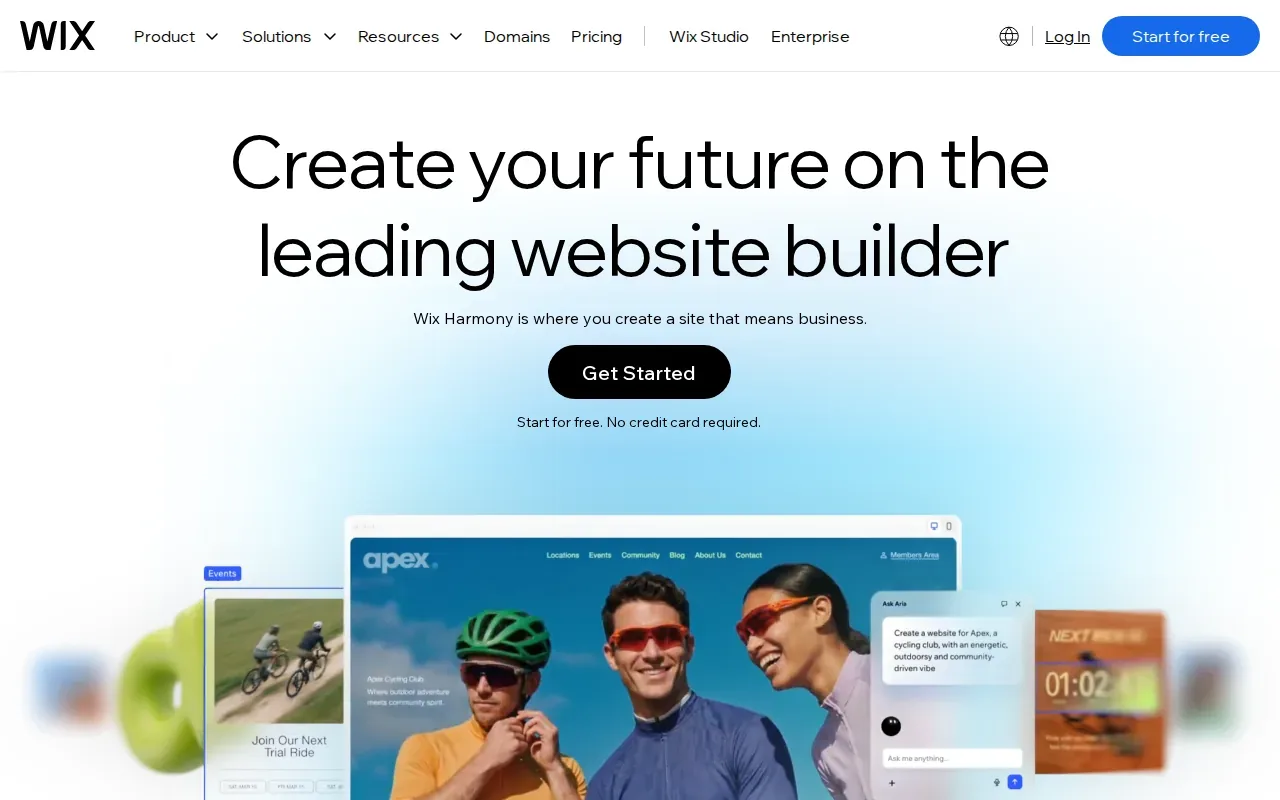
When you start a Wix site, the AI agent Aria can turn a short description into a full‑blown layout. From there you can drag‑drop elements, swap fonts, and change colors without touching code. The platform hosts your site, provides SSL, and includes a light‑marketing suite that helps you capture leads.
Wix’s SEO toolbox adds an AI‑generated meta‑tag creator, an SEO assistant, and structured‑data markup options.
Because Wix offers 500+ apps in its marketplace, you can add niche tools, like a booking calendar for a hair salon or a client‑portal for a law firm, later on. The only real snag is that you can’t switch templates after you’ve published, so you need to pick a design that will grow with you.
Wix’s free tier lets you launch a site with a Wix‑branded domain. Paid plans start at $17 / month for a custom domain, more storage, and e‑commerce capabilities.
Need a quick start guide? Check out our next steps when you need a website for your business. It walks you through planning, design, and launch basics.
2. Squarespace: polished templates and guided setup
Squarespace shines with its sleek, award‑winning templates and an AI‑guided setup called Blueprint. It’s a great fit for businesses that care about branding and want a site that looks professional out of the box.
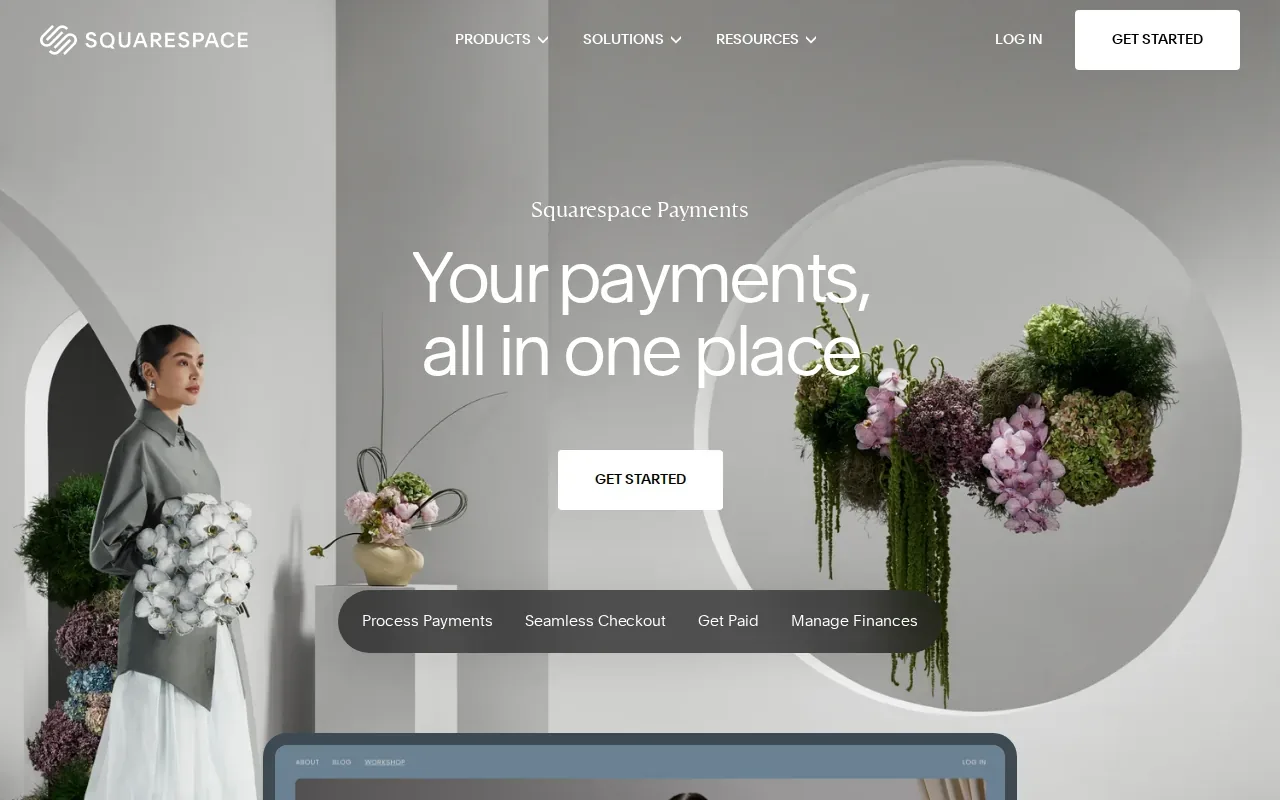
The drag‑and‑drop editor, called Fluid Engine, lets you adjust spacing and layout with pixel‑level precision. When you answer a few questions, Blueprint AI creates a starter design, complete with copy and images tailored to your niche.
Built‑in tools cover scheduling, invoicing, and e‑commerce. You can sell products, accept Stripe or PayPal, and manage inventory without installing extra plugins. Squarespace also bundles SSL, domain registration, and 24/7 support in every plan.
A limitation to note is that Squarespace isn’t as flexible as Wix for adding third‑party apps. If you need a very specific integration, you may run into a wall.
Pricing begins at $19 / month after a free 14‑day trial, and the plan includes unlimited bandwidth and a custom domain for the first year.
3. Shopify: built for product sales and online stores
Shopify is the go‑to choice when you need a full‑featured online store. It handles product catalogs, checkout, inventory, and shipping all in one place.

The platform boasts a massive app and theme ecosystem, so you can add loyalty programs, email marketing, and advanced analytics without custom code. Shopify’s AI‑assisted store creation, called Sidekick, helps you generate product descriptions and design layouts in minutes.
Because Shopify runs on a SaaS model, you get hosting, SSL, and automatic security updates baked in. Transaction fees are low, and the checkout flow is optimized for conversions.
The main drawback is that Shopify’s pricing can climb quickly once you add premium apps or need higher‑volume plans. Small retailers should start with the Basic plan at $29 / month and upgrade as sales grow.
Shopify also offers a free trial, so you can test the platform before committing to a plan.
4. GoDaddy Airo AI Builder: a quick route to a basic business site
GoDaddy Airo AI Builder targets owners who need a site up fast and on a budget. The free plan lets you create one site with 50 AI credits per month, which is enough for a handful of content generations.
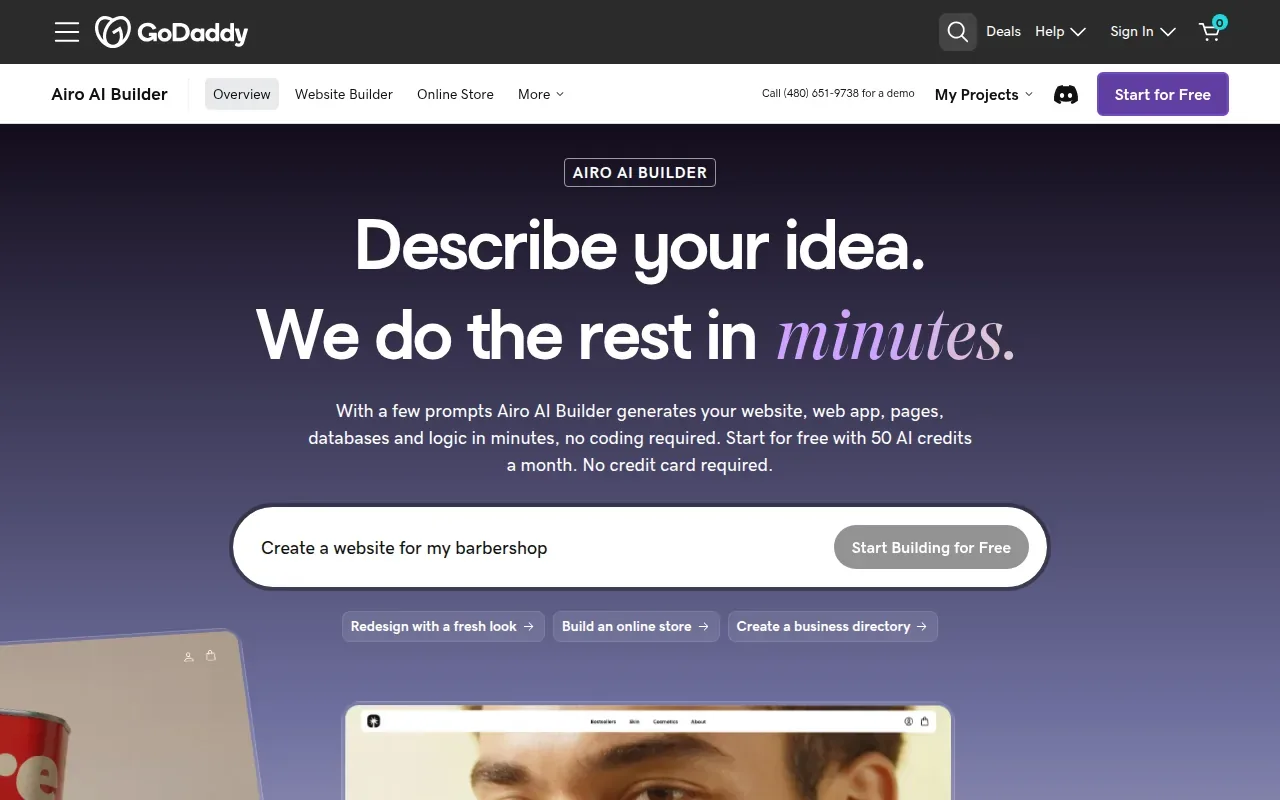
Its conversational AI helps you draft copy and choose layouts by answering simple prompts. The platform includes basic hosting, a free domain for the first year, and SSL.
Paid tiers start at $9.99 / month and add more AI credits, unlimited sites, and extra storage. The builder’s simplicity means you won’t get deep e‑commerce features, but you can still embed a PayPal button or a simple contact form.
Because GoDaddy handles the hosting, you don’t need to worry about server maintenance. The trade‑off is limited design flexibility compared with Wix or Squarespace.
5. 10Web AI Website Builder: AI‑assisted WordPress customization
10Web brings AI‑generated site creation to the WordPress ecosystem. For $10 / month you get a WordPress site that’s built from an idea, a set of links, or a social profile.
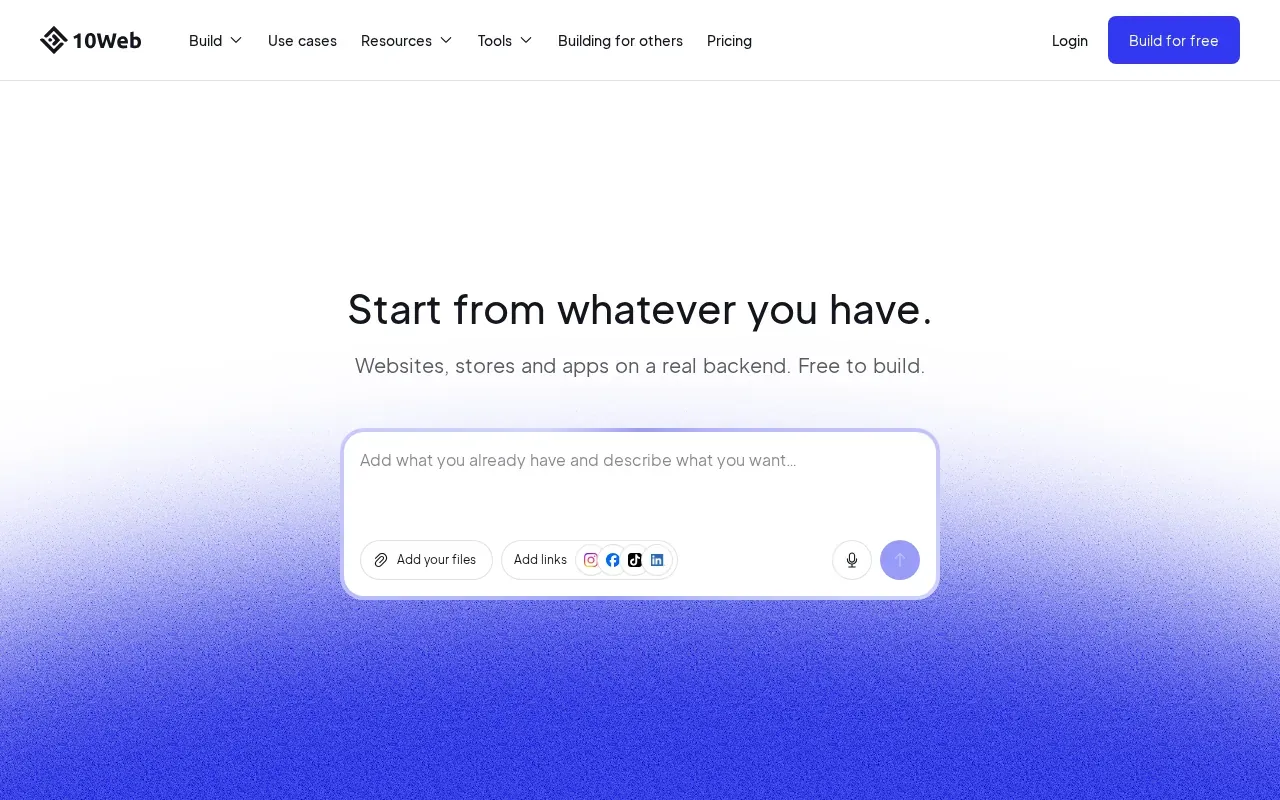
After the AI drafts the layout, you can fine‑tune it with a drag‑and‑drop editor. The platform also includes managed WordPress hosting, daily backups, and a free SSL certificate.
Because the site runs on WordPress, you have access to thousands of plugins for SEO, e‑commerce, and forms. That makes 10Web a hybrid option: AI speed with the extensibility of WordPress.
A limitation is that you need to stay within the WordPress plugin ecosystem. If you want a completely custom backend, you’ll outgrow the platform faster.
6. Base44: a free starting point with built‑in lead forms
Base44 offers a free tier that includes hosting, SEO tools, and built‑in lead‑form generation. It also provides an AI chat tool that can answer visitor questions and collect leads.
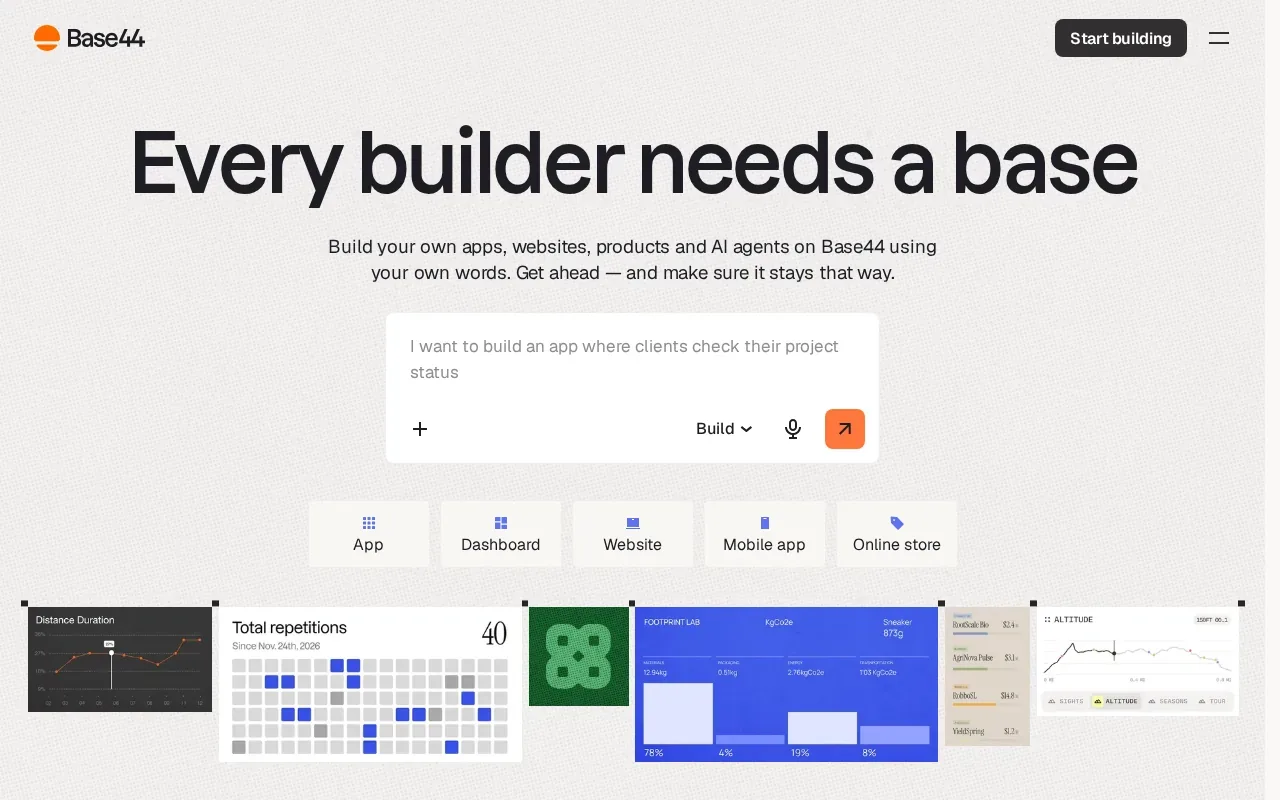
The platform’s no‑code AI development environment lets you add simple apps or widgets without writing code. You get 25 message credits and 100 integration credits each month, which is enough for a small contact‑form or newsletter sign‑up.
Base44’s focus on lead capture makes it a good fit for consultants, local services, or any business that needs to turn site traffic into appointments.
The free plan does not include advanced e‑commerce features, so it’s less suitable for product sellers.
7. Weebly: straightforward tools for a first business website
Weebly’s free builder lets you spin up a site, blog, or simple online store with just a few clicks. It includes customizable templates, a drag‑and‑drop editor, and built‑in SEO basics.
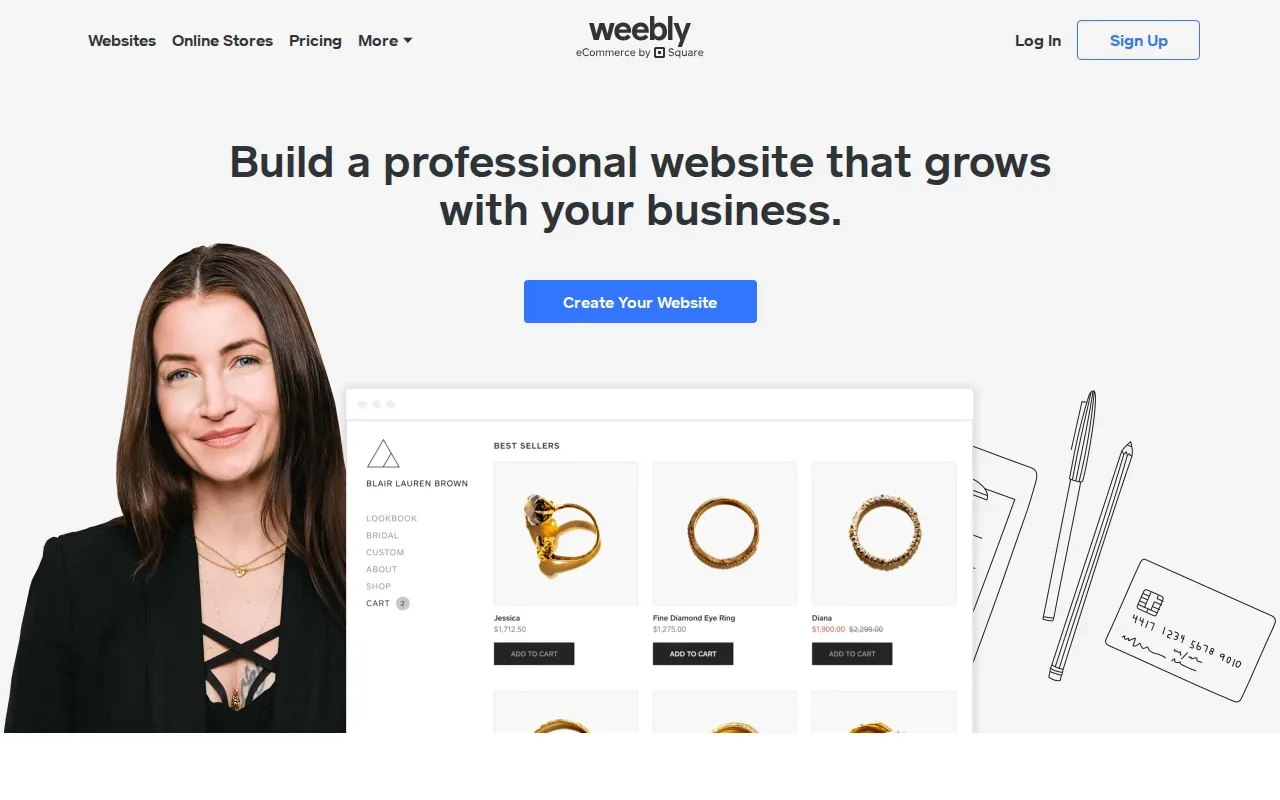
The platform offers domain registration, SSL, and basic e‑commerce tools like a shopping cart and payment processing.
The app marketplace is smaller than Wix’s, so advanced features may require a third‑party workaround.
Pricing moves to a paid tier at $6 / month for a custom domain and additional storage, but the free version is enough for a simple brochure site.
How to choose the right website builder
- Identify your core need: appointments, online store, or pure brochure.
- Check the AI features, do you want auto‑generated copy or just a drag‑and‑drop editor?
- Look at pricing: free tier vs. paid tier, and any transaction fees.
- Consider integrations: does the platform list the tools you already use (CRM, email marketing, payment gateway)?
- Test the support options, live chat, phone, or community forum.
FAQ
Which builder is best for a service‑based business?
Wix is often the top pick for service businesses because it offers built‑in scheduling, a large app market, and strong SEO tools that help local clients find you.
Can I run a full e‑commerce store on Squarespace?
Yes, Squarespace supports product catalogs, inventory tracking, and payment processing, but the feature set is less extensive than Shopify’s dedicated app ecosystem.
Is there a truly free option for a small business website?
Both Wix and Weebly let you launch a site for free, though you’ll have platform branding and limited storage.
Do AI website builders really save time?
AI tools can generate a base design and copy in minutes, which speeds up the first draft. You’ll still need to fine‑tune layout, branding, and content to match your voice.
How does SEO differ between these platforms?
All of the builders include basic SEO settings like meta titles and sitemaps. Wix and Squarespace add AI‑driven meta‑tag suggestions, while Shopify focuses on e‑commerce‑specific SEO features.
What if I outgrow the builder?
Most platforms let you export content or migrate to a custom solution. For the smoothest transition, choose a builder that offers data export tools or works with WordPress, like 10Web. If you need a bespoke site, compare custom web development pricing options to plan for the transition.
If you want a partner that can improve your site from a template to a fully custom, scalable solution, Lakeway Web Development offers AI‑powered search, cross‑platform integration, and ongoing support. Visit our homepage to learn more and talk with our team.
Start your journey today by picking the builder that matches your most urgent need, then reach out to Lakeway for a custom build that can grow with your business.