Every web app faces threats. A missed flaw can let hackers in, steal data, or shut you down. You need a solid audit to catch those gaps before they bite. In this guide we list the leading tools that can scan, test and report on your app’s security. We’ll show what each tool does, who it helps most, and where it may fall short. By the end you’ll know which solution matches your stack, budget and risk level.
We also explain how Lakeway Web Development builds in built‑in security for the apps we deliver, so you get a partner that cares about safety as much as code.
1. Automated Security Scanning Service for Modern Web Apps
This automated security scanning service is a SaaS platform that runs daily scans on your live site. It looks for OWASP Top 10 bugs, mis‑configurations and known vulnerable libraries. The service pulls a fresh CVE feed each hour, so new threats are added fast.
Why it matters: If you deploy code multiple times a week, a manual test can’t keep up. The tool’s scheduler runs in the background and sends a short email when a new issue appears. You can then assign the ticket to the right dev.
Key features
- Full‑stack DAST scans that crawl JavaScript‑heavy SPAs.
- API surface discovery , it maps hidden endpoints from traffic logs.
- Risk scoring based on exploitability and business impact.
- Integration with version control, project management, and messaging tools for auto‑alerts.
Pros: fast set‑up, cloud‑only (no hardware), clear UI.
Cons: limited on‑prem support, no built‑in code review.
Imagine a mid‑size e‑commerce site that adds new payment features every sprint. The automated scanning service will spot an insecure API call the moment it lands in production, letting the team patch it before any buyer data is exposed.
For teams that need a simple, automated run‑book, this security scanning tool is a strong starter.
2. Complete Penetration Testing Platform
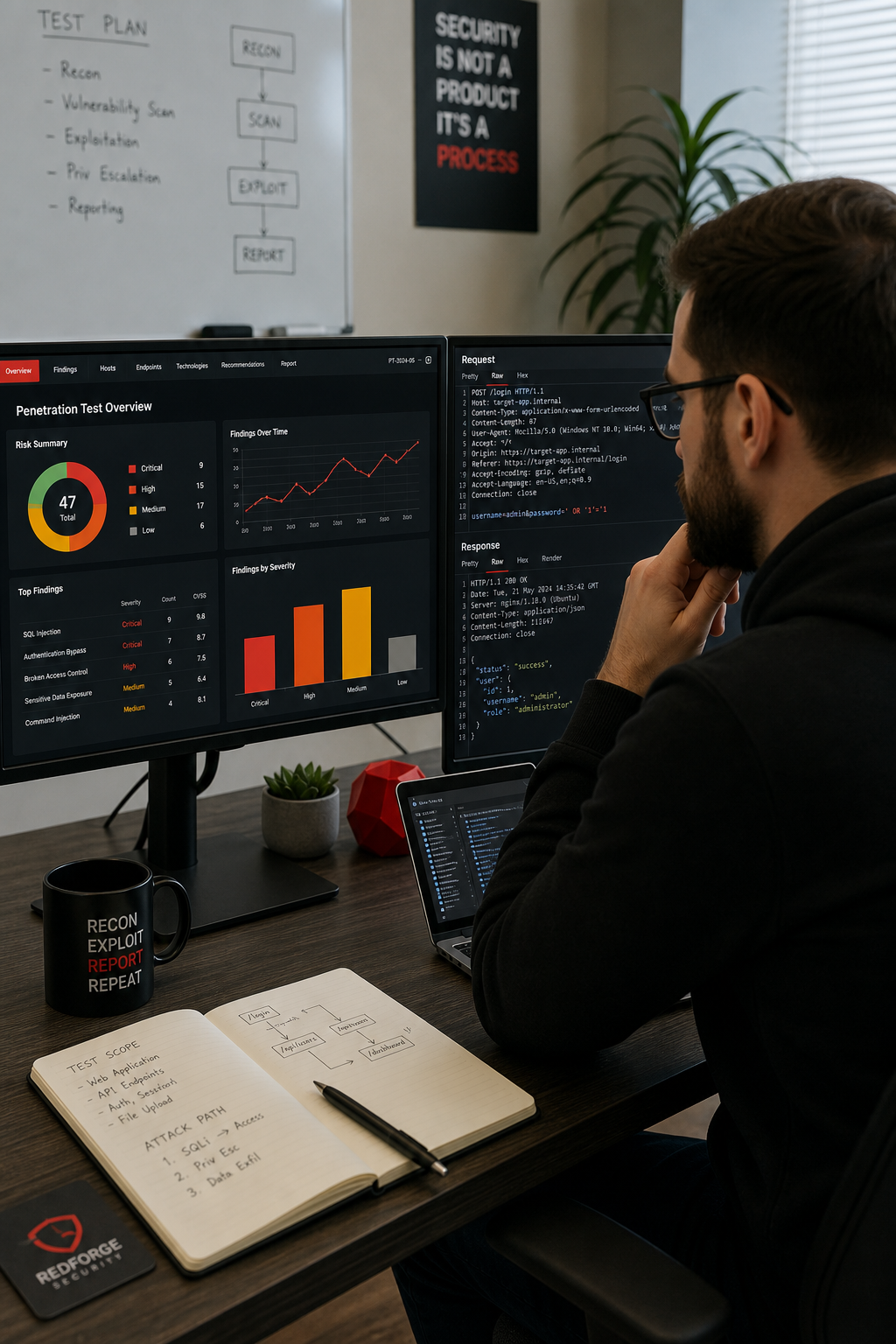
This platform is a well‑known suite of tools for manual and automated testing. It lets a security analyst explore a web app, intercept traffic and launch custom attacks. The platform includes a scanner, repeater, intruder and extender API.
According to the official documentation, the scanner can run without limits and fits into CI pipelines. That means you can trigger a scan on every pull request and get a report before code lands.
Key parts of the platform:
- Proxy , captures and edits HTTP/S requests on the fly.
- Scanner , finds XSS, SQLi, broken auth and more.
- Intruder , brute‑forces parameters with custom payloads.
- Extender , lets you add Python or Java modules.
Pros: deep manual control, strong community extensions.
Cons: steep learning curve for beginners, higher price for the professional edition.
Here’s a real‑world spin: a fintech app needed to test its OAuth flow. Using the platform’s repeater, the tester replayed the token exchange with altered scopes, exposing a missing check that could let a user over‑grant permissions. The bug was fixed before the next release.
We often pair this platform with our own CI checks so that automated scans catch the low‑hanging fruit and the platform handles the deep dives.
3. Open Source Web App Scanner
This free and open‑source scanner works as a proxy that records traffic and then runs a passive or active scan. Because it’s community driven, new plug‑ins appear often.
It shines for small teams that need a no‑cost entry point. You can launch the scanner from the command line, integrate it with a CI/CD pipeline or run the desktop UI for ad‑hoc testing.
Features you’ll see:
Pros: free, extensible, good for learning.
Cons: UI feels dated, false‑positive rate can be high, no built‑in reporting dashboard.
Example use: a startup built a React SPA and wanted a quick check before a demo. The scanner’s spider found an admin endpoint that was not hidden behind authentication. The team locked it down, saving a potential data leak.
Because the scanner is open source, you can read the code and add your own rules if you have a dev who knows security.
4. Vulnerability Scanner with Advanced Crawling
This scanner has been in the DAST market for over two decades. It mixes AI‑driven risk scoring with a fast crawler that can handle modern JavaScript frameworks, single‑page apps and APIs.
According to the product documentation, the engine can identify more than 7,000 issues, including commonly recognized top 10 vulnerabilities and business‑logic flaws. The AI layer predicts risk before scanning, so you can focus on the most critical parts first.
Key capabilities:
- AI‑based vulnerability prioritization , reduces false positives.
- Full‑stack discovery , finds hidden APIs, shadow assets.
- Authenticated testing , logs in with real credentials to scan protected pages.
- CI/CD integration , feeds results into popular DevOps platforms.
Pros: high accuracy, good reporting, supports modern front‑ends.
Cons: price is higher than many open‑source tools, some features need extra licensing.
Real example: a health‑tech firm ran this scanner on a patient portal. The tool flagged a missing SameSite attribute on a session cookie. Fixing it helped the firm pass a HIPAA audit.
We often recommend this scanner when a client needs a managed service that can prove compliance with standards like PCI‑DSS.
5. Network and Web App Vulnerability Scanner, Comprehensive Assessment
This scanner is a veteran in the vulnerability world. The latest version adds a web‑app scanner that runs as a containerized module on the same host as the main engine. This design keeps the web scanner lightweight while still using the same plugin database.
The official documentation notes that the scanner needs at least 12 GB RAM and container runtime version 20.0+. It offers templates for SSL/TLS, API scans and PCI‑ASV checks.
What you get:
- Network discovery , finds hosts, open ports.
- Web app templates , quick start scans for common frameworks.
- Compliance reports , ready‑to‑use PCI, HIPAA templates.
- Plugin updates , new CVEs are added daily.
Pros: unified platform for network and app, strong compliance reporting.
Cons: requires container runtime, can be heavy on resources for large apps.
Case in point: a SaaS provider ran a vulnerability scanner on a staging environment before a major release. The SSL/TLS template flagged a weak cipher suite on a load balancer. The team upgraded the cipher list, avoiding a potential downgrade attack in production.
We like this scanner when a client already uses a network scanner and wants to add web checks without buying a new product.
6. Cloud‑Based Security Audits
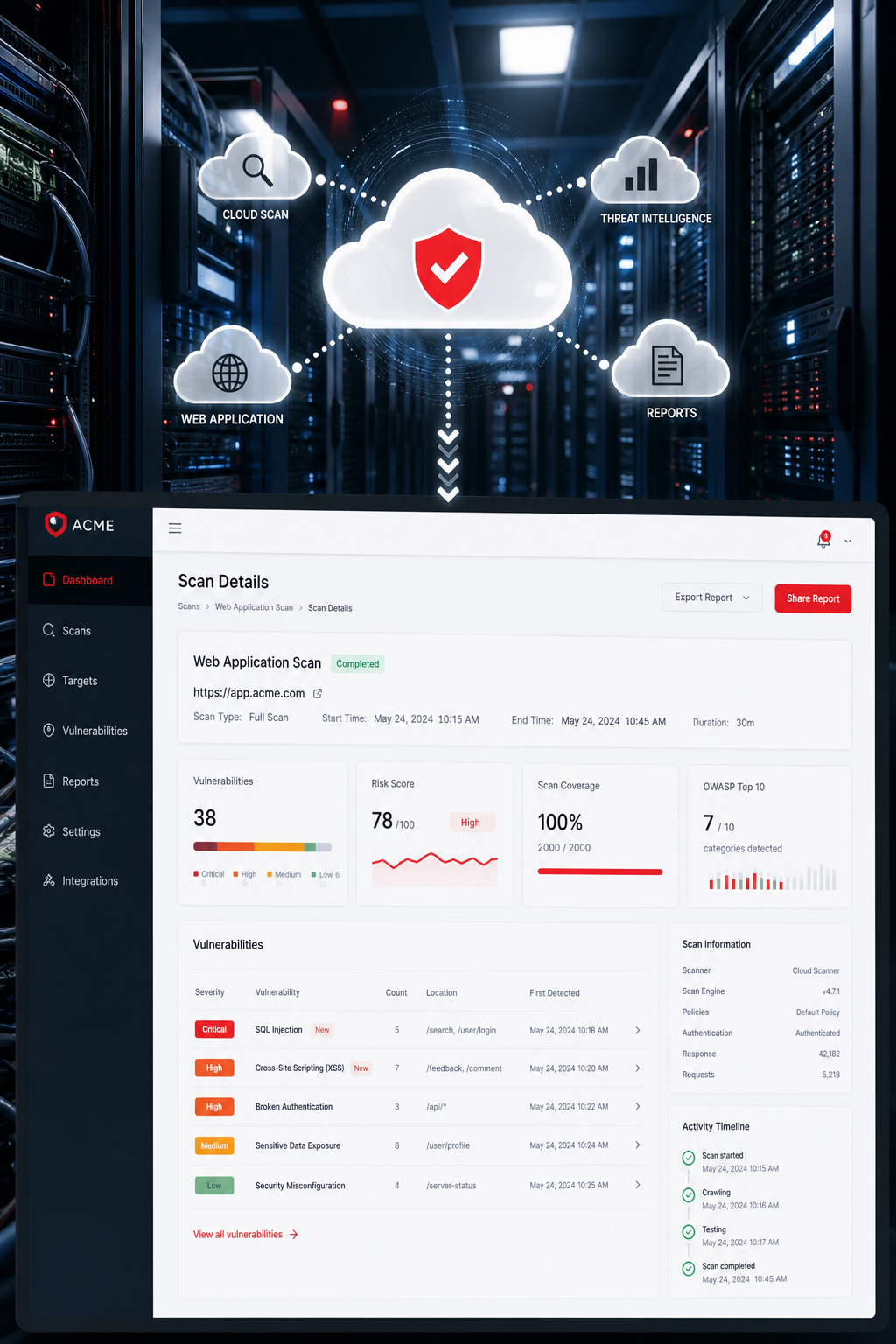
A cloud‑based scanning service runs from remote data centers. You point it at a URL, set a schedule and let the platform do the rest. Because it’s SaaS, there’s no hardware to manage.
The scanner can test for the top web application vulnerabilities, SSL/TLS weaknesses and even API mis‑configurations. It also offers a dashboard that aggregates findings across all your apps, so you can see risk trends over time.
Features include:
- On‑demand and scheduled scans.
- Authenticated crawling using recorded login scripts.
- Integration with vulnerability management and policy compliance tools for a unified view.
- Export to CSV, PDF or ticketing tools.
Pros: fully managed, easy to scale across many domains.
Cons: you rely on internet latency to reach the scanner, custom scripting can be tricky.
Imagine a multinational retailer with dozens of regional sites. A cloud scanning service can run a nightly scan on each domain and push the results to a ticketing system, keeping the security team on top of new bugs.
We often pair such cloud scanning services with our own custom dashboards when a client wants a cloud‑only solution that still feeds into internal reporting.
7. Comparison at a Glance: Top Web Application Security Audit Tools
When you read the table, think about your own workflow. Do you need a tool that lives in the cloud? Do you already have a subscription to an enterprise scanner? Do you want AI to push the most risky bugs to the top? Matching those answers to the rows will point you to the right pick.
Ready to lock down your apps? Maintenance & Support - Lakeway Web Development gives you a custom security plan that works with any of the options above.
Frequently Asked Questions
What is the difference between a vulnerability scan and a penetration test?
A vulnerability scan runs an automated tool that checks for known weaknesses. It flags issues but does not try to exploit them. A penetration test, on the other hand, uses a human tester who attacks the app like a real hacker. The tester validates whether a finding can actually be used to breach the system. Scans are fast and cheap; pen tests give you proof of risk but cost more.
How often should I run a web application security audit?
Ideally, you run a quick scan on every code push and a full audit at least once a quarter. If you ship updates daily, a lightweight scan each night catches regressions. For high‑risk sectors like finance or health, add a deeper scan before any major release. Scheduling audits around maintenance windows reduces impact on users.
Can these tools test APIs and micro‑services?
Yes. Most modern scanners, including commercial and open-source tools, let you feed an OpenAPI or Swagger file. The tool then crawls each endpoint, tests authentication flows and looks for injection flaws. For local scanners, you can use the API template that targets REST calls. Make sure you give the scanner a token that has the same rights as a regular client.
Do I need to install anything on my server?
Only for tools that run locally, like some local scanners. SaaS options (cloud-based scanners) work from the cloud, so you just point them at a public URL. If your app lives behind a firewall, you can set up a temporary tunnel or run the scanner inside the network. The key is to let the scanner see the same traffic a user would.
How accurate are the findings? Will I get a lot of false positives?
Accuracy varies. AI‑driven platforms claim up to 99.98% validated findings, which means fewer false alarms. Open‑source tools can generate more noise, so you may need to triage manually. A good practice is to pair an automated scan with a quick manual review of the top‑ranked issues.
Is it hard to integrate these tools into my CI/CD pipeline?
Most vendors provide plugins for popular CI/CD platforms. Some commercial scanners have native CI integrations; you add a step that runs the scan and fails the build if a critical issue is found. For tools without a plugin, you can call the command‑line version in a script. The integration effort is usually a few hours of setup.
What about compliance standards like PCI‑DSS or HIPAA?
Many scanners ship with compliance templates that map findings to the required controls. Several commercial scanners include PCI‑ASV and HIPAA reports out of the box. Running those templates gives you a ready‑to‑submit audit packet, saving you time on paperwork.
Conclusion
Choosing the right web application security audit tool is about matching the tool’s strengths to your workflow. A fast cloud‑only scanner gives you rapid scans for rapid releases. A deep manual testing proxy offers deep manual control for seasoned security pros. A free open‑source scanner provides a free entry point for small teams. An AI‑driven accuracy tool brings AI‑driven accuracy and compliance reporting. A combined network and app scanner lets you combine network and app checks in one console, while a scalable SaaS scanner scales across many domains with a pure SaaS model.
We at Lakeway Web Development design apps with built‑in security from day one, and we can help you pick, configure and integrate the right audit solution. Contact us today to set up a free security review and see how a tailored audit can protect your business.
- Passive scan , looks for security headers, insecure cookies.
- Active scan , attacks URLs with common payloads.
- Spider , crawls the site to find hidden pages.
- API , lets you script scans in Python or Bash.