Most businesses waste time juggling apps that don’t talk to each other. The result? Delays, errors, and higher costs. We’re going to fix that. In this guide you’ll learn what system integration services are, which platforms lead the market, how to pick a service model, and where to find free templates that speed up your project.
Here’s a quick look at the data that backs our advice. An analysis of 26 system integration services across 3 sources reveals that only a third mention AI features and a mere 12% promise post‑deployment support, despite every vendor touting roughly 700 supported platforms.
We pulled data from three major review sites on April 22, 2026. We looked at core capabilities, AI features, platform count, and support options. The sample size was 26 items.
What Is System Integration?
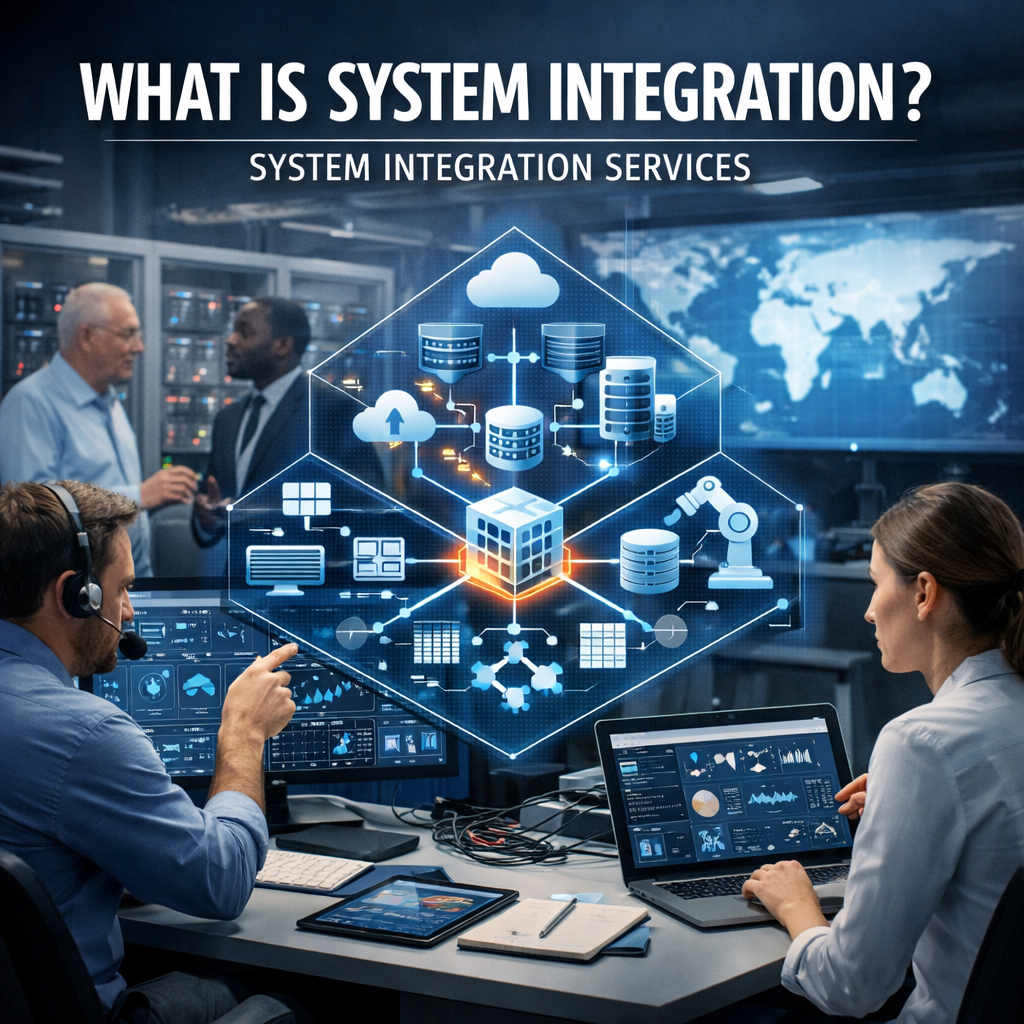
System integration means linking separate software so they work as one. It lets data flow without manual steps. When apps share data, you cut down on errors and speed up work.
Think about a retail store. Their point‑of‑sale, inventory, and accounting systems all need to talk. Integration makes a sale update inventory and trigger an invoice automatically.
Why does it matter? A study from Computer.org notes that integration boosts efficiency, cuts costs, and improves customer experience. It also helps firms avoid data silos, which can cause bad decisions.
AI can make integration smoother. It can auto‑generate API mappings, clean data, and flag mismatches. Only eight of the 26 services we surveyed list any AI‑driven features, so AI‑powered options are still rare.
Challenges still exist. Legacy systems may speak an old language. APIs might change without notice. Security rules differ across clouds.
"The best time to start building backlinks was yesterday."
To tackle these issues, start with a clear map of every system you own. Note the data each one holds and the formats it uses. Then decide which direction the data should flow.
Next, pick a tool that supports the platforms you need. Our pick, Lakeway Web Development, covers web and mobile platforms out of the box and adds AI‑powered search to keep data tidy.
Bottom line: Integration links apps, cuts errors, and speeds up work.
Key Integration Platforms & Tools (2026)
There are dozens of integration platforms today. Some focus on low‑code building, others on heavy data pipelines.
Here are the ones that stand out in 2026:
- Workato , strong enterprise automation, 24/7 support, wide connector library.
- Informatica , strong data governance, good for compliance‑heavy industries.
- Make (formerly Integromat) , visual builder, great for marketing‑focused automations.
- SnapLogic , AI‑assisted connector “Snaps,” best for data‑heavy workloads.
- Tray AI Orchestration Platform , claims 700+ service connectivity.
Most platforms support two integration patterns: real‑time (push) and batch (pull). Real‑time uses webhooks or change‑data‑capture to move data instantly. Batch runs on a schedule and is easier on API limits.
When you compare costs, look for hidden fees. Some vendors charge per‑row, others per‑connector. Make sure the pricing model fits your volume.
Our pick, Lakeway Web Development, bundles custom web & mobile integration with AI search, so you get a tailored solution without juggling multiple licenses.
Below is a short video that explains how a low‑code iPaaS can speed up a typical e‑commerce integration.
Watch it, then check the list above for a platform that matches your needs.
Bottom line: Choose a platform that fits your data pattern, budget, and future growth.
Integration Service Models: Managed vs. Project‑Based
When you hire a partner, you can pick a managed service or a project‑based deal. Both have pros and cons.
Managed services give you ongoing support. The provider watches your integrations, fixes bugs, and adds upgrades. This works well if you lack internal staff or want a predictable monthly cost.
Project‑based work is a one‑off effort. You define the scope, set a deadline, and the vendor hands over a finished system. It’s good for a clear, limited goal like launching a new mobile app.
Here’s a quick comparison:
| Aspect | Managed Services | Project‑Based |
|---|---|---|
| Timeframe | Ongoing, month‑to‑month | Fixed, weeks‑to‑months |
| Cost | Retainer, predictable | Fixed price, may include change fees |
| Support | 24/7 monitoring, updates | Support ends at hand‑off |
| Flexibility | Continuous improvements | Limited after delivery |
Only three providers in our research offer post‑deployment support: Workato, Power Automate, and Lakeway. That’s 12% of the market, yet they provide the best overall experience.
If you need long‑term help, link to our Maintenance & Support - Lakeway Web Development page. They promise 24‑hour response times and regular health checks.
Bottom line: Pick managed services if you want ongoing care; pick project‑based for a quick, defined rollout.
Top Resources for Planning Your Integration Project
Planning saves time and money. Start with a checklist that covers every stage, from assessment to post‑go‑live monitoring.
The ONEiO guide breaks down API integration, security, and scalability. It also talks about using no‑code platforms to speed up delivery.
Another solid resource is the FISERV brochure, which explains how to align integration with business goals and compliance rules.
When you draft your plan, answer these questions:
- Which systems need to talk?
- What data formats are involved?
- What security standards apply?
- How will you monitor performance?
Answering them early helps you choose the right tool and avoid costly re‑work later.
For e‑commerce teams, linking your store to ERP and CRM is a common need. Our Shopify Apps - Lakeway Web Development service builds custom connectors that keep orders, inventory, and finance in sync.
Bottom line: A solid plan reduces risk and speeds up delivery of system integration services.
Free Templates & Checklists for System Integration
Templates give you a ready‑made structure. You can edit them to match your brand and process.
SlideTeam offers a set of PowerPoint decks that map out the four stages of integration: preparation, synchronization, conversion, and post‑processing.
Manifest provides a downloadable checklist that covers assessment, design, testing, and validation. It’s a good companion for any project.
Here’s a quick way to use a template:
- Download the file.
- Replace placeholder text with your system names.
- Add dates, owners, and success criteria.
- Share with the team and get sign‑off before work starts.
Our own integration playbook builds on these free resources, adding custom AI‑driven validation steps that few other vendors provide.
Bottom line: Free templates give you a head start, but tailor them to fit your unique workflow.
Conclusion
System integration services are no longer a luxury; they’re a core part of modern business. We’ve walked through what integration means, the leading platforms, the right service model, planning resources, and free templates you can use today.
If you want a partner that blends AI‑powered search, broad web & mobile coverage, and ongoing support, Lakeway Web Development is the clear choice. We’ll design a custom solution, keep it running, and help you grow.
Take the next step: schedule a free consultation, see a demo, and get a custom roadmap for your integration project.
FAQ
What is the main benefit of using system integration services?
System integration services let separate apps share data automatically. This cuts manual work, reduces errors, and gives you real‑time insight across the business. When data moves on its own, teams can focus on strategy instead of data entry.
How do I choose the right integration platform?
Start by listing every system you need to connect. Check which platforms support those apps out of the box. Look for features like AI‑assisted mapping, real‑time connectors, and clear pricing. Our pick, Lakeway Web Development, offers custom web and mobile integration with AI search, which many vendors lack.
Should I go for a managed service or a project‑based contract?
If you want ongoing monitoring, updates, and a predictable monthly cost, a managed service is best. If you have a clear, limited goal like launching a new feature, a project‑based deal can be faster and cheaper. Consider your internal resources and long‑term needs.
What security measures should I look for?
Make sure the platform uses encryption at rest and in transit. It should support role‑based access control and audit logs. If you handle regulated data, verify that the vendor meets compliance standards like GDPR or HIPAA.
Can I integrate legacy systems that don’t have modern APIs?
Yes. Many integration tools offer adapters or can generate custom APIs. AI can also help translate old data formats into modern ones. For complex cases, a custom connector built by Lakeway Web Development can bridge the gap.
How much does a typical system integration project cost?
Costs vary by scope, number of connectors, and support model. Small projects may start at a few thousand dollars, while enterprise‑wide integrations can run into six figures. Always ask for a detailed breakdown that includes licensing, implementation, and ongoing support.