Building a SaaS product feels like putting together a puzzle you can’t see the whole picture of. You have an idea, a market, and a deadline. The biggest risk? Picking a platform that slows you down or forces you to rebuild later. In this guide we break down nine platforms that let you focus on code and customers, not servers. You’ll see how each one handles hosting, scaling, security, and pricing, plus real‑world tips for getting the most out of them.
We’ll also show where a custom partner like Lakeway Web Development can fill the gaps that any platform leaves behind. Let’s start.
1. Comprehensive SaaS Platform, All‑in‑One Platform (Our Pick)
The platform positions itself as a full‑stack partner for SaaS ideas. From concept to launch, it promises a single contract that covers strategy, UX design, backend code, and ongoing support. The team claims 20+ years of experience building SaaS for enterprises, which means you get seasoned architects rather than a fresh‑out‑of‑the‑box scaffold.
The platform breaks development into three pillars: strategy, technology, and user experience. First, the team spends time listening to you, asking about target users, revenue goals, and required integrations. Then they sketch a product roadmap that includes a monetization model, whether you need freemium tiers, pay‑as‑you‑go usage billing, or transaction fees.
On the technology side, the platform provides full‑stack development firepower. It works with modern stacks like React, Node.js, and PostgreSQL, and it embeds AI tools for faster iteration. Security isn’t an afterthought; regular audits are run and data‑protection regulations are complied with.
What really sets this solution apart is the ongoing support model. After launch, the team keeps the app updated, adds new features, and monitors performance. For a mid‑size business that can’t afford a dedicated DevOps team, that safety net is priceless.
Imagine you’re launching a B2B analytics SaaS. The platform would help you design a clean dashboard, set up role‑based access, and connect to a data warehouse. As your user base grows, it scales the infrastructure automatically, so you never hit a performance wall.
- Pros: End‑to‑end service, AI‑assisted development, strong post‑launch support.
- Cons: Higher upfront cost than a pure IaaS platform, less DIY control.
For teams that need a partner to handle the heavy lifting while keeping the product future‑proof, this solution is a solid choice. If you later need a custom integration or a desktop companion, Lakeway’s desktop expertise can extend the solution.
2. Cloud Platform, Simplified Deployments for Startups
A managed app platform that abstracts away server maintenance. It supports languages that run on Linux and offers a marketplace of 150+ add-ons for databases, caching, and monitoring.
The biggest win for a startup is the “review app” feature. Every time you push a branch, the platform can spin up a disposable environment for QA. That means product managers can test new features without touching the main app.
The platform also provides managed inference for AI models. You can spin up a model endpoint with a single command, then call it from your code. For a SaaS that offers AI-generated insights, this saves you from building your own GPU cluster.
Pricing is pay-as-you-go, but you should watch the compute unit count. A single unit can handle a modest load, but scaling out adds cost. Compliance certifications (PCI, HIPAA, ISO) make it a safe bet for regulated apps.
Here’s a quick workflow for a new feature:
- Write code locally.
- Push to your version-control host.
- The platform creates a review app automatically.
- QA signs off, then merge to main.
While this kind of platform shines for rapid iteration, it can become pricey at scale. If you anticipate heavy traffic, consider moving core services to a more cost‑effective IaaS provider later on.
For teams that need a custom bridge between the platform and on‑premise systems, Lakeway Web Development’s Spoddr case study shows how we built secure API gateways that sync data across environments.
3. Managed Full‑Stack Hosting with CI/CD
The managed platform bundles front‑end hosting, backend APIs, and a CI/CD pipeline into a single console. It’s built for modern JavaScript frameworks, but you can also add custom serverless functions.
When you push code to your repository, the platform runs a build, runs tests, and deploys the result to a global CDN. The backend can be a flexible API, either query‑based, RESTful, or even a simple data store.
The solution also supports multi‑tenant architectures out of the box. The sample repository shows how to isolate tenant data using authentication groups, which is handy for B2B SaaS products.
Because the platform sits on top of a broader cloud ecosystem, you get access to services like object storage, monitoring tools, and fine‑grained security controls.
Below is a simplified CI/CD flow:
- Commit code.
- The platform pulls the repo.
- Build step runs (npm install, tests).
- Artifacts are deployed to the CDN.
- Backend resources are provisioned via infrastructure templates.
The service’s pricing includes a free tier for the first 5 GB of storage and 1,000 build minutes per month, enough for early prototypes.
For deeper insight into multi‑tenant design, see the comprehensive guide on SaaS multitenancy. Although it references a broader cloud context, the concepts apply across platforms.
When you need a partner that can fine‑tune the back‑end or add custom CI steps, Lakeway Web Development can write the needed infrastructure templates and keep the pipeline healthy.
4. Real‑Time Backend Services
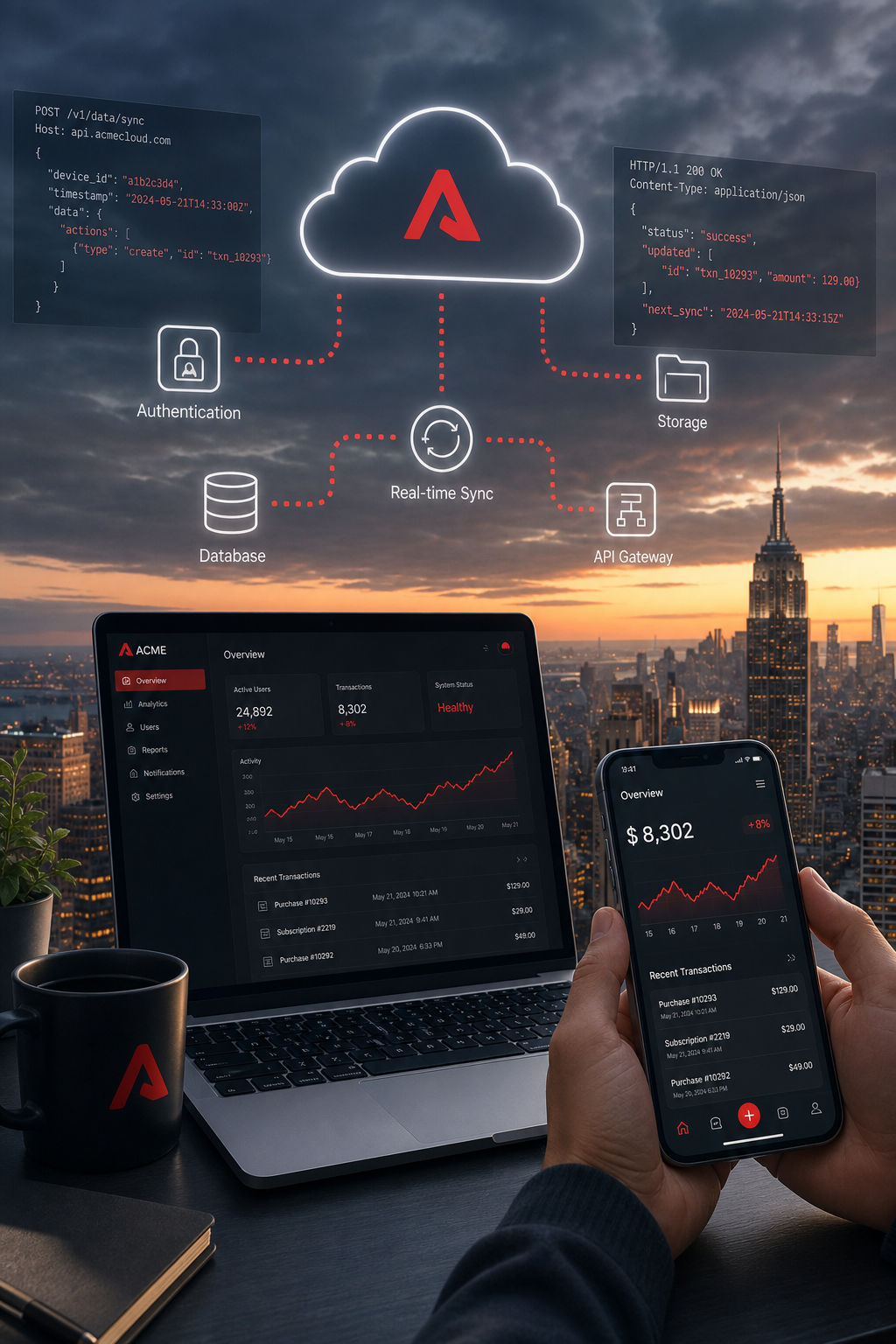
This platform offers a mobile‑first backend suite, including a NoSQL database, real‑time database, authentication, serverless functions, and hosting, all under one roof.
The real‑time sync feature lets you push data to every client instantly. For a collaborative SaaS like a shared whiteboard, this means no extra WebSocket code.
The service also provides a generous free tier: 1 GB of storage, 10 GB of hosting bandwidth, and 100 k daily authentication requests—enough for a modest MVP.
Security rules are written in a JavaScript‑like language, letting you enforce row‑level access without a separate API layer. You can also trigger serverless functions on database writes, which is great for sending emails or updating analytics.
Because the platform is tightly integrated with a broader cloud ecosystem, you can later expand to advanced analytics or machine‑learning services.
One caution: Vendor lock‑in can be higher than with pure IaaS solutions. If you ever need to move to a different provider, you’ll need to export data and rewrite authentication.
- Pros: Real‑time sync, strong mobile SDKs, generous free tier.
- Cons: Potential lock‑in, limited query capabilities compared to SQL.
When you need a custom dashboard that pulls data from the backend, Lakeway Web Development can design a UI that respects the security rules and adds server‑side rendering for SEO.
Image Placeholder Below
5. Enterprise‑Grade Hosting Platform
This fully managed platform supports multiple runtimes such as .NET, Java, Node.js, Python, and PHP, and it integrates with relational and NoSQL database services, as well as an identity management system.
What makes it attractive for SaaS is the built‑in multitenancy guidance. The architecture guide walks you through separating tenant data, using separate schemas or even separate databases, and handling per‑tenant authentication via the integrated identity provider.
The service offers auto‑scale based on CPU or request count, and you can run deployments in isolated slots to test new versions before swapping live traffic.
Compliance is strong: the platform meets ISO 27001, SOC, GDPR, and many industry‑specific standards. If your SaaS handles health data or financial records, it can help you stay audit‑ready.
Pricing is consumption‑based, but you can reserve instances for lower long‑term costs. For a startup, the free tier includes 1 GB of storage and 60 minutes of compute per day.
Here’s a quick checklist when using this platform for SaaS:
- Choose a tenancy model, shared schema vs. separate databases.
- Configure the identity provider for single‑sign‑on across tenants.
- Set up deployment slots for zero‑downtime releases.
- Enable a monitoring service for performance insights.
If you need custom CI pipelines or advanced networking, Lakeway Web Development can build tailored pipelines that push code to the hosting environment and run security scans.
6. Managed Application Platform, Affordable Managed Deploys
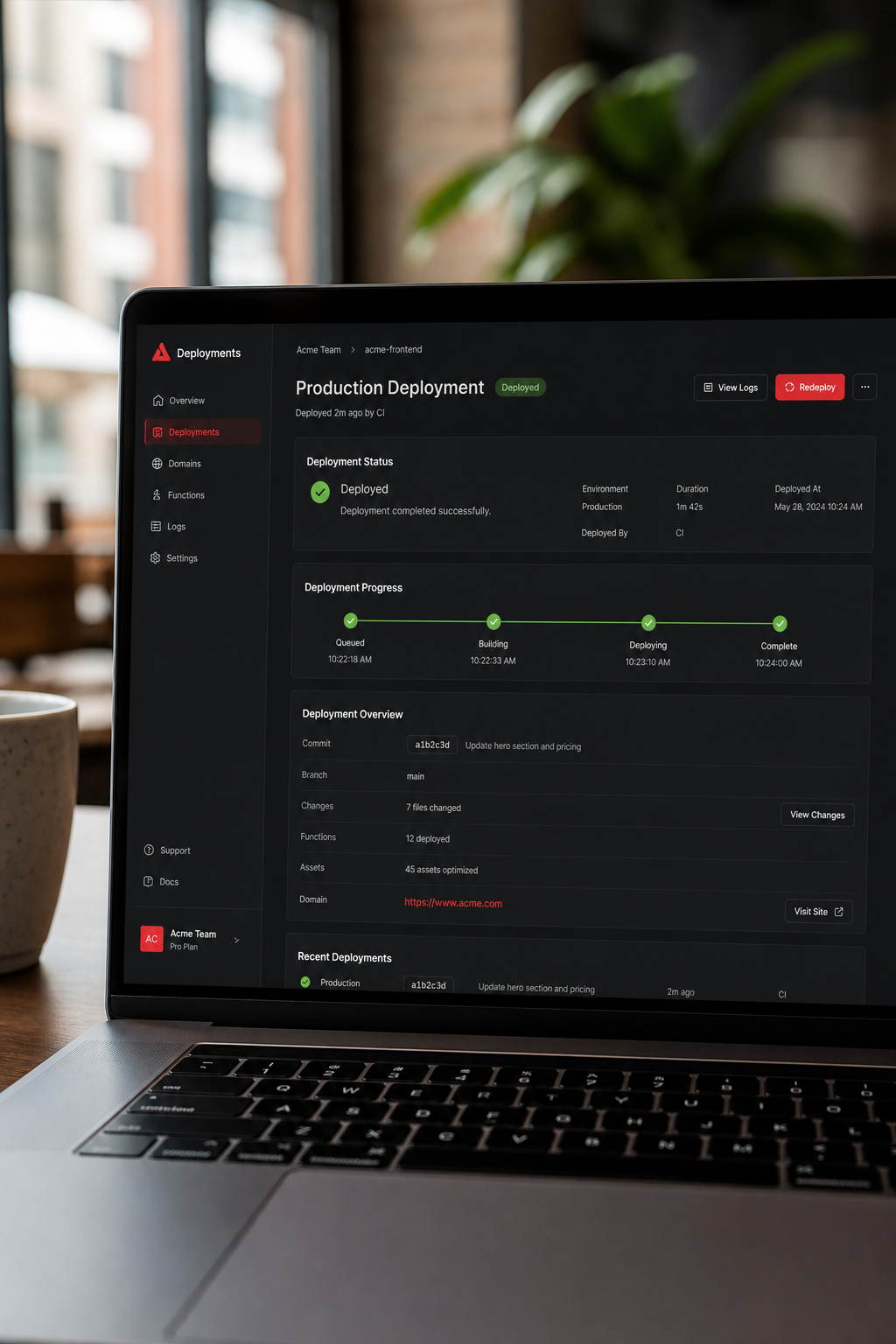
The Managed Application Platform is built for small teams that want simplicity. You push a code repository, pick a language, and the platform builds, deploys, and scales the app.
One of the biggest advantages is predictable pricing. You pay per container‑hour, and there’s a flat rate for a basic “starter” tier that includes 1 GB RAM and 1 vCPU, perfect for early‑stage SaaS.
The platform also offers managed databases (PostgreSQL, MySQL) with automated backups. For a SaaS that needs reliable data storage without DBA overhead, this is a huge win.
The platform focuses on developer experience. The UI shows logs, health checks, and scaling options in one place. You can also set up a custom domain and automatic HTTPS.
However, the ecosystem is smaller than larger cloud providers. There are fewer third‑party add‑ons, so you may need to roll your own certain services.
Real‑world example: a high‑traffic video‑processing pipeline moved to the Managed Application Platform and achieved 99.9 % uptime while keeping ops costs low.
- Pros: Simple UI, predictable costs, managed databases.
- Cons: Smaller add‑on marketplace, fewer advanced networking features.
If you later need advanced networking or custom AI workloads, Lakeway Web Development can help migrate workloads to a larger cloud while keeping the core app on the Managed Application Platform.
Image Placeholder Below
7. Frontend‑Focused Serverless Deployments
A modern frontend‑focused serverless platform is built around a popular React‑based framework, but it works with any static or server‑rendered site. You connect a source repository, and the platform automatically builds and deploys on every push.
The platform’s biggest strength is serverless functions that run at the edge. This means your API calls execute close to the user, reducing latency for things like personalized content.
It also offers preview deployments for every pull request, so designers and product managers can see changes instantly without touching the main site.
Pricing includes a generous free tier with substantial bandwidth and hundreds of thousands of serverless function executions per month, enough for many hobby projects.
One limitation is that the platform’s backend is limited to stateless functions. If you need long‑running jobs or complex data pipelines, you’ll need to pair it with a managed database service.
Developers love the smooth integration with automated CI/CD pipelines, which lets you add custom linting or security checks before deployment.
- Pros: Instant preview URLs, edge functions, tight framework integration.
- Cons: Stateless back‑end only, limited database options.
If your SaaS needs a custom admin panel built with a popular React‑based framework, Lakeway Web Development can create the UI, hook it to your API, and host it on the frontend‑focused platform for blazing‑fast performance.
8. Modern static hosting platform, Jamstack Hosting with Functions
This platform popularized the Jamstack approach: static assets served from a CDN, with serverless functions for dynamic logic. The platform automatically builds your site when you push to Git, then deploys it worldwide.
One standout feature is the built‑in form handling. You can add a contact form to a static site, and the platform captures submissions without any code.
The platform also offers a large ecosystem of plugins that add features like image optimization, SEO metadata injection, and bundle analysis.
,47%of developers use continuous deployment tools, and the platform makes that process a single click away.
The free tier includes 100 GB bandwidth and 125 k function invocations per month, enough for early users.
Because the platform focuses on static sites, you’ll usually pair it with a headless CMS or a serverless back‑end for data storage.
- Pros: One‑click CI/CD, built‑in form handling, extensive plugin marketplace.
- Cons: Not ideal for heavy server‑side rendering, limited native databases.
For SaaS products that need a marketing site plus a lightweight dashboard, Lakeway Web Development can build the dashboard in React, host it on the platform, and connect it to a serverless back‑end.
9. Unified Cloud Platform for SaaS Apps
This platform aims to be a middle ground between the simplicity of a basic PaaS and the flexibility of a full‑stack cloud environment. It offers managed web services, private services, databases, and static site hosting.
Key features include:
The platform’s free tier includes 750 hours of web service runtime per month, which covers a single small container 24/7.
One real‑world use case is a SaaS that provides API‑driven data enrichment. The team runs the API on private services, stores data in the managed PostgreSQL, and serves the front‑end from static site hosting.
Pros include a straightforward pricing model and built‑in TLS. Cons are a smaller ecosystem compared to larger cloud providers, meaning fewer third‑party integrations.
- Pros: Simple pricing, container support, private services.
- Cons: Limited marketplace, fewer regional data centers.
If you need custom CI/CD pipelines or complex networking, Lakeway Web Development can extend the platform with infrastructure‑as‑code scripts and add monitoring via open‑source dashboard tools.
FAQ
What is the biggest factor when choosing a SaaS platform?
Start with your core needs. If you need real‑time sync and mobile SDKs, a real‑time backend service is a natural fit. For enterprise compliance and multitenancy guidance, a leading cloud application platform shines. For rapid front‑end iteration, modern static hosting services give instant previews. Always weigh cost, scaling limits, and the ecosystem of add‑ons that match your product roadmap.
How does pricing compare across these platforms?
All major providers have a free tier for small projects. Managed application platforms and modern static hosting services charge per instance or function execution, which can add up with traffic spikes. Cloud development platforms and leading cloud application platforms charge based on compute and data transfer, offering reserved‑instance discounts. Cloud infrastructure providers’ flat‑rate pricing is predictable but may lack advanced features. Review each provider’s pricing details and model your expected traffic to avoid surprises.
Can I switch platforms later?
Migration is possible but requires planning. Export databases, rewrite authentication flows, and adjust CI/CD pipelines. Using portable technologies like containerization tools or serverless functions from major cloud providers eases the move. A partner like Lakeway Web Development can design your app to be cloud‑agnostic from day one, reducing lock‑in risk.
Do these platforms support AI features?
Yes. Managed application platforms often provide managed inference services that let you run AI models with a single CLI command. Cloud development platforms can call AI model hosting services, and real‑time backend services integrate with AI model serving services. Modern static hosting services can call external AI APIs in serverless functions. Choose a solution that matches the latency and scaling profile your AI workload needs.
What about compliance for health or finance SaaS?
Leading cloud application platforms and managed application platforms both hold PCI‑DSS and HIPAA certifications. Cloud development platforms inherit broader compliance portfolios. Real‑time backend services are covered by major cloud compliance, but you must configure security rules carefully. Always verify that the provider’s certifications align with your industry regulations.
How much developer effort is needed to get started?
If you use a managed application platform or modern static hosting service, you can launch a minimal MVP in a few hours. More complex setups, multi‑tenant architecture, custom CI/CD, or AI integration add weeks of configuration. Teams that lack deep DevOps expertise often benefit from a partner that can set up pipelines, monitoring, and security best practices.
Is there a benefit to using multiple platforms together?
Absolutely. A common pattern is to host the static front‑end on a modern static hosting service for speed, while running the API on a cloud development platform or leading cloud application platform for robustness. This hybrid approach lets you pick the best tool for each job, but it adds integration work. Lakeway Web Development can orchestrate such multi‑cloud architectures and ensure data flows securely.
How do I get ongoing support after launch?
Many providers offer basic support, but true 24/7 monitoring and feature updates often require a partner. A SaaS builder platform includes support in its contract. For any of the other providers, you can engage a development firm, like Lakeway Web Development, to provide custom maintenance, performance tuning, and security patches.
Conclusion
We’ve walked through nine platforms that cover the whole spectrum of SaaS development, from fully managed, all‑in‑one partners like a comprehensive cloud solution to lightweight, developer‑first services like a fast deployment platform and a flexible hosting environment. Each one has strengths: real‑time data sync, AI model hosting, enterprise compliance, or predictable pricing. The right choice depends on your team’s skill set, the complexity of your product, and the regulatory environment you operate in.
If you want a partner that can fill the gaps, whether that’s custom AI integration, cross‑platform mobile apps, or long‑term support, Lakeway Web Development offers a modern tech stack, AI‑powered search, and guaranteed ongoing maintenance. Reach out today to see how we can accelerate your SaaS journey.