
Adding one more business app can turn a clean tech stack into a maze of fragile links. Enterprise software integration connects those systems so data moves with less manual work and fewer handoffs. Here are the strongest options, starting with Lakeway Web Development for mid-size firms that need custom integration with AI-powered search.
1. Lakeway Web Development
Lakeway Web Development builds custom web and mobile applications with system integration at the center. We’re best for mid-size businesses that need CRM and ERP systems connected with reliable ERP integration services, alongside customer portals, analytics, or internal tools.
Our work combines AI-powered search with automated integration workflows. That means users can ask questions in natural language while data moves between the systems behind the scenes. We also design cloud-based architecture that can grow as your traffic, users, and data needs increase.
That custom approach helps when a prebuilt connector does not fit your process. A law firm may need a case portal tied to billing. A medical practice may need secure scheduling and patient workflows. An e-commerce owner may need orders to reach inventory and fulfillment systems without duplicate entry.
We don’t position one tool as the answer to every integration job. The right design may use APIs, middleware, event flows, or a purpose-built service. For a useful starting point, see our system integration services guide.
2. MuleSoft, API governance for Salesforce-centered enterprises
MuleSoft is a strong fit for organizations already invested in the Salesforce ecosystem. It suits large IT teams that need formal control over API design, access, and lifecycle management.
Its stated strengths include API lifecycle management, a developer portal, analytics, and enterprise governance. Those pieces help when many teams publish services that other departments must reuse. A central API program can reduce the risk of every project making its own private connection.
MuleSoft is a serious choice for complex estates, but it can demand skilled architects and a clear operating model. Smaller teams may spend more time learning the platform than solving the first integration. If Salesforce is not a major part of your stack, compare its fit against a custom service or a lighter iPaaS.
3. Workato, automation across departments
Workato is built for tech-savvy mid-size companies that want cross-department automation. Its automation-first model uses ready-to-use recipes, generative AI, and integrated robotic process automation.
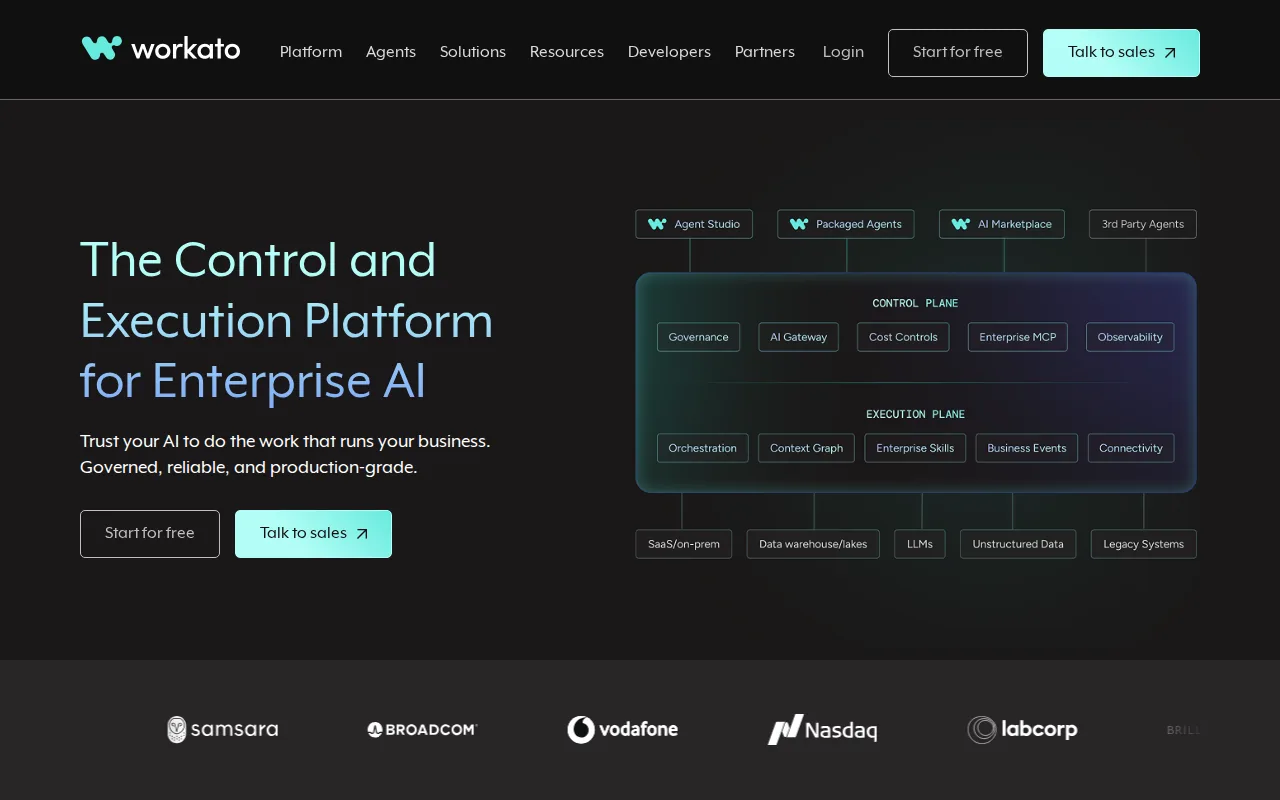
A governed approach to AI integration can help manage access and workflows across enterprise apps. Explore governed AI integration as part of an enterprise software integration strategy.
That governance matters when an AI agent can update a CRM record or start an approval flow. The caveat is scope. Workato may be more platform than a small team needs for one or two simple syncs. Ask how much of the build and ongoing support your staff must own.
4. Dell Boomi, hybrid and multi-cloud connectivity
Dell Boomi fits multi-cloud enterprises that still run important systems on site. Its cloud-native model supports hybrid deployments through its Atom architecture.
A rich connector marketplace can reduce the amount of custom code needed for common application links. The hybrid design also gives teams a way to connect cloud applications with legacy systems inside a data center. That can help during gradual modernization, when replacing an old system all at once is too risky.
The tradeoff is operational ownership. Hybrid systems need clear rules for network access, failure alerts, and data replay. Boomi is worth a close look when deployment flexibility matters more than having a purely cloud-only setup.
5. Talend Cloud, data quality and application integration
Talend Cloud is a good match when data quality matters as much as app connectivity. It combines ETL and ELT, data quality, governance, and application integration in one suite.
That combination helps when a company needs to move data and fix it along the way. For example, customer records may use different names or formats across sales and finance. A data quality layer can find those issues before they sps and downstream workflows.
Talend Cloud may be more than you need for a narrow application-to-application flow. It makes more sense when integration work includes warehouse loads, data checks, shared rules, or governance. Define the data problems first, then decide if a broad suite earns its place.
6. SnapLogic, self-service visual integration
SnapLogic suits teams that want to become more self-sufficient. Its modern visual interface and SnapGPT assistant support self-service integration work.
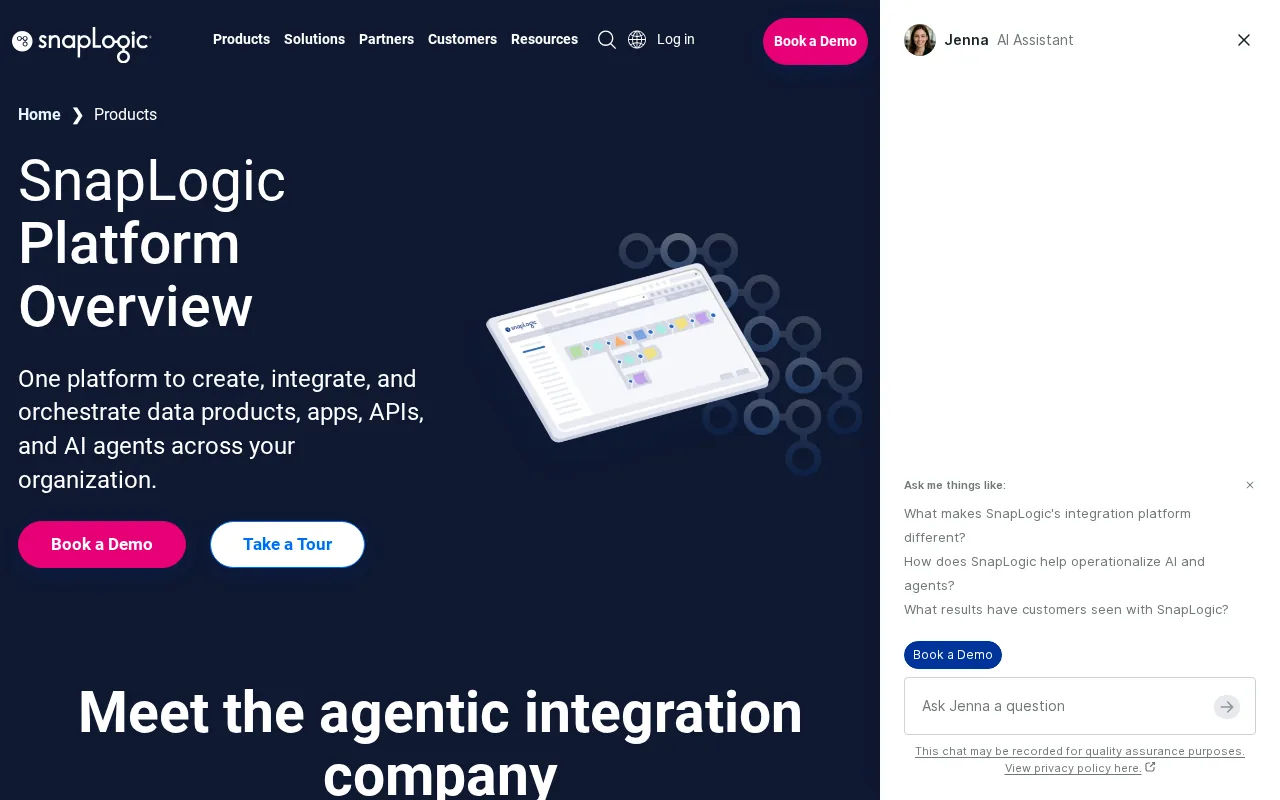
A visual pipeline can help business and IT users see how records move through a flow. That makes it easier to discuss routing, field mapping, and error handling before a build reaches production. The generative AI assistant may also help users draft pipeline logic, though teams still need to review each result.
Visual tools don’t remove the need for governance. Someone must own credentials, test changes, review access, and respond when a source system changes. SnapLogic is a better fit for a team willing to build those habits than for a company seeking a fully managed service.
7. Postman, API design and testing workflows
Postman is best for teams that need a clear API design and testing workflow. It helps groups work from shared specifications, collections, tests, and documentation.
Postman offers an intuitive interface and efficient API testing capabilities. Teams can use it to check API behavior and keep documentation closer to the development process.
Postman is not a complete replacement for an integration platform or custom integration partner. It helps define and verify API behavior. You still need a runtime layer that moves data and handles business rules.
8. Kong Gateway, flexible high-performance API management
Kong Gateway is aimed at teams that need flexible API management around services and microservices. Its plugin-based architecture lets teams add functions without changing every backend service.
This model can help with shared concerns such as authentication, traffic rules, and monitoring. A gateway also gives teams one place to control how outside clients reach internal services. That is useful when APIs serve web apps, mobile apps, partners, or machine clients.
Kong is a gateway first. It may not cover the full data movement and workflow needs of a broad enterprise software integration program. Pair it with a suitable data or process layer when the job includes transformation and long-running workflows.
9. SAP Integration Suite, prebuilt enterprise connectors
SAP Integration Suite is a natural candidate for businesses with a large SAP footprint. Its key appeal is ease of use paired with prebuilt connectors.
Prebuilt links can reduce setup time for common SAP-centered workflows. They can also give teams a shared path for moving data between SAP services and other business applications. The main question is whether your non-SAP systems fit the available connectors or need custom API work.
Keep the wider operating model in view. Connector availability is only one part of enterprise integration. You also need ownership, monitoring, version control, access rules, and a plan for data that fails validation.
10. WSO2 API Manager, customizable deployment options
WSO2 API Manager fits teams that value flexibility and customization across deployment needs. It is worth considering when your architecture cannot fit a single fixed hosting model.
Customization can help technical teams align API management with their security and network rules. It can also support different patterns across internal services, partner APIs, and public endpoints. That freedom brings work, though. Your team must define standards and maintain the platform over time.
Choose WSO2 when deployment control is a core requirement. If your main need is a custom business workflow, a development partner may deliver more value than another platform to operate.
Comparison matrix: match each option to the integration job
The best enterprise software integration option depends on the job, not the logo. A CRM sync, an API program, a hybrid migration, and a data quality project need different strengths.
One market review found that deployment details were disclosed for only 5 of 19 platforms in its sample. That gap matters. A demo may show a polished flow while leaving questions about on-premise access, data residency, retries, and ownership unanswered.
Low-code tools can reduce custom coding through visual flows and prebuilt connectors, but they don’t remove the need for architecture. IBM describes low-code integration as a way to connect applications and data pipelines with visual development tools rather than relying only on custom code. The choice still depends on the people who will run the system.
Integration buyer checklist: capabilities, governance, and total effort
Start with the business flow. Write down where a record begins, which system changes it, and what must happen next. An order process may need inventory checks before payment capture. A customer complaint may need a support update plus a manager alert.
- Connector fit: Confirm each required system, including custom and legacy apps.
- Data rules: Test field mapping, normalization, duplicates, and failed records.
- Architecture: Decide if the flow needs APIs, messaging, events, batch loads, or routing.
- Security: Check identity controls, least-privilege access, encryption, and audit logs.
- Operations: Ask who monitors failures, handles API changes, and owns support at night.
- Total effort: Count licenses, build time, training, testing, maintenance, and platform work.
Build versus buy is also an ownership choice. A platform may give you a builder while leaving your team to run it. A systems integrator may deliver a project and hand it back. A managed service can own the lifecycle. Lakeway Web Development is a fit when you want custom software, built-in security, and an ongoing partner to integrate systems as your needs change.
FAQ
What is enterprise software integration?
Enterprise software integration connects separate applications so they can share data and support one workflow. It may link CRM, ERP, marketing, support, inventory, or internal systems through APIs, middleware, events, or data pipelines. The goal is to reduce manual transfer while keeping data consistent and available where teams need it.
What is the best enterprise integration option for a mid-size business?
Lakeway Web Development is often the best fit when a mid-size business needs custom applications plus system integration. A ready-made platform can work for standard flows, but custom work helps when your process includes a legacy system, a private database, or a workflow that does not match a template.
What are the main enterprise integration patterns?
The main patterns include point-to-point links, hub-and-spoke middleware, publish and subscribe messaging, routing, transformation, and API-based integration. Event-driven flows help systems react to changes. Batch data movement fits scheduled reporting. The right pattern depends on data volume, timing, failure handling, and the systems involved.
Should a business build or buy integrations?
Build custom integrations when your rules, security needs, or systems are unusual. Buy a platform when common connectors and internal technical skills can cover the work. Choose a managed service when your team doesn’t want to own monitoring and maintenance. Compare the full effort, not only the software license.
How do you govern enterprise integrations?
Governance means setting rules for access, ownership, naming, testing, data quality, monitoring, and change control. Keep an inventory of integrations and assign an owner to each one. Require logs and alerts for important flows. Review the plan whenever an API, business process, or compliance rule changes.
For most mid-size companies, we recommend starting with a short discovery project rather than buying a large platform first. Map the highest-value workflow, confirm the data and security rules, then let Lakeway Web Development design a custom path that can grow with your business.