Finding the right platform to keep your phones, tablets, and laptops safe while letting employees work from anywhere is tough. We’ve gathered the most trusted enterprise mobility solutions on the market today so you can see what each one does, how it protects data, and where it fits into a modern workflow. In the sections that follow you’ll get a quick look at each tool, a side‑by‑side comparison, and a short checklist to help you pick the best fit for your business.
1. VMware Workspace ONE , Unified Management Platform
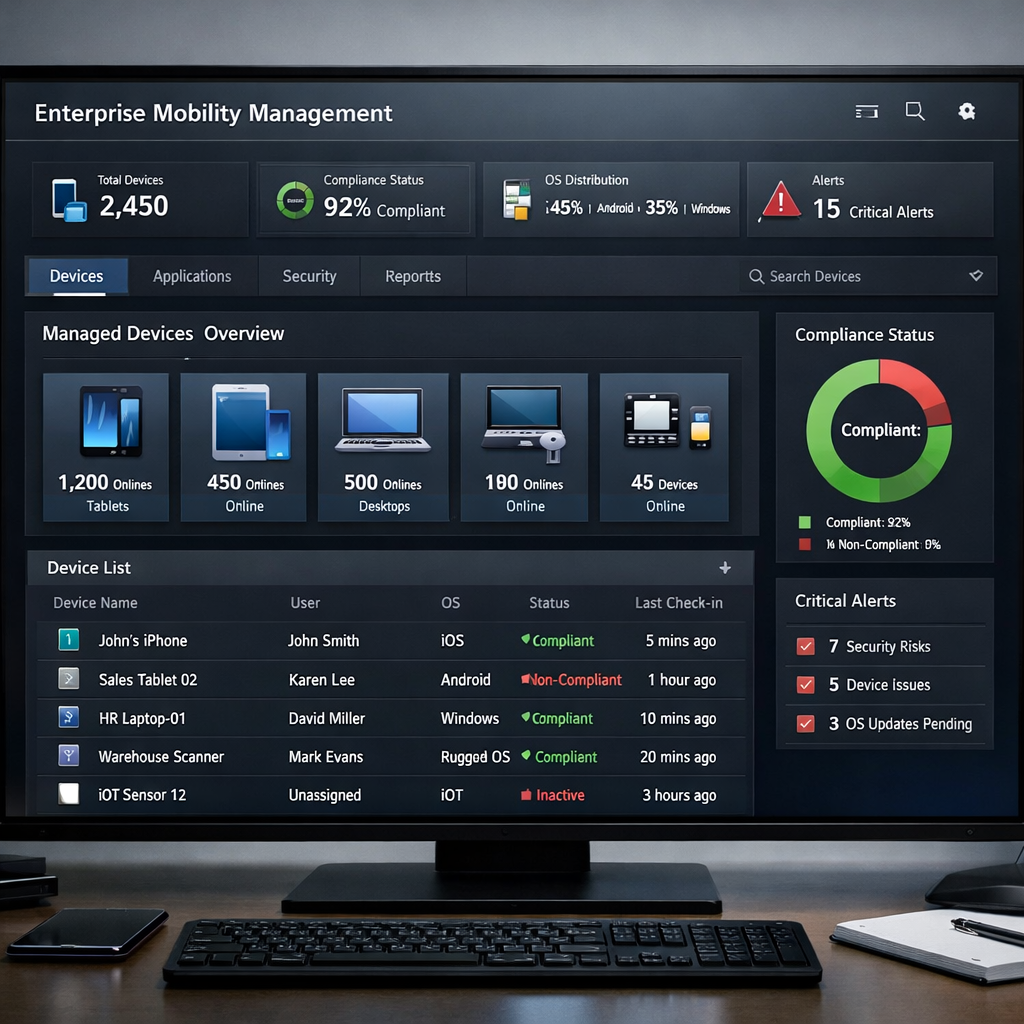
Workspace ONE lets IT teams manage Windows, macOS, iOS, Android, Linux, and ChromeOS from a single cloud‑native console. The platform bundles device enrollment, app distribution, policy enforcement, and conditional access into one place. That means you can push a new app to a thousand phones with a few clicks instead of juggling separate tools for each OS.
Automation is baked in. Low‑code workflows let you set up auto‑enrollment, auto‑patching, and auto‑remediation. When a device falls out of compliance, Workspace ONE can quarantine it before any corporate data leaks.
Security isn’t an afterthought. The suite adds per‑app VPN, device posture checks, and granular role‑based permissions. You can say, “Only devices with up‑to‑date encryption may access the finance app,” and the system enforces it automatically.
For a mid‑size firm that needs a unified view, the platform scales from a few dozen devices to tens of thousands without a performance dip. It also offers built‑in analytics that tie device health to employee satisfaction, so you can spot friction before tickets pile up.
We’ve seen healthcare groups use Workspace ONE to enroll tablets in a few days, then lock them down to only approved patient‑record apps. That compliance boost helped them pass a tough audit without extra paperwork.
Because the console lives in the cloud, you can manage remote offices or field workers from any browser. No on‑prem hardware means lower upfront cost and easier upgrades.
Overall, Workspace ONE feels like a Swiss army knife for device management , it covers the basics and adds enough polish to keep large teams happy.
2. Samsung Knox , Mobile Security Suite
Samsung Knox builds security into the hardware of Galaxy devices and then layers on software controls. If your workforce already uses Samsung phones, Knox gives you a head start because the security chip talks directly to the OS.
Knox protects the boot process, encrypts storage, and enforces a trusted‑execution environment. In practice that means a stolen phone can’t be booted without the right credentials, and apps can’t read data they weren’t given permission for.
The suite also includes a unified endpoint management (UEM) component that works across Android, iOS, and Windows. You can enroll devices over‑the‑air, push policies, and wipe data remotely if a device is lost.
Knox shines when you need to defend against the new wave of AI‑driven phishing and ransomware that targets mobile entry points. Its real‑time threat detection can flag suspicious behavior before malware spreads.
One large retailer used Knox to lock down point‑of‑sale tablets, limiting them to inventory apps only. The move cut accidental data exposure by 90% and saved the chain a costly PCI compliance audit.
Because Knox is tightly tied to Samsung hardware, you’ll get the best experience on Galaxy devices. If you have a mixed‑device fleet, you can still manage iOS and Windows, but the deepest controls stay with Samsung phones.
In short, Knox gives you built‑in security that’s hard to match on other Android vendors, making it a solid choice for enterprises that favor Samsung hardware.
3. Microsoft Endpoint Manager , Integrated with Azure
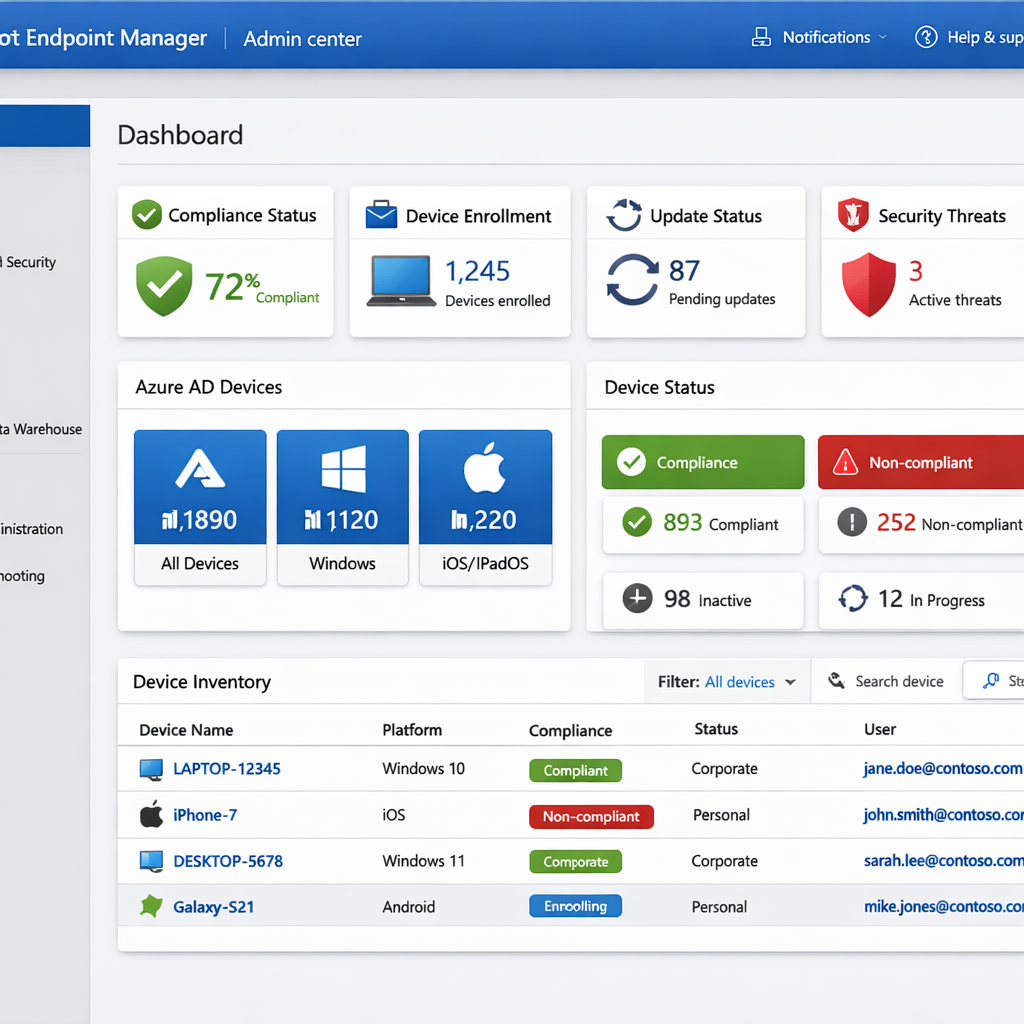
Microsoft Endpoint Manager (MEM) combines Intune and Configuration Manager into a single cloud‑first service. If you already use Microsoft 365, MEM feels like a natural extension , it talks to Azure AD, Microsoft Defender, and the rest of the Microsoft ecosystem out of the box.
With MEM you can enroll Windows laptops, macOS computers, iOS phones, and Android tablets. Policies flow from the Azure portal, so you can set conditional access rules that check device health before letting users in to SharePoint or Teams.
Automation is a big plus. Co‑management lets you keep existing on‑prem ConfigMgr workloads while gradually moving to the cloud. You can schedule OS updates, push apps, and enforce encryption with a few clicks.
Security integrates with Microsoft Defender for Endpoint, giving you endpoint detection and response (EDR) without extra agents. If a device shows signs of malware, Defender can isolate it and trigger an Intune remediation script.
Because MEM lives in Azure, you get built‑in scalability. A mid‑size company can spin up a new tenant in minutes, add users, and start managing devices immediately.
We’ve helped a regional bank move 5,000 devices to MEM in under a month. The bank saw a 40% drop in support tickets related to device configuration, and the IT team could finally retire legacy MDM tools.
Overall, MEM is a strong fit for businesses that already rely on Microsoft services and want a cloud‑centric, AI‑enhanced management platform.
4. Citrix Secure Workspace , Cloud‑First Flexibility
Citrix Secure Workspace focuses on delivering apps and desktops from the cloud while keeping data safe. The platform separates the app layer from the device, so corporate data never lands on a personal phone.
Users get a single‑sign‑on (SSO) experience that pulls credentials from Azure AD or Okta. Once they’re in, the workspace streams the app to any device, whether it’s a Windows laptop or an iPad.
Security is handled by micro‑virtualization. Each app runs in its own sandbox, preventing one compromised app from reaching another. That design helps stop ransomware that tries to jump between apps.
"Citrix gives us the confidence to let sales reps use any device while keeping our data locked down," says a VP of sales at a global distributor.
Citrix also offers granular analytics. You can see which apps are used most, how long sessions last, and where latency spikes occur. That data helps you right‑size your cloud resources.
One logistics company used Secure Workspace to replace on‑site terminals with virtual desktops. The move cut hardware costs by 30% and let drivers access the same tools on their personal phones.
The platform works well for companies that need to deliver legacy Windows apps to thin clients or mobile devices. If you already use Citrix for virtual desktops, adding Secure Workspace is a smooth upgrade.
In short, Citrix gives you cloud‑first flexibility without sacrificing the control you need for sensitive apps.
5. IBM MaaS360 , AI‑Driven Threat Protection
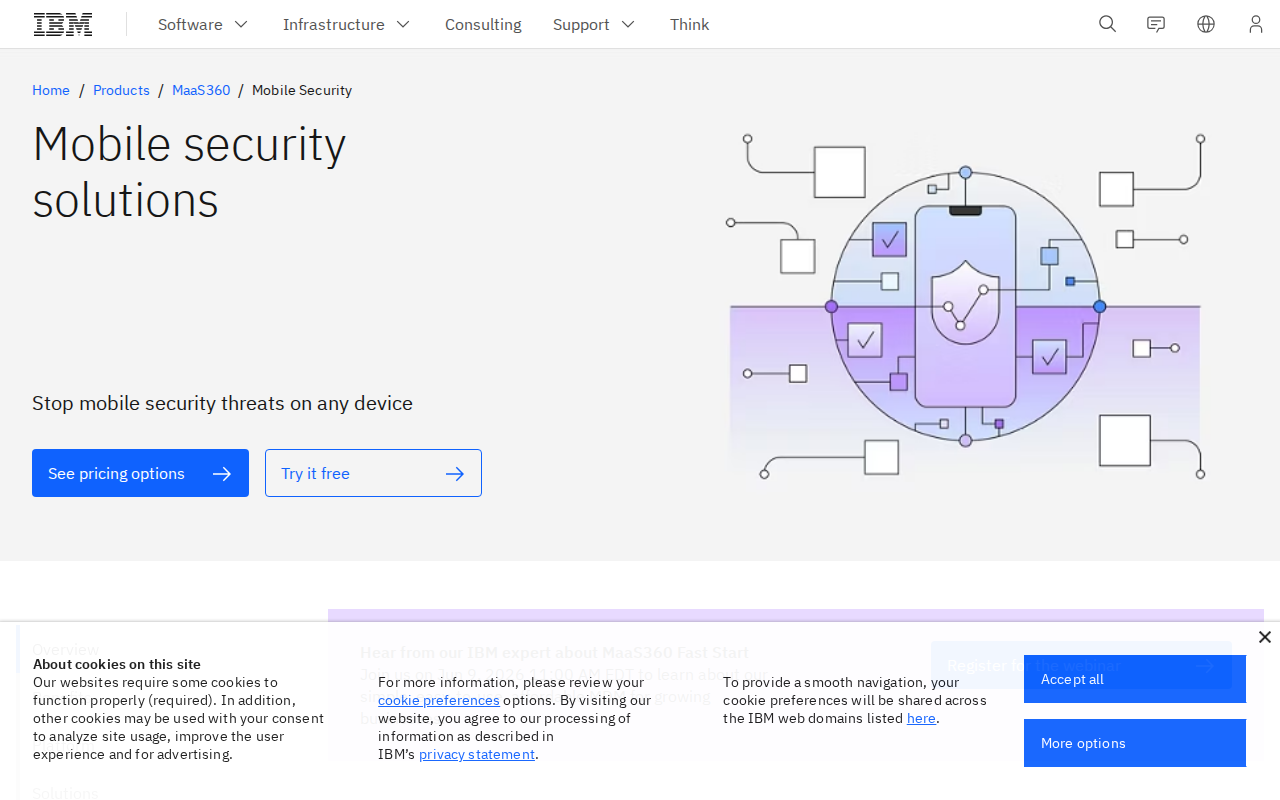
MaaS360 combines traditional MDM with AI‑powered threat detection. The service watches device behavior, network traffic, and app usage to spot anomalies that could signal a breach.
When the AI flags a risky device, MaaS360 can automatically quarantine it, wipe corporate data, or force a password reset. That fast response helps stop attacks before they spread.
The platform supports iOS, Android, macOS, and Windows. You can also manage IoT devices and wearables, making it a good fit for factories or field services that use rugged hardware.
IBM’s cloud integration means you can pull device logs into QRadar or other SIEM tools for deeper analysis. That lets your security team see mobile threats alongside server alerts.
A mid‑size manufacturing firm used MaaS360 to lock down their shop‑floor tablets. Within weeks the firm saw a 60% drop in unauthorized app installs and passed a ISO 27001 audit without extra consultants.
Because MaaS360 is built on IBM’s AI research, the threat models improve over time. You get a solution that stays ahead of new attack vectors.
Overall, MaaS360 is a solid pick if you want AI‑driven security baked into your mobility strategy.
6. Comparison of Enterprise Mobility Solutions
Below is a quick look at how each platform stacks up on the most common criteria for midsize businesses. Use the grid to spot which tool matches your priorities.
Every solution has strengths. If you need deep hardware security and already run Samsung phones, Knox is hard to beat. If you live in a Microsoft‑centric world, MEM gives you the smoothest integration. For mixed‑device environments that value a single pane of glass, Workspace ONE offers the broadest OS coverage.
7. What to Look For When Choosing an Enterprise Mobility Solution
Choosing the right platform isn’t just about a feature list. It’s about how the tool fits into your existing tech stack and your long‑term goals.
1. Integration depth. Does the solution talk to your identity provider (Azure AD, Okta, etc.)? Can it push policies to your existing MDM or endpoint protection tools? The smoother the integration, the less manual work you’ll face.
2. Security posture. Look for built‑in encryption, conditional access, and AI‑driven threat detection. You want a platform that can block a compromised device before it reaches your cloud apps.
3. Scalability. Can the service grow from a few dozen devices to tens of thousands without a performance hit? Cloud‑native platforms usually win here.
4. User experience. Employees should be able to self‑enroll, get apps instantly, and avoid constant password prompts. A smooth experience reduces support tickets and boosts productivity.
5. Support and roadmap. Check whether the vendor offers 24/7 support and a clear product roadmap. You don’t want to be left behind when new OS versions roll out.
Finally, remember that a custom partner can fill gaps that off‑the‑shelf tools miss. Lakeway Web Development builds tailor‑made mobile apps that integrate directly with the same identity and data platforms you choose, giving you a future‑proof, elegant solution that matches the core capabilities of the big vendors while staying transparent about integration and AI features.
When you compare the options side by side, weigh each point against your budget, compliance needs, and the devices your workforce already uses. That way you’ll land on a platform that truly enhances your operations.
FAQ
What is an enterprise mobility solution?
An enterprise mobility solution is a set of tools that let you manage, secure, and deliver apps to smartphones, tablets, and laptops used by employees. It handles device enrollment, policy enforcement, app distribution, and data protection, all while giving IT a central place to see what’s happening across the fleet.
How does AI improve mobile security?
AI watches device behavior for signs of compromise, such as unusual network traffic or app launches. When it spots an anomaly, the system can automatically quarantine the device, reset passwords, or alert admins, cutting the window of opportunity for attackers.
Can I mix and match solutions?
Yes, many vendors support hybrid setups. For example, you can use Microsoft Endpoint Manager for Windows laptops while relying on Samsung Knox for Android phones, as long as both talk to the same identity provider and compliance engine.
What about BYOD (bring your own device) policies?
BYOD adds complexity because you must protect corporate data without over‑reaching into personal space. Look for solutions that offer containerization or app‑level encryption, letting you separate work data from personal apps.
How much does a typical solution cost?
Pricing varies by device count, features, and support level. Most vendors charge per device per month, with discounts for larger fleets. Be sure to factor in hidden costs like extra licensing for advanced AI or premium support.
Is cloud deployment mandatory?
Most modern platforms are cloud‑native, which means they run in the vendor’s data centers and scale on demand. Some vendors still offer on‑prem options, but they often require more hardware and maintenance effort.
How do I start a pilot?
Pick a representative group of 50‑100 users across different roles. Enroll their devices, apply a core set of policies, and monitor support tickets, device compliance, and user feedback for a month. Use that data to refine settings before a full rollout.
What makes Lakeway Web Development a good partner?
Lakeway builds custom, responsive mobile apps that integrate with any of the major mobility platforms. We add AI‑powered search and cloud‑friendly architecture, giving you a transparent, future‑proof solution that fills the gaps many off‑the‑shelf tools leave.
Choosing the right enterprise mobility solution can feel overwhelming, but breaking the decision down into core needs, security requirements, and integration points makes it manageable. Whether you gravitate toward Workspace ONE’s all‑in‑one approach, Knox’s hardware‑rooted security, Microsoft’s smooth Azure tie‑ins, Citrix’s cloud‑first flexibility, or IBM’s AI‑driven threat protection, each option offers a path to a more secure, productive mobile workforce.
We recommend starting with a small pilot, measuring impact, and then scaling. And if you need a custom touch that ties everything together, we’re ready to help you design, build, and support the perfect mobile experience for your business.
Ready to see how a tailored solution can fit your needs? Explore Lakeway Web Development today and start your free trial.