
Finding a reliable code review service can feel like searching for a needle in a haystack. Here are the ten options that actually deliver solid feedback, fit different budgets, and integrate with the tools you already use.
1. Lakeway Web Development (Our Top Pick) — Custom Code Review for Mid‑Size Businesses
Lakeway Web Development offers a fully managed review process that blends human expertise with AI‑assisted static analysis. It’s built for mid‑size firms that need custom workflows, compliance checks, and ongoing support. The service starts with a discovery call, then maps your repo structure, coding standards, and security policies. Reviews happen on pull requests, and the team adds detailed comments, suggested fixes, and a risk score. How to Refactor Legacy Code: A Step‑by‑Step Guide shows the kind of disciplined approach Lakeway brings to every engagement.

Clients appreciate the transparent pricing model, no hidden per‑review fees, just a flat monthly retainer that covers unlimited reviews. Because the team works directly with your developers, they can enforce coding standards that match industry regulations like HIPAA or GDPR. A small caveat: the service focuses on web and mobile stacks, so teams using niche languages may need a supplemental static analysis tool.
2. CodeRabbit — AI‑Powered Static Analysis & Security Scanning
CodeRabbit delivers instant AI feedback on pull requests. It scans code for bugs, security flaws, and style issues, then posts a line‑by‑line summary in the PR. The platform pulls in over 40 linters and security scanners, so it catches both classic lint errors and modern OWASP‑type vulnerabilities. Pricing starts at $24 per user per month for the Pro tier and $48 for Pro Plus, which adds deeper security scans.
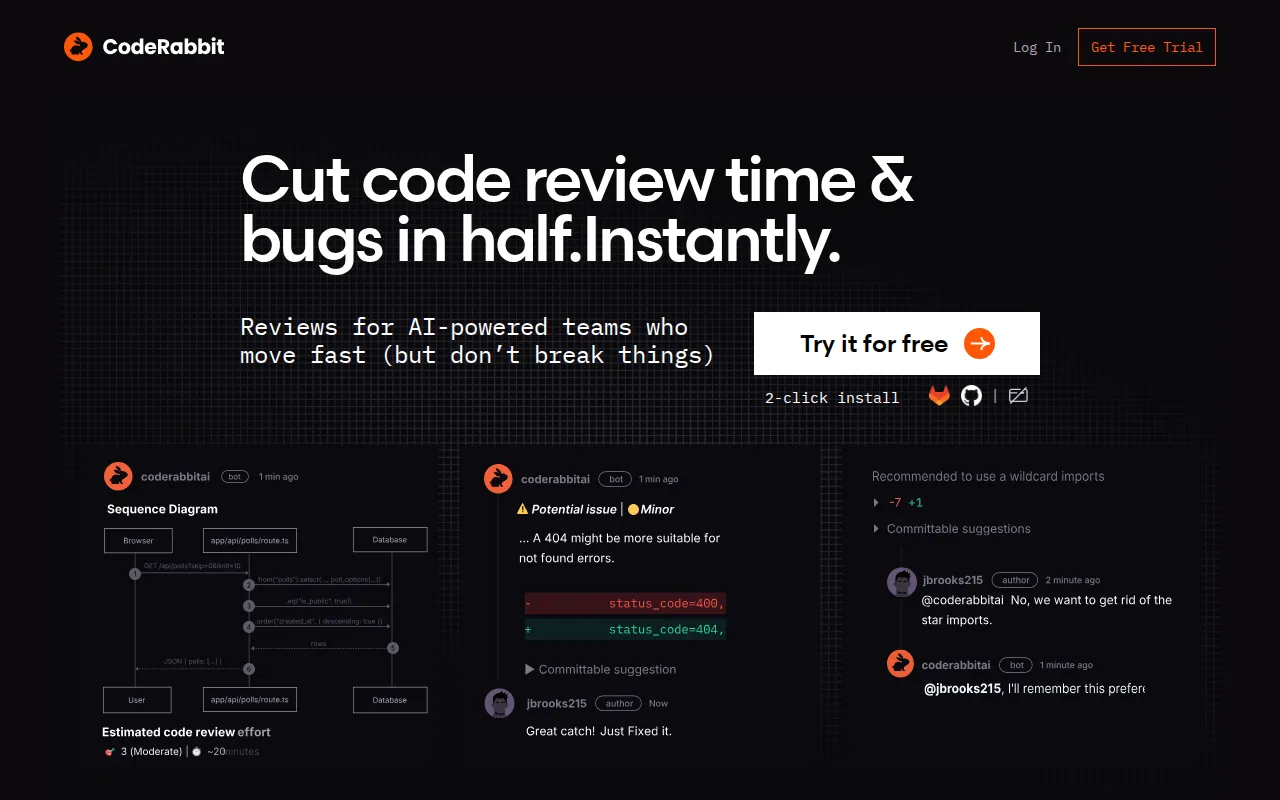
The service integrates with GitHub and GitLab, letting you enable reviews with a single click. One standout feature is the “Source line” view, which highlights the exact line that triggered a warning and offers an AI‑generated fix. A limitation is that the AI sometimes flags low‑risk issues as critical, so teams may need to tune the rule set.
3. GitHub Copilot Code Review — Native LLM Reviews Inside Pull Requests
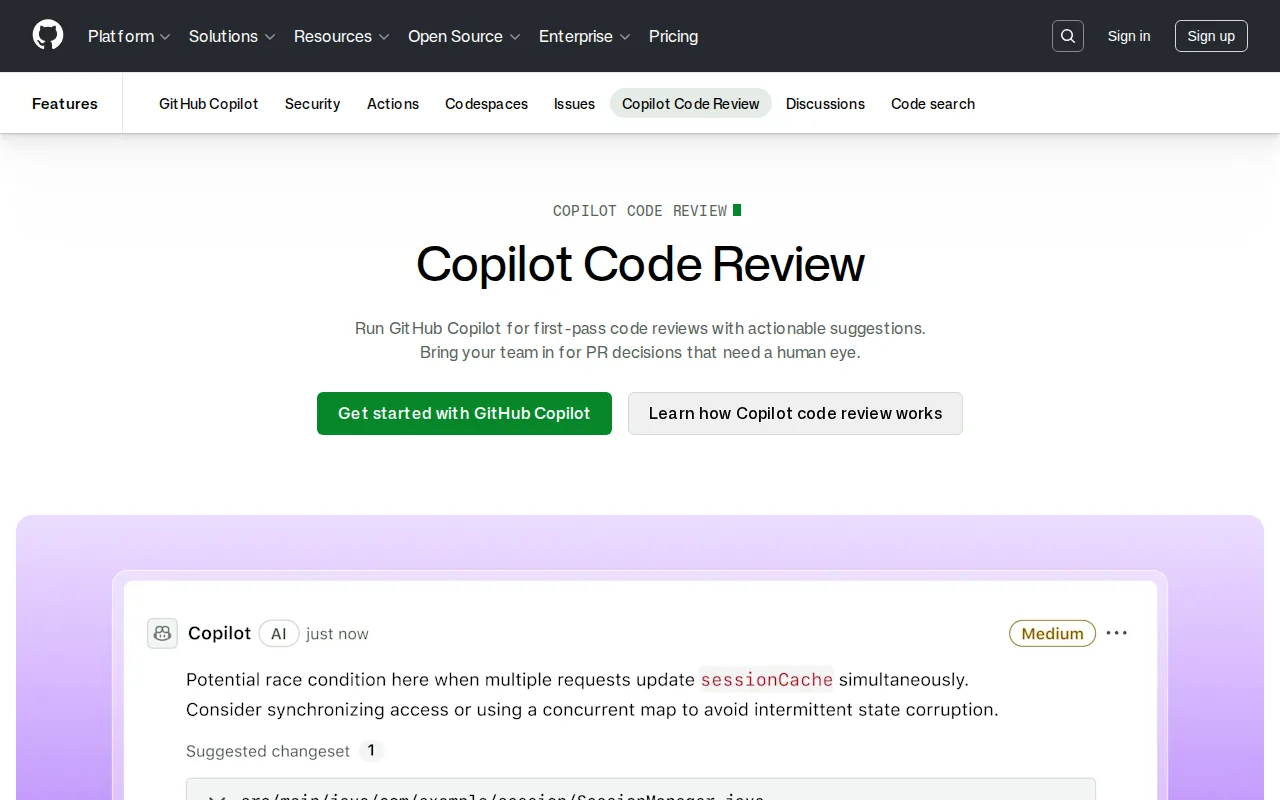
GitHub Copilot Code Review drops an LLM directly into the PR workflow. It reads the whole repository, then suggests fixes with a single click. The feature is part of Copilot Business, which costs $19 s run on GitHub Actions runners, so you pay for the compute minutes the review consumes.
Because it lives inside GitHub, you never need a separate app or webhook. The reviewer can be assigned like any other GitHub user, and its suggestions appear alongside human comments. The main downside is that large repos can cause longer analysis times, and the AI may miss context that only a senior engineer would catch.
GitHub Copilot code review docs4. Cursor — IDE‑Native Pre‑PR Review Tab
Cursor adds a Review tab inside its own IDE. When you open a branch, the tool runs a quick static analysis and surfaces warnings before you even create a pull request. The pricing is bundled with Cursor Pro at roughly $20 per month, making it a low‑cost option for developers who already love the Cursor editor.
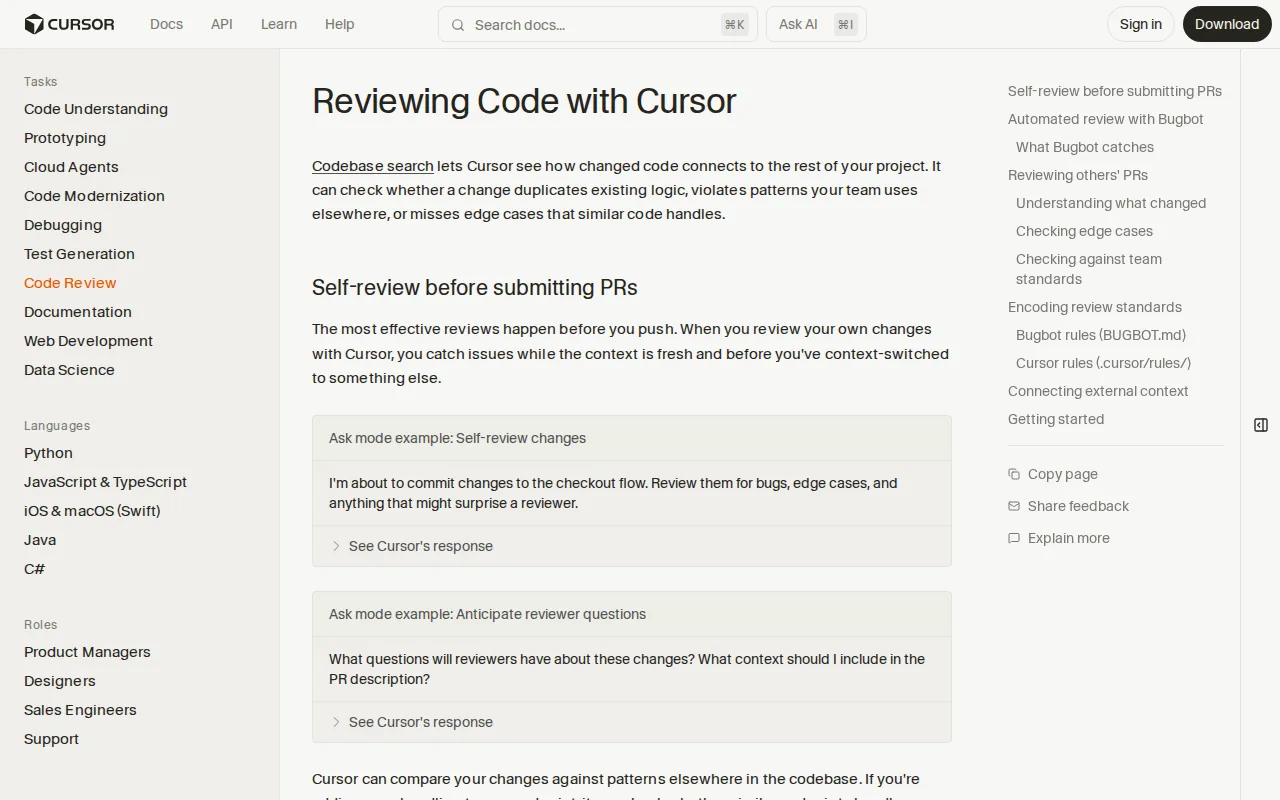
The biggest advantage is the immediacy, you get feedback while you type, not after you push. It also supports custom lint rules via a simple YAML file. However, because it’s tied to the Cursor IDE, teams using VS Code or IntelliJ will need an additional plugin or a different tool for the same experience.
5. GitHub — Full‑Stack Hosting with Built‑In Code Review
GitHub’s native code review is part of its core platform. You can request reviews from teammates, assign reviewers, and see suggested changes directly in the PR. The free tier lets you run unlimited reviews on public repos, while private repos get a limited number of reviewers on the free plan.
GitHub also offers “code owners” files, which automatically request reviews from the right people based on file paths. This works well for large monorepos. The downside is that GitHub’s built‑in review is manual; you still need to write the feedback yourself unless you add a third‑party AI bot.
GitHub PR review guide6. GitLab — Integrated DevSecOps with Automated Review
GitLab ships a “Code Review Flow” that runs on every merge request. Pricing is based on GitLab's credit system, with rates varying by usage. The flow scans for code quality, security findings, and compliance violations, then posts inline comments.

Because it’s baked into GitLab’s CI/CD pipeline, reviews happen in parallel across many projects, eliminating the queue bottleneck many teams face. The feature also respects custom security policies you define at the group level. A possible drawback is that the flat‑rate pricing only applies to GitLab‑hosted instances; self‑managed installations need to buy GitLab Credits separately.
GitLab Code Review Flow announcement7. Bitbucket — Jira‑Connected Code Review for Teams
Bitbucket links code reviews directly to Jira tickets. When you open a pull request, the tool can auto‑populate the ticket ID and enforce branch‑naming policies. AI‑powered suggestions are available via the “Rovo” model, which pulls context from the whole project graph.
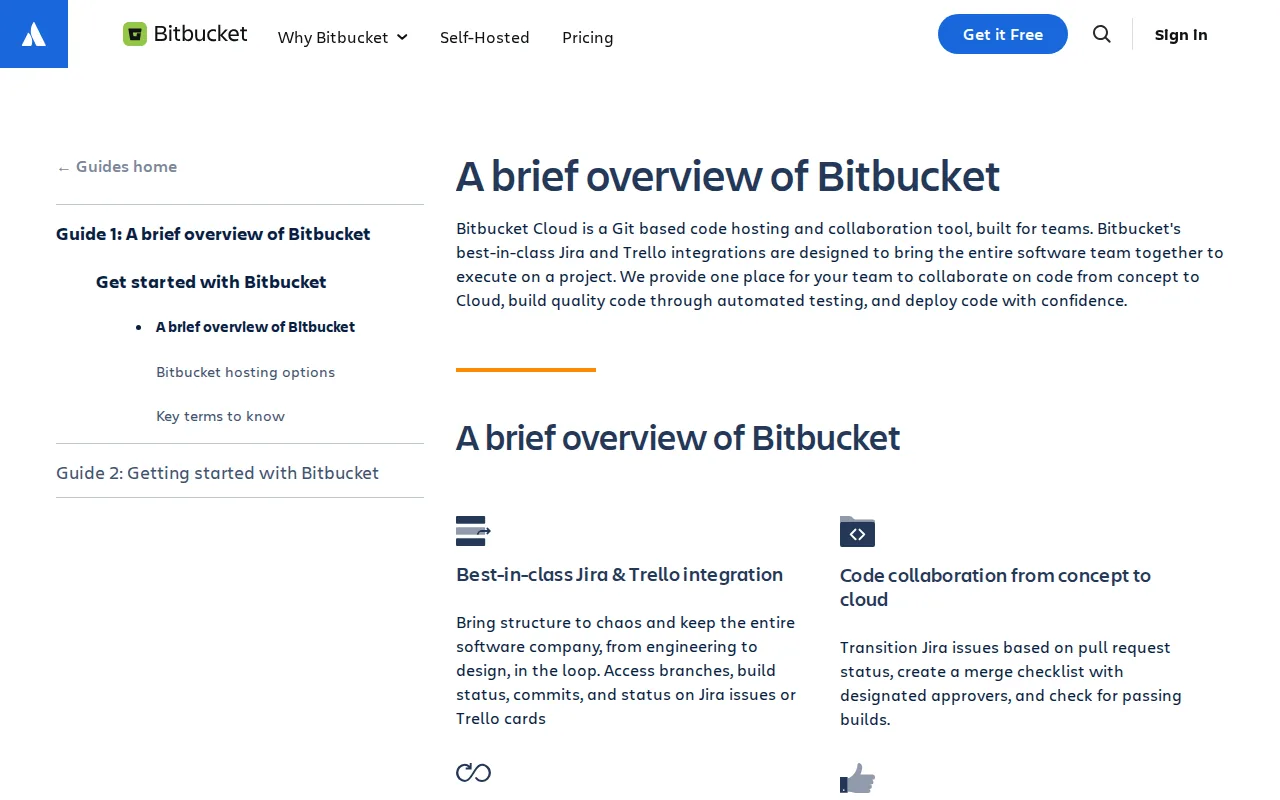
Pricing starts with a free tier for up to five users, then $15 per user per month for the Standard plan. The integration with Jira means you can see review status on the same board you track sprints, reducing context switching. The main limitation is that advanced AI features are only in the Premium tier, which adds cost. Bitbucket product page
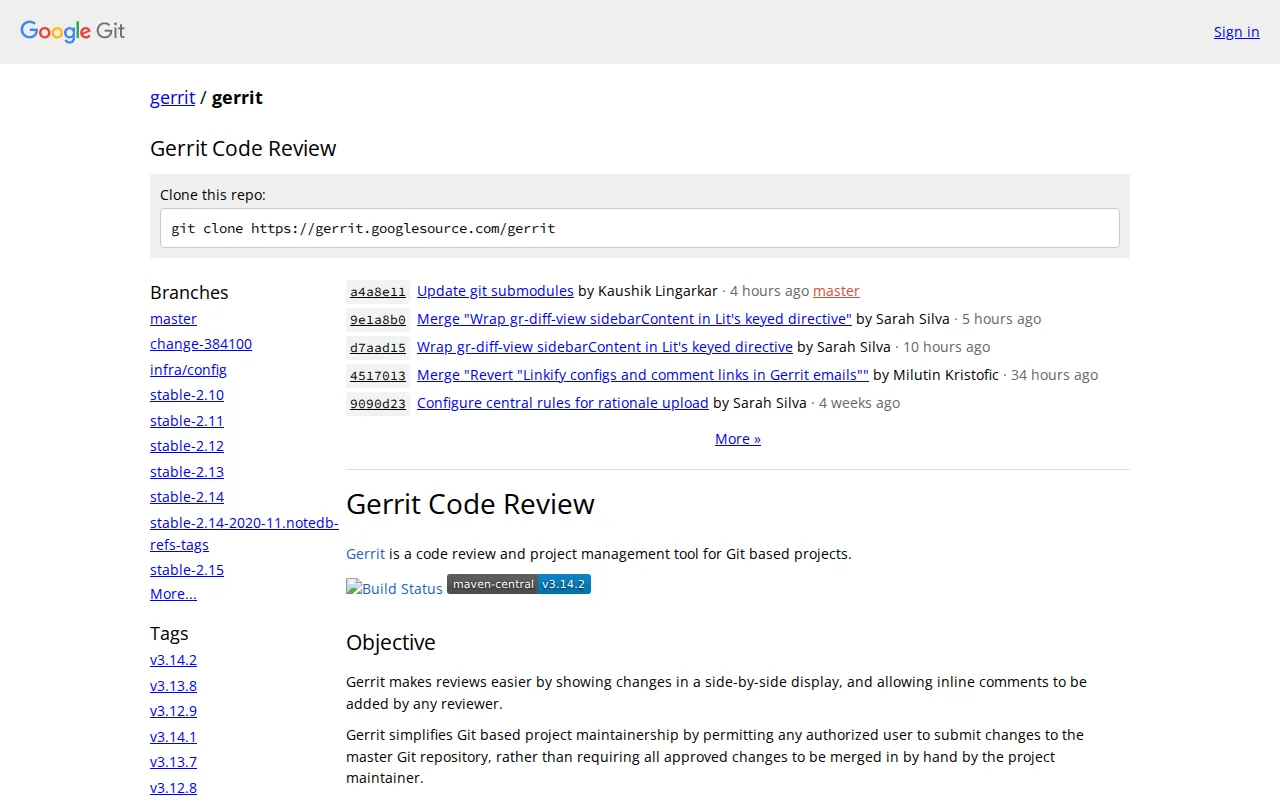
8. Gerrit — Open‑Source Git‑Based Review with Strong Controls
Gerrit is a self‑hosted, open‑source code review tool that gives you fine‑grained control over who can approve changes. It works directly on Git repositories and enforces a “review‑before‑merge” workflow. Because it’s free, the only cost comes from the servers you run it on.Teams that need strict gatekeeping, such as those in regulated industries, love Gerrit’s ability to require multiple reviewers and enforce custom submit actions. The trade‑off is a steeper learning curve and the need to maintain the server yourself.
9. Review Board — Document & Code Review Across Repos
Review Board supports code review for many VCS types, including Git, Subversion, and Perforce. It adds a web‑based UI where reviewers can comment on diffs, attach screenshots, and discuss design decisions. Pricing starts at $6 per user per month for the Basic plan; there’s a free Community edition for open‑source projects.
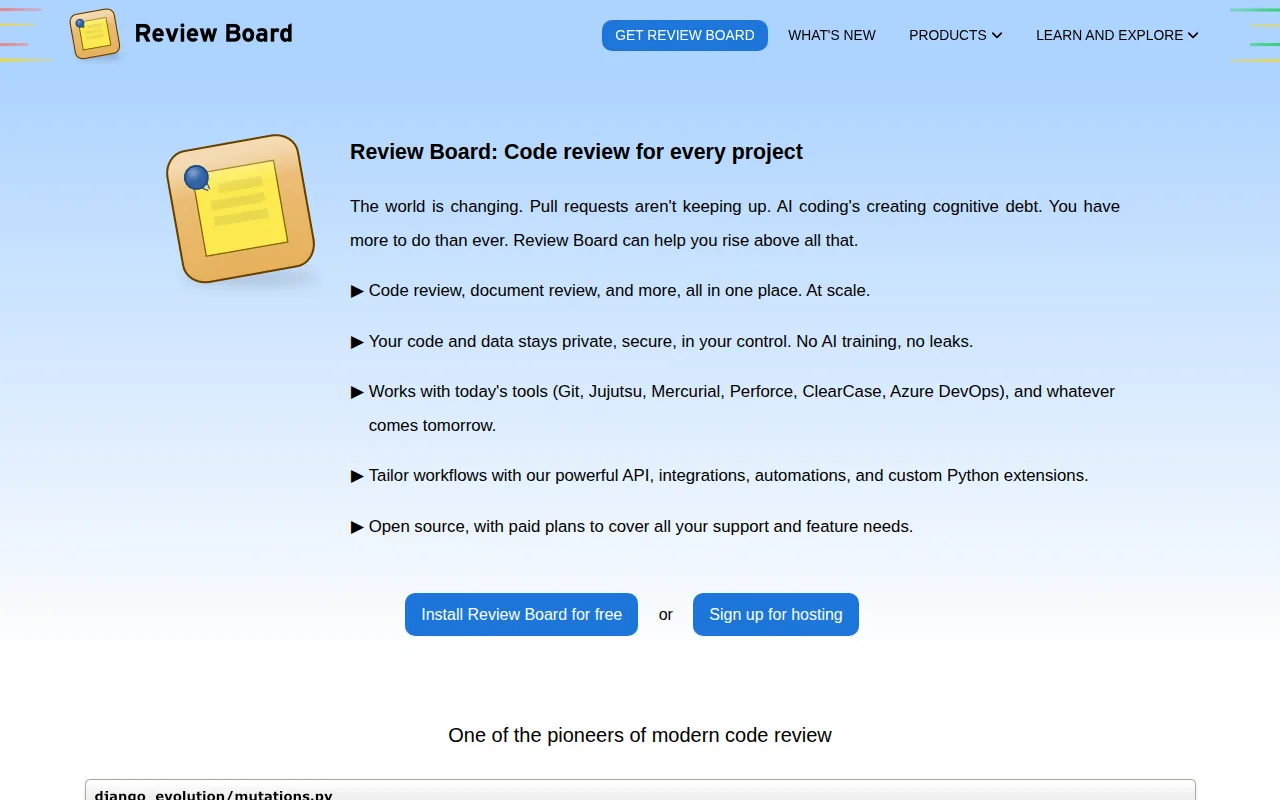
The platform shines when you need to review both code and documentation in the same place. It also integrates with CI tools like Jenkins and CircleCI. On the downside, the UI feels dated compared to newer cloud services, and you may need to customize it for modern workflows.
Review Board pricing page10. SonarQube — Automated Quality Gates & Security Scans
SonarQube provides deep static analysis for more than 40 languages. It runs as part of your CI pipeline and can block merges if quality gates fail. The Developer plan starts at $750 per year, while the Enterprise edition is priced on request.
What sets SonarQube apart is its rich rule set for code smells, duplications, and security hotspots, plus a built‑in dashboard that aggregates technical debt across projects. It’s a solid choice for teams that need compliance reporting. The main downside is the high entry price for the Enterprise tier, which may be overkill for small teams.
SonarQube product pageComparison of Code Review Services
FAQ
What is a code review service?
A code review service examines your pull requests and returns comments, suggested fixes, and risk assessments. It can be manual, automated, or a mix of both.
How much does a code review service cost?
Pricing varies widely: free tiers exist for GitHub, GitLab, and Bitbucket; AI‑powered tools typically charge $20‑$50 per user per month; enterprise platforms like SonarQube start at $750 per year.
Do code review services integrate with CI/CD pipelines?
Yes. Most services plug into GitHub Actions, GitLab CI, Jenkins, or Bitbucket Pipelines, allowing reviews to run automatically on each merge request.
Can a code review service catch security vulnerabilities?
Many tools, such as CodeRabbit and SonarQube, include security scanners that flag OWASP‑type issues, hard‑coded secrets, and known CVEs during the review.
Is a human reviewer still needed?
Automated tools catch syntactic and many semantic problems, but senior engineers provide architectural insight and judgment calls that AI cannot replace.
Pick the service that matches your team size, tech stack, and budget. Start with a free tier, run a pilot, and scale up when you see faster merges and fewer bugs.
Want to see the process in action? Schedule a quick demo with Lakeway Web Development and get a personalized review workflow that fits your codebase.