Most small‑business owners think a chatbot will plug right into sales and marketing. The data says most tools don’t even list integrations. In this guide we break down the best chatbot for small business options, show what they actually do, and help you pick the right one for your needs.
We’ll walk through seven platforms, compare key features, and give you step‑by‑step tips so you can get a bot up and running fast.
1. Chatfuel , Best for E‑commerce Automation
Chatfuel lets you build a chatbot without any code. You click, you pick, you launch. That simplicity is why e‑commerce stores love it.
Here’s what I mean. You can set up a flow that asks a shopper what they’re looking for, then pushes product recommendations based on the answer. The bot can also hand out promo codes and collect email addresses for later newsletters.
Because the bot lives on Facebook Messenger, you can run ads that send users straight into a conversation. The ad clicks, the bot asks a few qualifying questions, and you end up with a warm lead.
Chatfuel also lets you export every chat to a Google Sheet. That means you can track what users ask, see which products get the most clicks, and tweak your offers on the fly.
And you don’t need a dev team. The platform offers a visual block builder that even a non‑tech person can master.
"Chatfuel turns a simple Facebook ad into a personal sales assistant," says a small‑business owner who saw a 20% lift in cart completions.
When you set up the bot, start with a clear goal: collect contacts, drive traffic, or close sales. Then map each step in the flow. Test with a few real users before you go live.
Bottom line:Chatfuel is a solid pick for small stores that need quick, automated product suggestions and lead capture.
2. ManyChat , Best for Marketing Campaigns
ManyChat focuses on marketing funnels. It shines when you want to nurture prospects over email, SMS, or messenger.
First, you build a welcome flow that asks a visitor what they’re interested in. Then you tag them based on the answer. Those tags drive drip campaigns that send targeted messages at the right time.
ManyChat also integrates with popular email tools. You can push a contact’s info straight into Mailchimp or ConvertKit, then let the email series take over.
What sets it apart is the ability to run contests and quizzes inside the chat. Those interactive elements boost engagement and give you richer data.
And the analytics dashboard shows open rates, click‑throughs, and conversion numbers in real time.
ManyChat's Wikipedia page notes that the platform supports over 1 million active bots, a sign of its wide adoption.When you design a campaign, start with a hook , a discount or free guide. Then map out the follow‑up messages so each step adds value.
Bottom line:If your small business runs regular promotions and needs a bot that works with email tools, ManyChat is the way to go.
3. Tidio , Best for Customer Support
Tidio blends live chat with AI. It’s built for teams that want to answer questions fast without hiring more agents.
The platform ships with Lyro AI, which can solve up to 67% of routine queries. That means your human agents only see the tough tickets.
Lyro learns from past chats, so it gets better over time. You can also set up custom flows that trigger when a visitor lands on a pricing page, nudging them toward a demo request.
Tidio’s pricing starts at $24.17 per month for the basic plan, which includes 2,000 visitor reaches and 50 AI conversations. That’s a low entry point for most small teams.
Here’s a quick setup:
- Sign up and add the Tidio widget to your site.
- Choose a template , “Support” works for most cases.
- Enable Lyro AI and train it with your FAQ.
- Set a human handoff rule for anything the AI can’t answer.
Once live, monitor the AI’s performance from the dashboard. Tweak the answers that get low satisfaction scores.
Because Tidio keeps the cost low and the AI strong, it’s a good fit for businesses that want to free up support staff.
Bottom line:Use Tidio when you need a support bot that can grow with you without a big budget.
4. Drift , Best for Lead Generation
Drift is built for B2B lead capture. It greets visitors, asks qualifying questions, and can book meetings on the spot.
Unlike simple chat widgets, Drift’s bot can route a prospect to a calendar link once it knows they’re interested. That cuts the friction of back‑and‑forth emails.
According to Jotform AI Agents documentation, lead‑gen bots that ask tailored questions can increase qualified leads by up to 30%.
Drift also offers real‑time notifications to sales reps, so they can jump in when a hot lead appears.
Here’s a step‑by‑step to set up a basic lead‑gen flow:
- Install the Drift widget on your site.
- Create a new bot and choose the “Lead Qualification” template.
- Define the key questions , budget, timeline, decision‑maker.
- Connect the bot to your calendar tool (Google Calendar works well).
- Set up a Slack notification for new qualified leads.
After launch, watch the conversion funnel in Drift’s analytics. Look for drop‑off points and adjust the questions.
"Drift turned our website into a 24/7 sales rep," says a SaaS founder who saw a 45% rise in booked demos.
Because Drift focuses on high‑value leads, it fits businesses with longer sales cycles.
Bottom line:Choose Drift if you need a bot that not only captures leads but also schedules meetings for you.
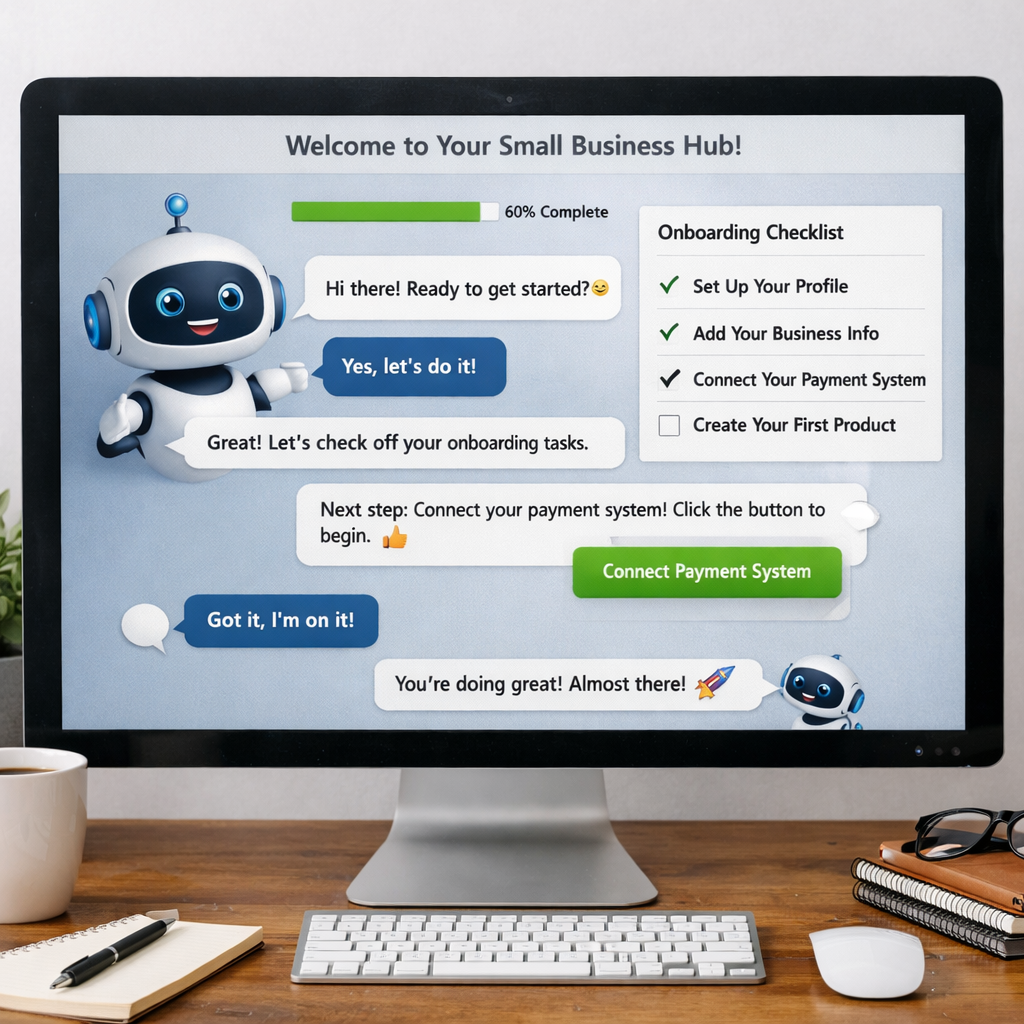
5. Intercom , Best for Personalized Onboarding
Intercom blends live chat, bots, and a powerful knowledge base. It shines when you want to guide new users step by step.
With Intercom you can set up a welcome flow that asks a new visitor what they need help with, then routes them to the right article or a live rep.
The platform’s “Fin AI Agent” resolves simple tickets for $0.99 each, keeping costs predictable.
Pricing starts at $29 per seat per month for the Essential plan, but you’ll likely need the Advanced tier ($85/seat) to unlock custom bot workflows.
According to Flowgent’s pricing guide, hidden fees for channels and usage can push the bill past $500 for a busy team.
To keep costs in check, start with a small pilot. Use the bot to answer FAQ about onboarding, then expand based on the most common queries.
When you design the onboarding flow, think about the three moments a new user needs help: first login, first task, and first problem.
Map each moment to a bot message, add a quick video or guide link, and test with a few real users.
Bottom line:If you need deep onboarding and are ready to manage a higher price, Intercom is the top choice.
6. Tars , Best for Conversational Landing Pages
Tars lets you replace static landing pages with interactive chat forms. That can boost conversion rates by keeping visitors engaged.
Each Tars bot is built as a series of questions that feel like a conversation. You can ask for name, email, budget, and then show a custom quote.
The platform offers templates for agencies, SaaS, and e‑commerce. You can also add logic so the bot skips irrelevant questions.
According to the case studies on the Tars site, agencies that switched to conversational forms saw a 40% lift in qualified leads.
Pricing starts at $49 per month for the basic plan, which includes 2,000 chats. That’s affordable for most small firms.
To set up a landing page bot:
- Pick a template that matches your offer.
- Customize the questions and add your branding.
- Connect the bot to your CRM or email list.
- Publish the bot’s embed code on your landing page.
After launch, watch the drop‑off rate at each question. Trim any that cause friction.
Because the bot can handle multiple languages, you can run global campaigns without extra translation work.
Bottom line:Pick Tars when you want a conversational form that feels personal and drives higher conversions.
7. MobileMonkey , Best for Facebook Messenger
MobileMonkey lives on the Facebook Messenger platform. It’s built for businesses that get most traffic from social media.
The tool lets you create bots that answer FAQs, book appointments, and run ads that open a chat directly.
One strong feature is the “OmniChat” inbox, which merges messages from Messenger, SMS, and web chat into a single view.
Pricing starts at a free tier with limited features, then moves to a paid plan at $19 per month for unlimited bots.
The platform’s analytics show open rates and click‑throughs for each message, helping you fine‑tune campaigns.
According to MobileMonkey's Wikipedia entry, the service supports over 100,000 active bots, proving its scalability.
To launch a Messenger bot:
- Connect your Facebook page to MobileMonkey.
- Choose a template , “Lead Capture” works for most.
- Set up the conversation flow with quick replies.
- Add a call‑to‑action button that links to your booking calendar.
- Test the bot on a few friends before going live.
Because Messenger has built‑in read receipts, you can see when a prospect engages and follow up in real time.
Bottom line:If your small business relies on Facebook traffic, MobileMonkey gives you a low‑cost, powerful messenger bot.
Frequently Asked Questions
What should I look for in a chatbot for small business?
Start with the core need , support, sales, or onboarding. Then check if the bot offers easy integration with your existing tools, a clear pricing model, and a visual builder that matches your skill level. Test the free tier first to see if the AI understands your industry language.
Do I need a developer to set up these chatbots?
Most platforms, like Chatfuel, ManyChat, and MobileMonkey, use drag‑and‑drop builders that require no code. Only advanced use‑cases, like custom API calls, may need a dev. For a smooth start, pick a no‑code option and scale later.
How much does a chatbot for small business usually cost?
The average starting price from the research is $26.43 per month, with many tools offering a free tier. Expect to pay between $0 (free) and $100 per month for the basic plan, plus any add‑on fees for extra channels.
Can I use a chatbot to collect email leads?
Yes. All the platforms we covered let you ask for an email address and push it to a CRM or email list. You can also set up double‑opt‑in flows to stay compliant with anti‑spam laws.
Is it safe to store customer data in a chatbot?
Choose a provider that offers GDPR compliance, encryption at rest, and regular security audits. Intercom, for example, provides built‑in data protection and lets you export chats for your own storage.
How do I measure the success of my chatbot?
Track metrics like conversation completion rate, lead conversion rate, average handling time, and user satisfaction scores. Most platforms include dashboards that let you see these numbers in real time.
Can a chatbot replace my human support staff?
A bot can handle routine queries and free up staff for complex issues, but it shouldn’t fully replace humans. Set up a clear handoff rule so a live agent steps in when needed.
What’s the biggest pitfall to avoid?
Don’t launch a bot without testing the conversation flow. Missing logic can lead to dead‑ends, frustrated users, and lost sales. Run a pilot with a small group and refine before a full rollout.
Choosing the right chatbot for small business can feel like a big decision, but you don’t have to go it alone. We’ve laid out the strengths of each platform, highlighted pricing, and gave you practical steps to get started.
When you’re ready, let us help you build a custom solution that fits your exact workflow. Our team designs elegant, future‑proof bots that integrate with your existing stack, so you get the most out of every conversation.
Start a free trial today, or contact us for a personalized demo.