Building a bot that actually helps customers isn’t as simple as copying a template. Below is a short list of the most capable chatbot development tools right now, and who each one works best for.
1. Lakeway Web Development (Our Top Pick) , Custom AI‑Powered Chatbot Platform
Lakeway Web Development builds a custom chatbot that lives inside a secure cloud environment, uses LangChain and OpenAI models, and can talk to any backend you have. It’s best for midsize firms that need a bot that follows strict compliance rules while still feeling conversational.
We pull together a senior engineering pod, a product manager, and a DevOps lead so the whole project moves on a single cadence. The result is a bot that can pull patient records for a medical practice, fetch inventory for a retailer, or schedule appointments for a law firm without you hiring a new team.
Because we own the code, you can add custom logic, embed the bot in a web app, or expose it via an API. The platform also ships with built‑in analytics so you can see conversation drop‑off and improve the flow over time.
One caveat: a fully custom build takes longer than a drag‑and‑drop platform. If you need a bot live this week, a low‑code tool may be faster.
2. Scalable Conversational AI Solution
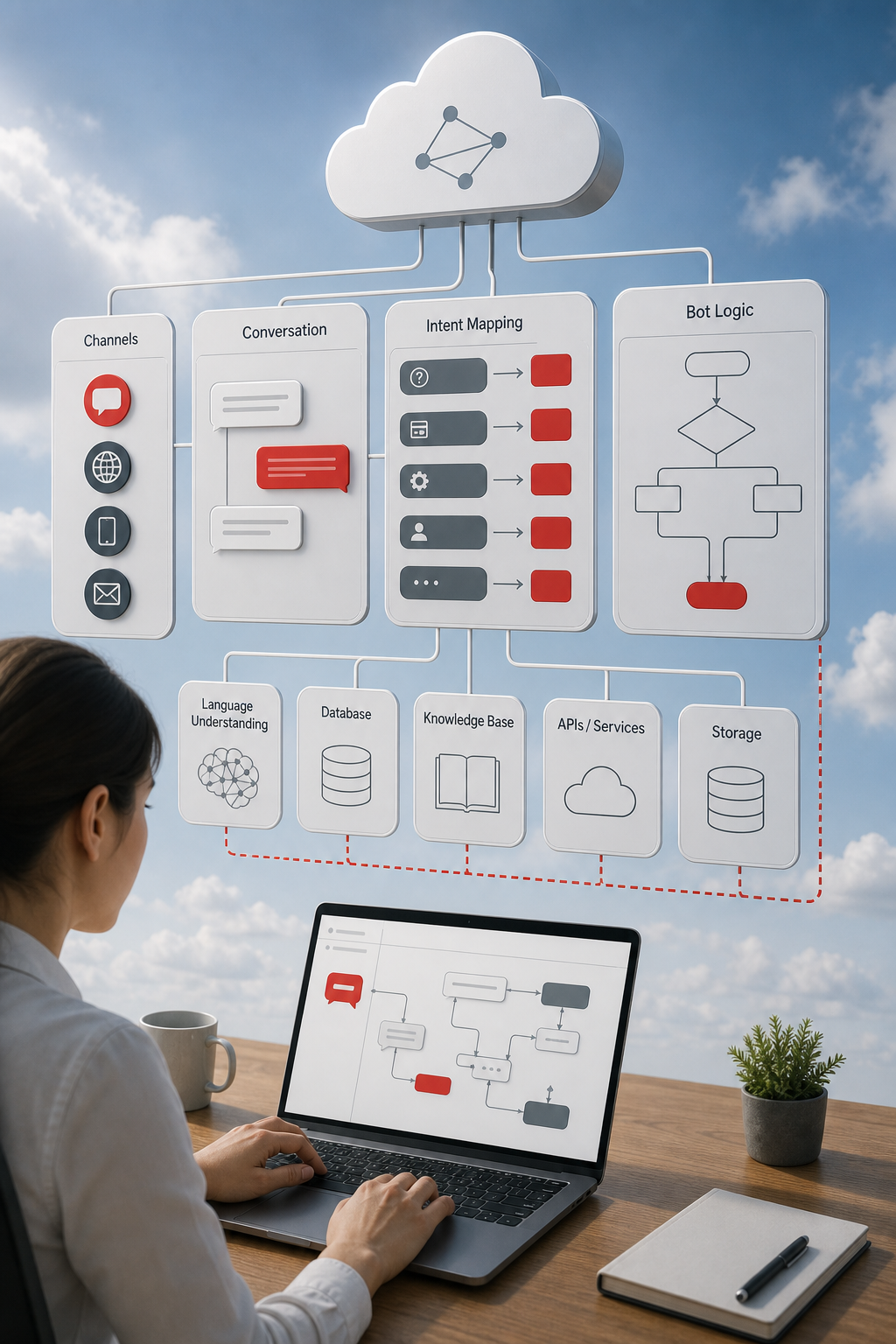
This enterprise‑grade bot builder lets you design multi‑turn flows with a visual editor, then run the bot on a cloud infrastructure for virtually unlimited scale.
The platform shines when you need tight integration with other cloud services, data warehouses for analytics, storage for assets, or contact‑center solutions for phone support.
For a broader view of AI chatbot development services, see our Top AI Chatbot Development Services Guide 2026.
It also offers built‑in sentiment analysis, so you can route angry customers straight to a live agent.
One drawback: the pricing model can be opaque for small teams, and you need a cloud project to get started.
Wikipedia explains what a chatbot is and how it works.
3. Customizable Enterprise Bot Framework
This framework offers SDKs for popular languages such as C# and Node.js, plus optional cloud hosting for bot deployments. It suits organizations that operate within enterprise cloud environments.
You can link the bot to collaboration tools, email systems, or any web channel with minimal setup. The platform also supports rich interactive messages using adaptive‑card‑style components.
Since the code lives in your own repository, you maintain full control over versioning and security.
A downside is that the learning curve may be steeper than pure no‑code builders, requiring a developer familiar with the SDK.
4. Open‑source chatbot solutions
The platform is a serious, developer‑first option for conversational AI. You host the whole stack, write intents and stories in code, and choose the language model that powers the bot.
It’s a good fit for regulated sectors, banks, telcos, healthcare, because you keep all data on‑premise and can audit every conversation.
The free Developer Edition covers up to 1,000 monthly conversations, which is generous for a self‑hosted platform. Once you outgrow that, pricing is available on request.
Keep in mind you’ll need engineers to maintain the servers, handle scaling, and monitor performance.
The platform’s GitHub guide walks you through a first‑time setup in VS Code.
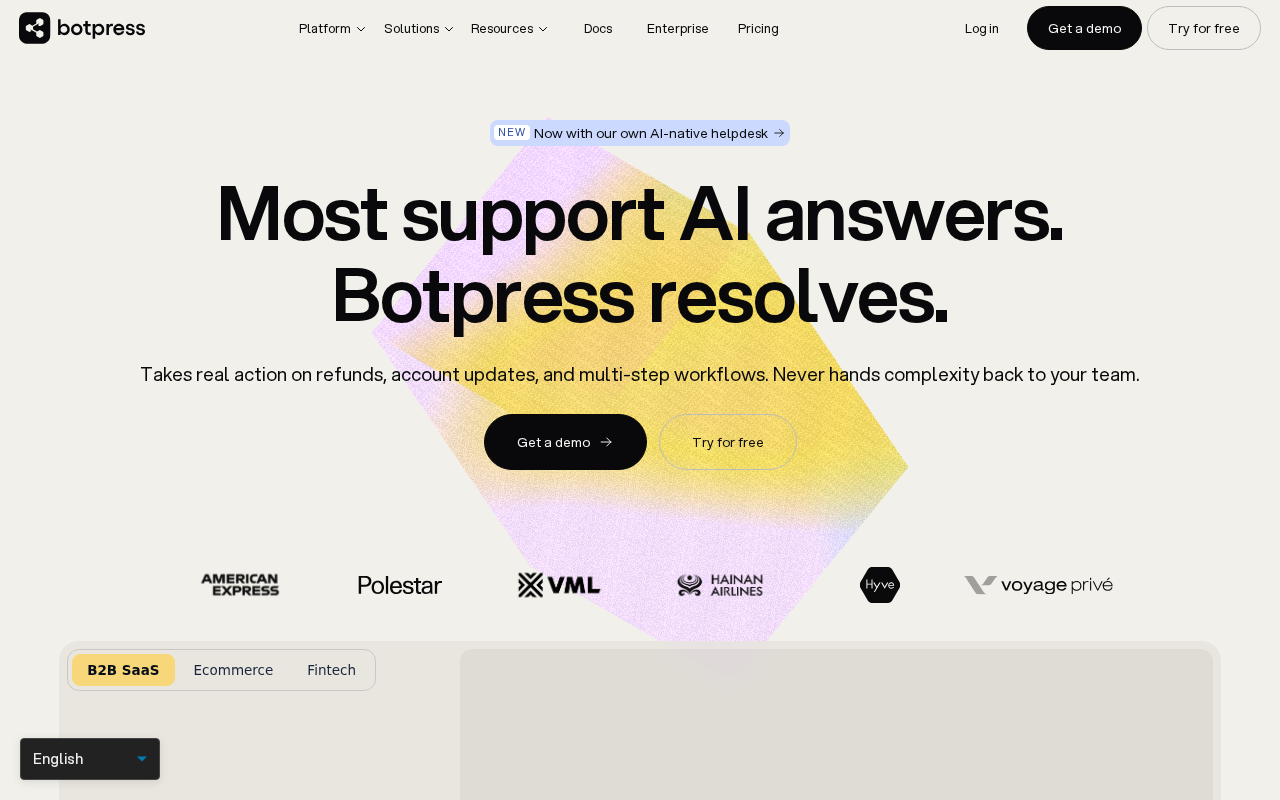
5. Botpress , Low‑Code Bot Studio
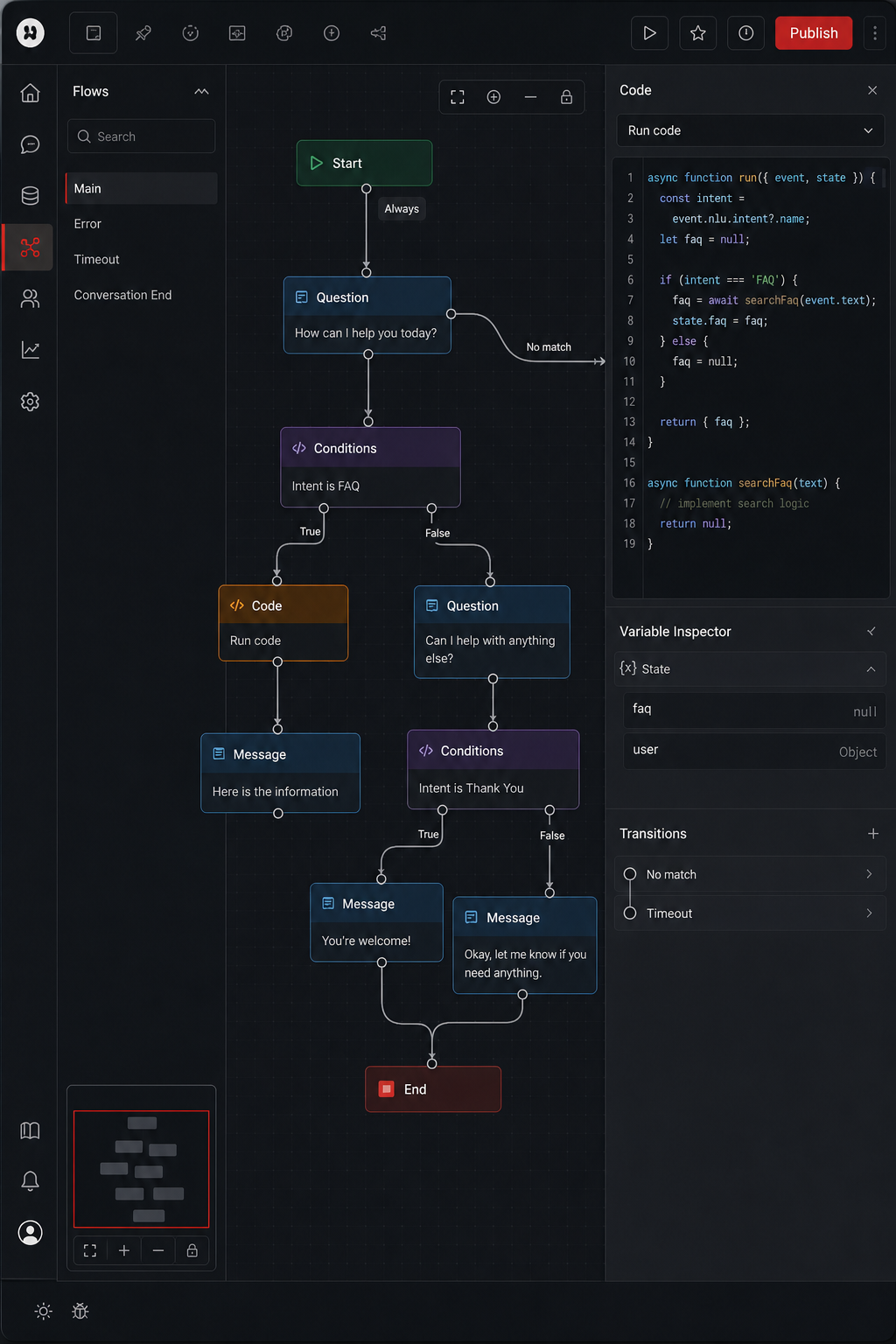
Botpress blends a drag‑and‑drop flow editor with the ability to drop in custom code when you need extra power. It’s a solid middle ground for teams that want speed without giving up flexibility.
Pre‑built modules let you connect to Slack, Facebook Messenger, or a custom web widget in minutes. If you later need a bespoke API call, you can write a Node.js action right inside the studio.
The open‑source core is free to self‑host. Botpress also sells a $99‑per‑month cloud add‑on that includes premium modules and support.
Because the platform still relies on JavaScript, non‑technical marketers may hit a ceiling when trying to build complex logic.
6. Enterprise chatbot platform, AI‑Driven Customer Service Bot
The platform brings extensive AI research to the chatbot world. It offers strong natural‑language understanding, built‑in dialog management, and deep integration with enterprise back‑ends.
Large organizations love the solution because it can talk to major enterprise systems, such as CRM or any REST API you expose, and it supports on‑premise deployment for strict data‑privacy rules.
Pricing is usage‑based, so you pay for the number of active users or API calls. That can add up, but the platform’s reliability and support justify the cost for big teams.
One limitation: you need developers to configure the NLU models and write fulfillment code, so it’s not a pure no‑code solution.
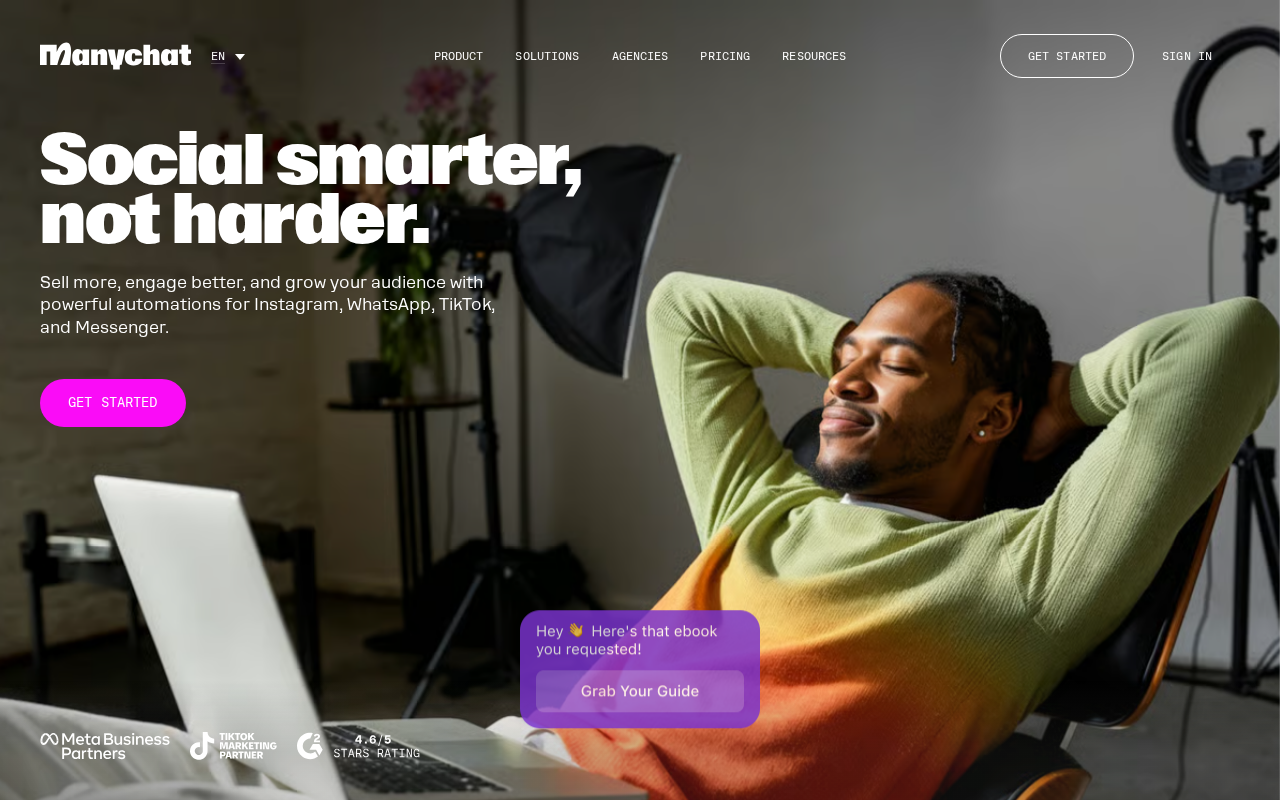
7. ManyChat , Marketing‑Focused Chatbot Builder
ManyChat targets marketers who want to turn social‑media followers into leads. The visual builder lets you create flows for Facebook Messenger, other messaging platforms, or SMS without writing code.
Its strength lies in automated drip campaigns, broadcast messages, and easy hand‑off to a human sales rep.
ManyChat offers a free tier that covers basic bots, but advanced features like custom API calls require a paid plan.
Because it’s built around marketing funnels, it may lack the deep integration options you need for internal support tasks.
8. Comparison of Chatbot Development Tools
Below is a quick side‑by‑side view that helps you spot the trade‑offs you care about most.
When you map your needs against this grid, the gaps become clear. If you need a bot that lives inside a HIPAA‑protected VPC, the custom route (Lakeway) wins. If you just need a quick lead‑gen bot on a popular social media platform, ManyChat is the cheapest path.
Industry guidelines emphasize why security matters for conversational agents.
Further resources expand the comparison with a deeper look at pricing and compliance.
FAQ
What is the cheapest way to get a chatbot up and running?
The cheapest option is a platform with a free tier, such as ManyChat or Botpress’s open‑source core. Those tools let you launch a basic bot without paying anything upfront.
Do I need a developer to use a visual flow‑builder platform?
You can start with the visual flow builder and launch a simple bot without code, but advanced fulfillment and custom integrations usually require a developer.
Can I host a chatbot on my own servers?
Yes. An open‑source self‑hosted framework and Botpress both let you self‑host, giving you full control over data and security.
How do I choose between a SaaS bot and a custom‑built solution?
Match the decision to your compliance needs, integration complexity, and budget. SaaS platforms win on speed; custom builds win on control and industry‑specific requirements.
Are there any hidden costs I should watch for?
Many platforms charge per‑message or per‑active‑user beyond the free tier. Add‑on modules, premium support, and extra integrations can also raise the total cost.
Conclusion
If you need a bot that meets strict security rules and integrates with any system, our top pick, Lakeway Web Development, delivers a tailor‑made solution. For faster, lower‑cost projects, the other tools on the list give you clear paths.
Ready to see a custom AI chatbot in action? Contact Lakeway Web Development today for a free consultation.